




What do you do with a 4.8 inch screen? Well apart from the usual seeing images larger, bigger videos, better gaming, browsing full page sites at will, tweeting and all, there is one thing we do consistently. Reading. Now there was a time I was an avid reader of law novels to update myself on what high level crime the writers conceived. Now I became lazy, mainly because I will rarely pick a book and go around with it when there is so much happening around in the blogosphere. News, opinions are refreshing like tweets, you cannot even catch up, as a tech writer, I read alot of these either on the sites themselves, on RSS readers or news reader applications like Pulse and Flipbpoard. Of late I have found myself reading some novels too on the Android Kindle app.
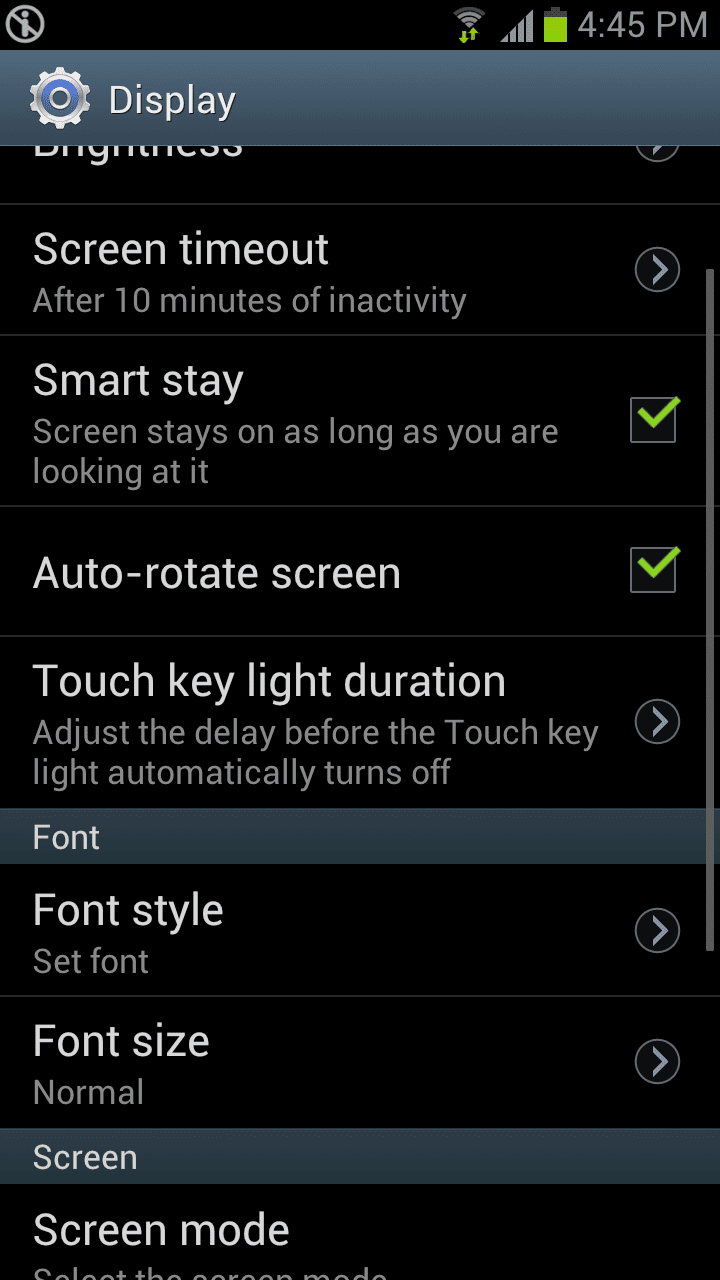
And that’s where Smart Stay becomes useful. Smartphone screens are built with screen time-out settings to save battery life, atleast not to have the screen on full bright when it’s supposed to be on idle mode. That being the case, you will find yourself touching the screen once in a while to prevent that from happening and continue reading or watching something on the phone. Phones dont give you the option to turn screen time-out off completely, they give a max of around 10 minutes. Samsung Smart Stay is an app that you activate from settings>display.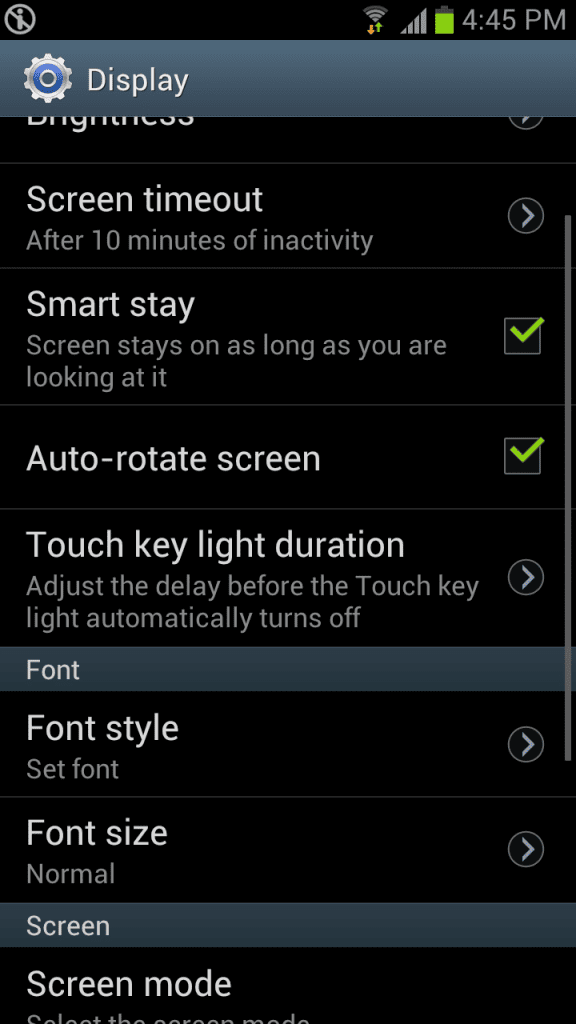 Smart stay does not work effectively in darkness, in fact it may not work at all, but in medium light onwards, it will give you amazing results. Once you have it on, you will notice an eye icon that pops up at the top in the notifications area once in a while. This actually “looks” at your eye and sees if you are still maintaining eye contact with the phone. Clingy app this one. If it detects that you aren’t looking it allows the screen to time-out, otherwise it goes back to hiding till after some time. So you can read your novel or blog quite efficiently. Here is where you ask if it has any impact on the battery, right? Well, not noticeably. So you have nothing to worry, and if you count this extra bit of information worthwhile the Galaxy S III will a day comfortably, I have been charging it just once a day, without limiting use on your side.