




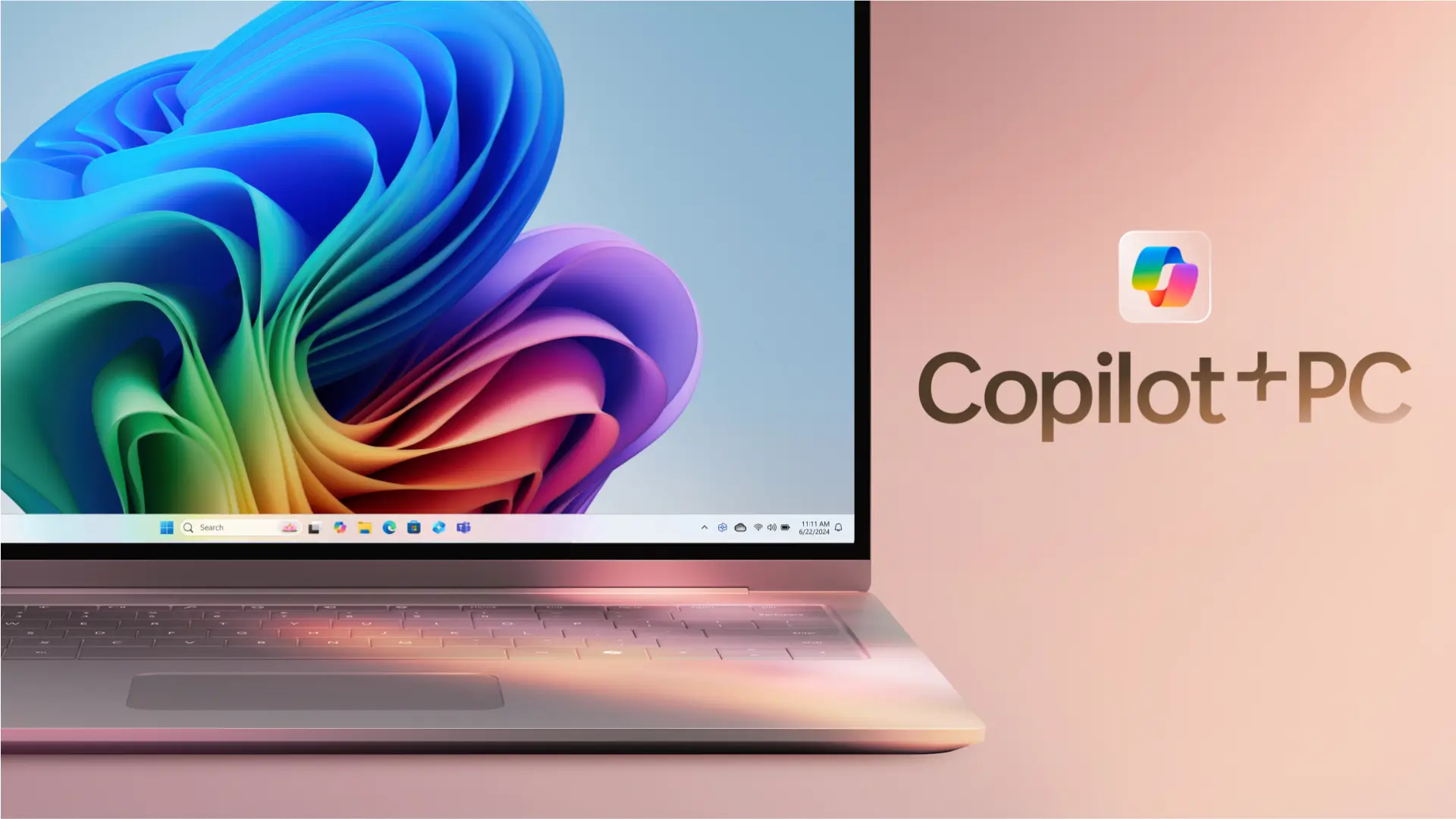
Microsoft is expanding the capabilities of Copilot Vision on Windows 11 by testing a new feature that allows users to share their entire desktop with the AI assistant.
Now rolling out to Windows Insiders across all preview channels, this feature makes Copilot a smarter and more capable assistant, able to view and understand everything on your screen, but only when you choose to share it.
Earlier this year, Microsoft introduced Copilot Vision, enabling limited screen sharing with specific app windows.
Now, with the latest update to the Copilot app (version 1.25071.125+), users can opt to share their full desktop, giving Copilot a broader context across multiple applications and workflows.
A Smarter, Context-Aware Copilot Vision
By enabling desktop sharing, Copilot can see exactly what you see and talk you through tasks using natural language. You can ask it questions, get recommendations, or troubleshoot problems, all without needing to switch apps or type detailed prompts.
Although Copilot can’t yet interact with your system directly, it can highlight specific areas on your screen to show you where to go and what to do next.
This kind of visual assistance is especially helpful for users learning new tools or working on creative projects that benefit from step-by-step guidance.
Microsoft emphasizes that Copilot Vision is entirely opt-in. The assistant cannot see your screen unless you explicitly choose to share it. You must activate the feature by clicking the glasses icon in the Copilot app and selecting either a specific window or your entire desktop.
Once you’re done, clicking the “Stop” or “X” button will immediately end the session. Importantly, no screen recordings or background monitoring occur during or after a session.
This privacy-first approach ensures users remain in control at all times, with a clear understanding of when and how their screen is being shared with Copilot.
The desktop sharing feature is currently available to users in the Windows Insider Program across all preview channels: Dev, Beta, Canary, and Release Preview.
However, the rollout is region-limited for now, with U.S.-based users getting first access. As with other Copilot features, Microsoft is gradually expanding availability as testing continues.
To use the feature, users must update the Copilot app via the Microsoft Store to version 1.25071.125 or later. The functionality will automatically appear for eligible devices once the update is installed.
More Copilot Features Coming Soon
Microsoft also announced Copilot Memory, a feature that allows the assistant to remember your preferences, habits, and commonly used apps.
This memory will help personalize your experience across devices, making Copilot even more useful as it learns how you work and what you need.