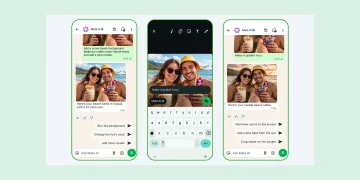





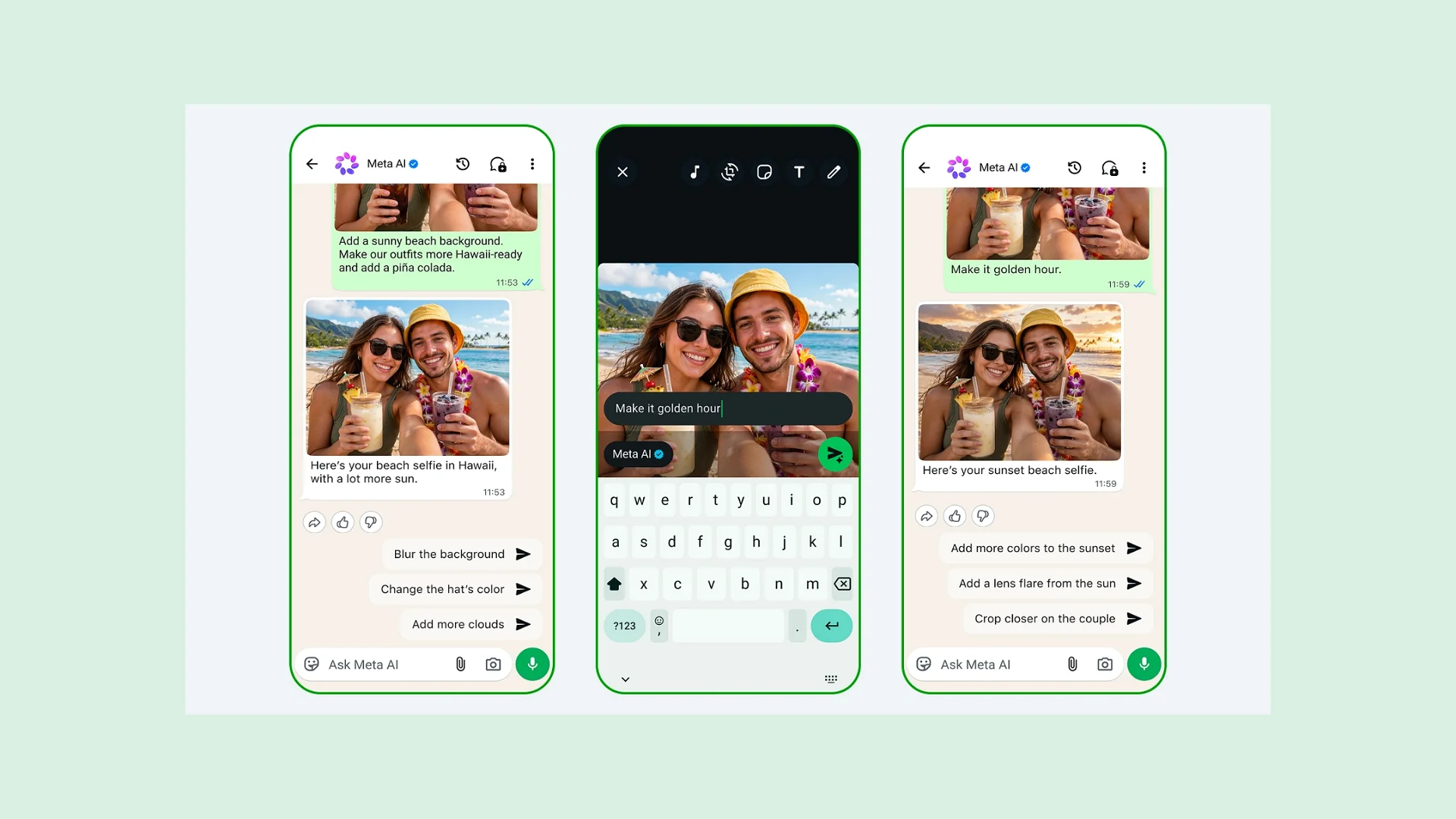
Meta recently launched Muse Image, its in-house AI image generator. The feature has now rolled out on Instagram, and it is important to understand how your content can be used.
Basically, this tool automatically lets anyone create AI images using photos from public Instagram accounts, including yours, even if you never agreed to it.
Under the Sharing and Reuse tab, Instagram has had the label “Allow people to create with and reuse your content” for a while.
This has been the case for posts and reels shared by creators on the platform, and was considered a key feature that allowed other creators to modify original content without completely stealing it.
“When these are on, anyone can create with all or part of your posts and reels in remixes, sequences, templates, or stickers and download your content as part of their post or reel,” Instagram states.
With the rollout of Muse Image, a concern for original content creators is that their work may be fed into the AI platform and used in these AI remixes.
Someone can literally tag your username and let Meta AI cook up an image “based on” you.
For Instagram users who would not want to have Muse Image use their content, they can turn that off.
How to Opt Out of Muse Image Content Reuse
- Open Instagram and go to your profile.
- Tap the three lines (☰) at the top right (bottom left for IG on Web).
- Scroll down to “Sharing and reuse.”
- Find “Allow people to create with and reuse your content.”
- Toggle OFF both posts and Reels.
It’s important to note that this doesn’t work retroactively, so if AI images were already generated from your photos before you switched it off, there’s no undoing that.
Additionally, the feature is still rolling out gradually, so depending on your app version, you might not see the setting yet, or the wording might look slightly different.
It is currently not on the Instagram Web.