Finding a logo maker in 2026 is easy. You search, and a bunch of results show up in seconds. The hard part is deciding which tool is actually worth using, especially if you start the logo on a computer and finish it later on your phone.
You’re often not only after a logo, either. The better tools also cover business cards, a simple website, and the rest of a visual identity, so you can build the brand without hiring a designer for every asset.
To help you find the perfect tool, we compared 10 logo maker apps for mobile and desktop with that in mind: how simple the first run is, whether a real file actually downloads, and whether the same flow still works when the screen is small.
TL;DR
Choosing the best logo maker app depends on where you’ll use it and what you need after the logo.
- Design.com covers a short prompt, a free commercial download with no watermark, and extra branding tools on a phone or a computer.
- For a large template library and branding assets, BrandCrowd is the closest match.
- For a guided wizard with industry, font, and color picks, Logomakerr.ai is the right tool.
- For a DIY canvas you build yourself, LogoMakr.com is the one to open.
- If you only need a cheap preview or a basic static template, LogoDesign.net, DesignEvo, and FreeLogoDesign are enough to start.
At a glance
| Platform | How you start | First pass |
|---|---|---|
| Design.com | Type a prompt | One to two steps, no questionnaire |
| BrandCrowd | Type a name, optional keywords | Short, similar first pass |
| DesignEvo | Pick a template | Quick templates |
| Logo.com | Guided modern-template flow | More setup than a prompt |
| LogoDesign.net | Guided flow for first-time users | Preview before a file |
| Logomakerr.ai | Wizard: industry, font, colors | Click-through, not instant |
| LogoMakr.com | DIY canvas | You build the mark yourself |
| Logopony | Try the generator, then mockups | Extra step after the logo |
| FreeLogoDesign | Basic static templates | Simple and limited |
| My Free Logo Maker | Automated flow, optional AI edits | Short if you skip extra edits |
What we ranked on
The main thing while testing the platforms we prioritized was simplicity: how easy the platform is for a first-time user, and how much you have to fill in before any concepts appear. That matters even more when you might start on a computer and pick it up later on your phone. A one- or two-step prompt is easier to finish on a small screen than a long form.
We also checked whether a usable file actually downloads. Plenty of tools let you generate and edit for free, then a payment pop-up appears at the end. We looked at what you can take with you without paying, including the format and whether a watermark stays on the file.
Speed and extras came after that. We wanted to see how quickly a logo shows up without heavy customization, whether you can edit it with AI or by hand, and whether the same place also gives you business cards, a simple website, or a link-in-bio page, not only the mark.
Best Logo Makers in 2026: Our Top Picks
Design.com
Design.com is at the top of our list, and here’s why.
The interface was easy to follow, no extra guidance questions showed up, and the logo concepts we got were unique and free for commercial use.
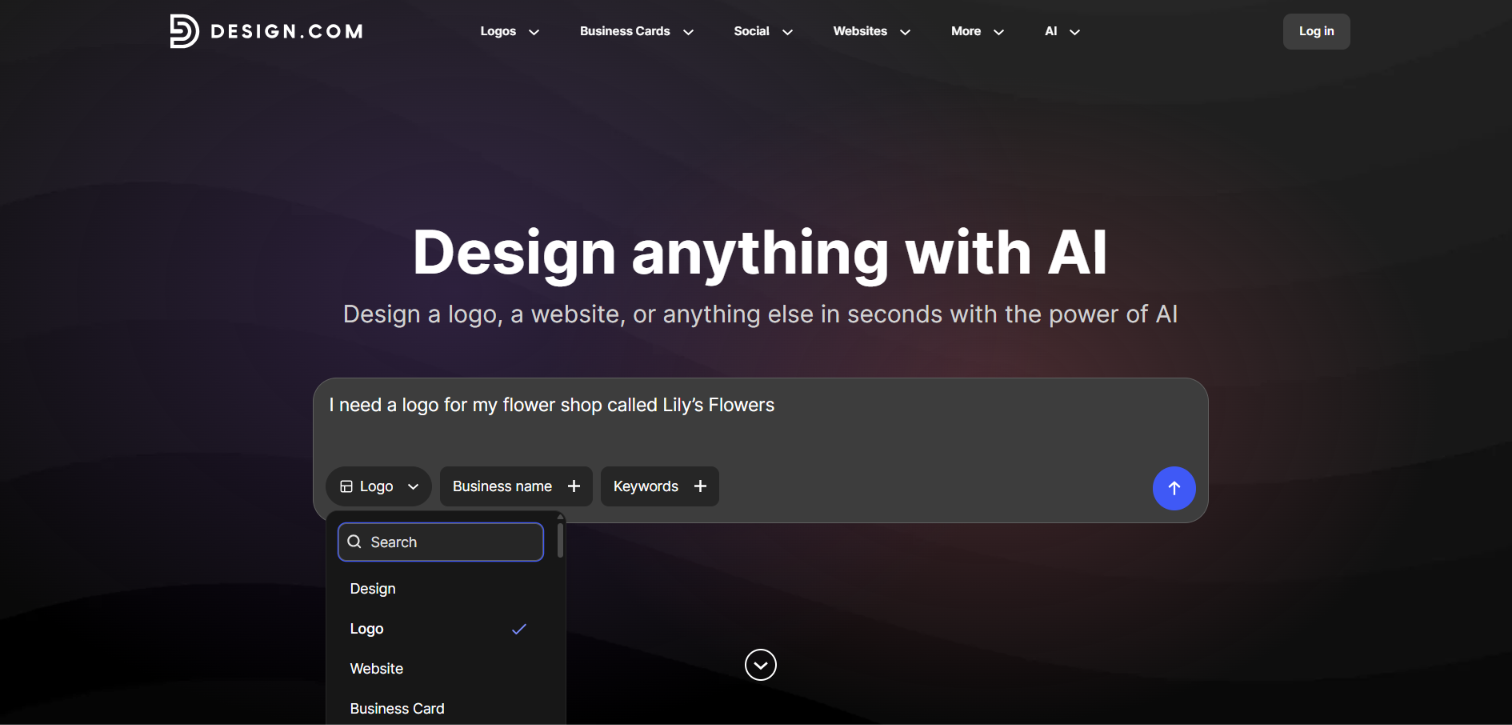
To test it, we typed a few keywords and random business names and waited for the templates. Before entering a brand name, we could pick logos, flyers, business cards, and other assets from a dropdown, or we could just name the design type in the prompt. For our test, we wrote something like: “I need a logo for my flower shop called Lily’s Flowers”. After we chose logos, hundreds of concepts appeared instantly. It was a one- to two-step process. No extra questions about colors or industry. Optional keywords were enough.
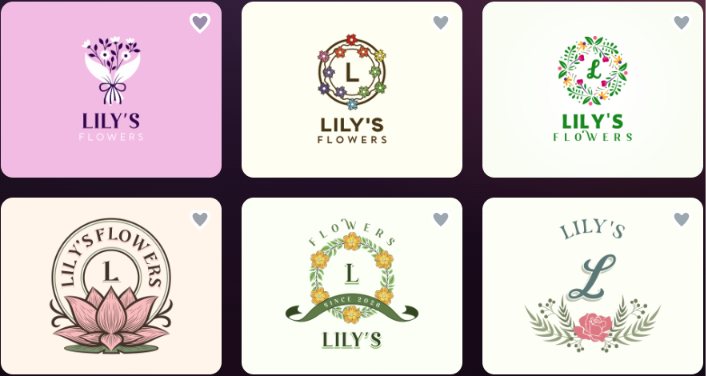
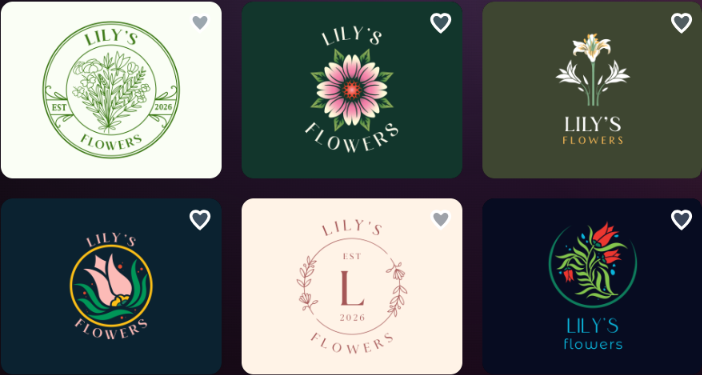
The quality felt like a designer had already worked on the set. After we picked a mark, we could ask the AI to change the background color, fonts, and similar details. Edits were unlimited. We saved our progress and later got an email about it. We previewed the logo on business cards and invitations, then went to download.
You open the website, give the prompt, and that’s the same flow on a phone or a computer. Nothing extra to set up before you see results.
Logo download
The tool offers a wide range of logo templates at no cost. We could choose a template, customize it, and export without paying.
Before downloading, we could select a solid or transparent background, the full logo or text-only / icon-only versions, and the file format. We downloaded a PDF that was clean and ready for commercial use.
The free logo download also unlocked a free website builder, a free link-in-bio creator, and a free digital business card maker, all of which could be published at no cost.
What to expect
- A logo library of 500K+ templates
- 50+ branding tools
- Built-in AI tools to generate and customize logos, posters, presentations, and business cards, and to remove backgrounds
- Exclusive, high-quality logo designs
- Thousands of exclusive shapes and icons
- Commercially safe logos
- Instant logo generation
- File formats including high-res vector, raster, and animated files
- Automatic template branding
- A free tier plus pricing starting at $3/mo
- Customer support on a 24/7 basis
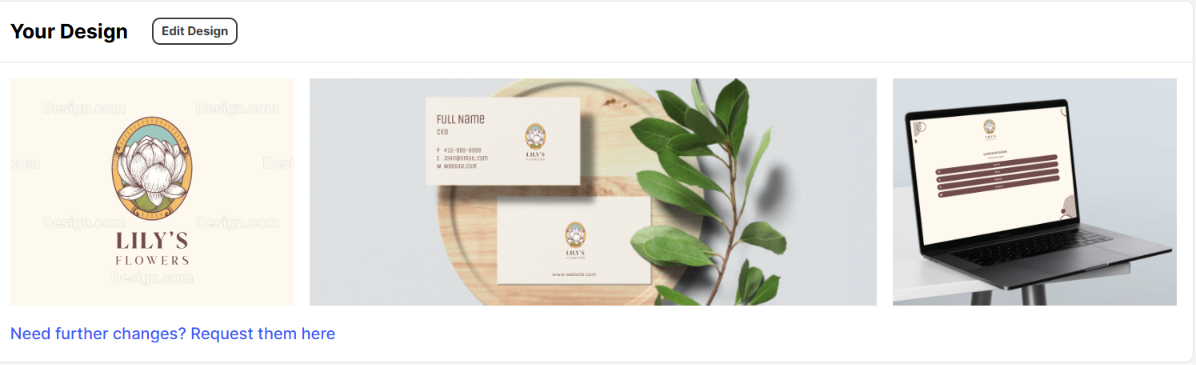
There is no multi-step questionnaire before the first result. A prompt is enough, and within seconds hundreds of professional-looking, commercially safe concepts appear. Unlimited AI-assisted edits, a free logo download, and immediate access to a matching website builder, link-in-bio page, and digital business card make the package complete for someone starting from scratch.
Our Recommendation
If we had to recommend one logo maker from this list, it would be Design.com. You type a prompt, hundreds of concepts show up in seconds, and the file we downloaded was free for commercial use. After that download, a website builder, a link-in-bio page, and a digital business card opened as well, along with the rest of the 50+ branding tools and a library of 500K+ templates.
There is no long questionnaire and no extra setup before you see a result, which is why it still works if you start on a phone and finish on a computer. For a first-time user who needs a unique mark and a full visual identity without hiring a designer for every asset, this is the one we would open first.
BrandCrowd
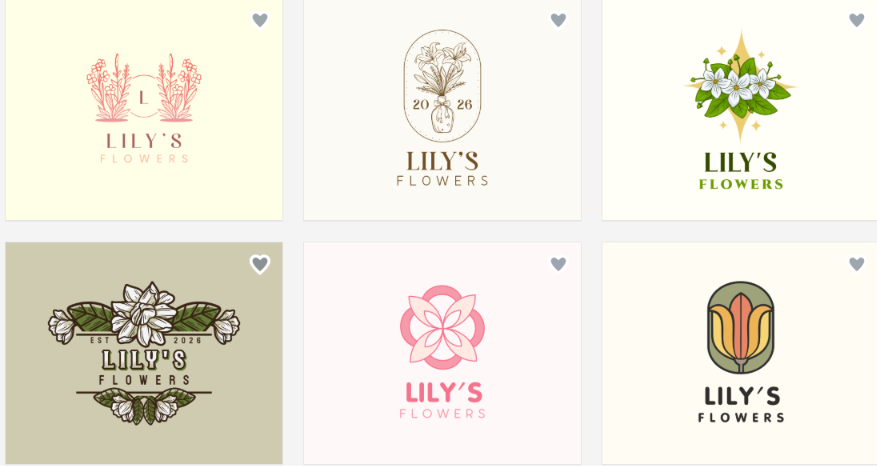
BrandCrowd.com is the one we kept comparing with Design.com. The concepts were clean and professional, and picking a favorite from 380,000+ templates was the hard part.
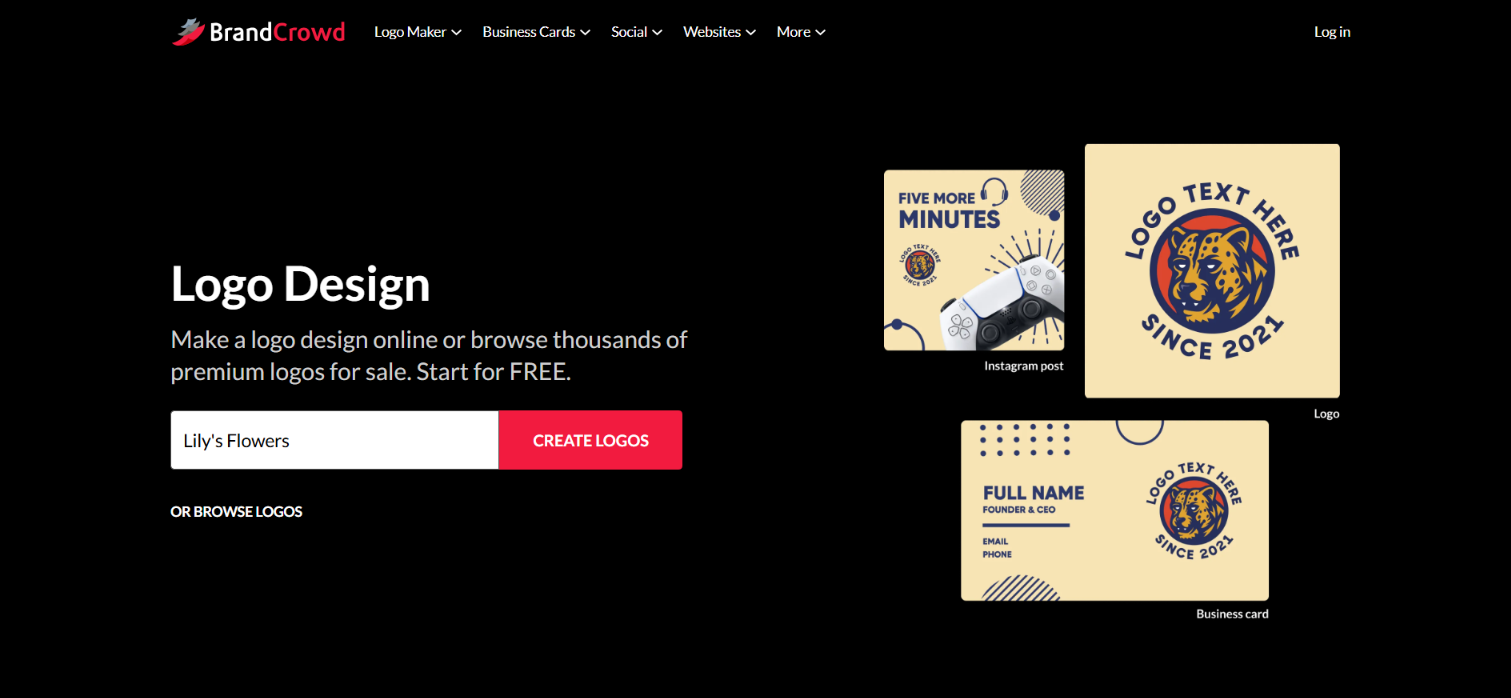
We typed a generic brand name (Lily’s Flowers), added a keyword or two, and templates showed up in seconds. After we chose one, we asked the AI to change a small detail on a burger icon. It did, in a few seconds, with no extra questions. We kept editing both by hand and with AI.
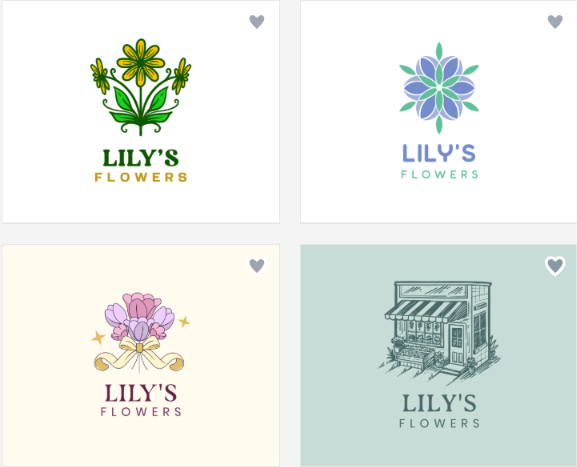
Logo download
A wide selection was free to try. We downloaded the logo without a subscription and chose JPG from several formats. After export, we got access to 50+ extra design tools for flyers, posters, and business cards, though downloading those extras needed a plan that started at $3/mo.
What to expect
- 380,000+ professionally designed logo templates
- Chat-based AI editor plus manual controls for color, font, text, icons, and shapes
- Matching business cards, social graphics, QR tools, and a website builder
- Export in SVG, EPS, PNG, and JPG
- Free logo file; extra branding downloads on a plan from $3/mo
Our Recommendation
BrandCrowd is the one we would open if the main draw is a large template library and a fast AI editor, with a free logo file first. Decide later whether the extra branding downloads are worth the monthly plan.
DesignEvo
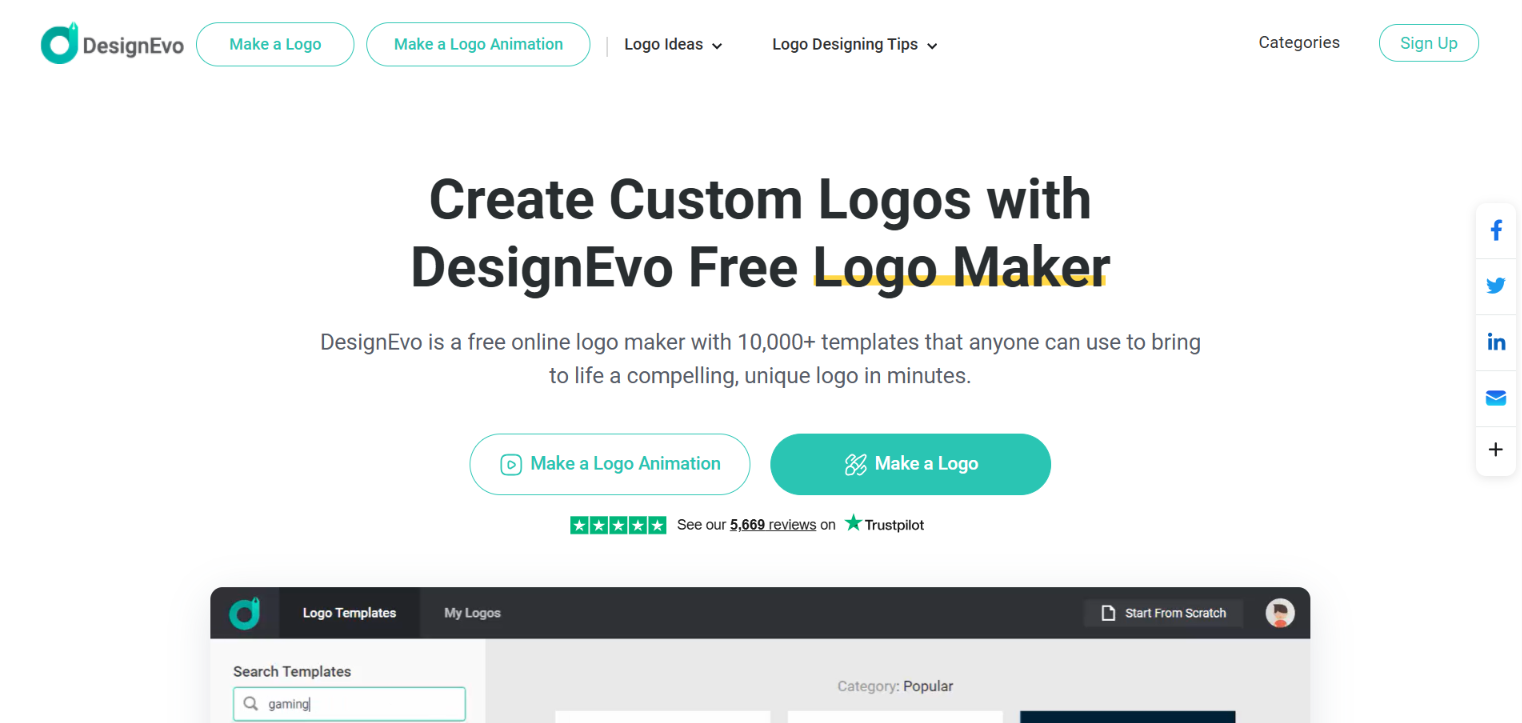
DesignEvo was among the easier tools we opened, even though it did not offer AI to customize the logos we chose.
We could not type a brand name. We could only search templates by industry, pick from that list, and edit by hand. The catalog was large, but nothing in the flow guaranteed that another user had not already made the same mark with the same colors, name, and font.
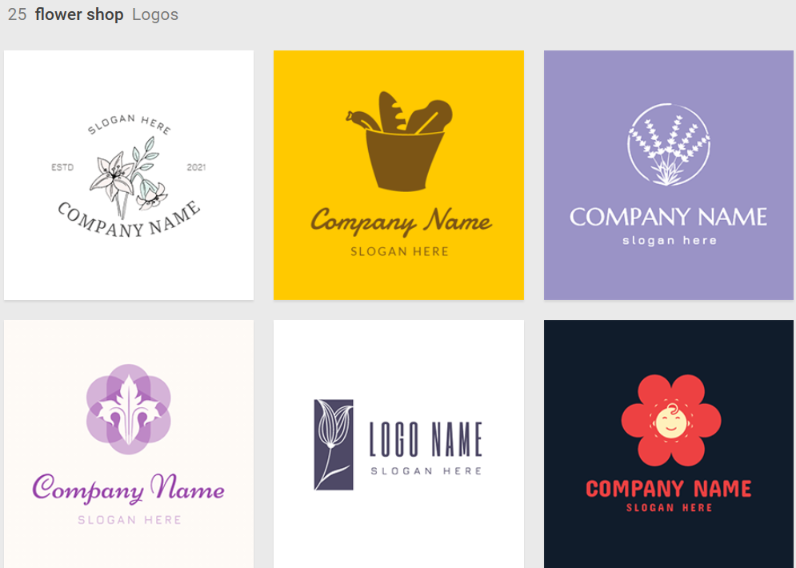
Logo download
To download, we needed to pay. Only a low-res file was possible for free. High-res files and full copyright are on paid plans.
What to expect
- A catalog of industry templates
- Hand editing only; no AI customization
- Industry search instead of a free-typed prompt
- Low-res free file
- High-res download and full copyright on paid plans
Our Recommendation
We would point beginners to DesignEvo if they want a fast template search and are fine editing by hand. We would not pick it if you need a unique, commercially safe mark or a high-res file without paying.
Logo.com
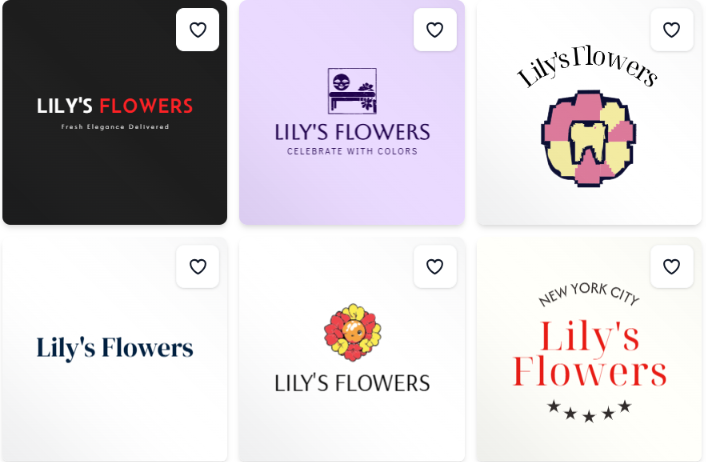
Logo.com was easy to move around, and we could generate logos with AI. The marks looked solid, but the first pass took longer than a simple prompt.
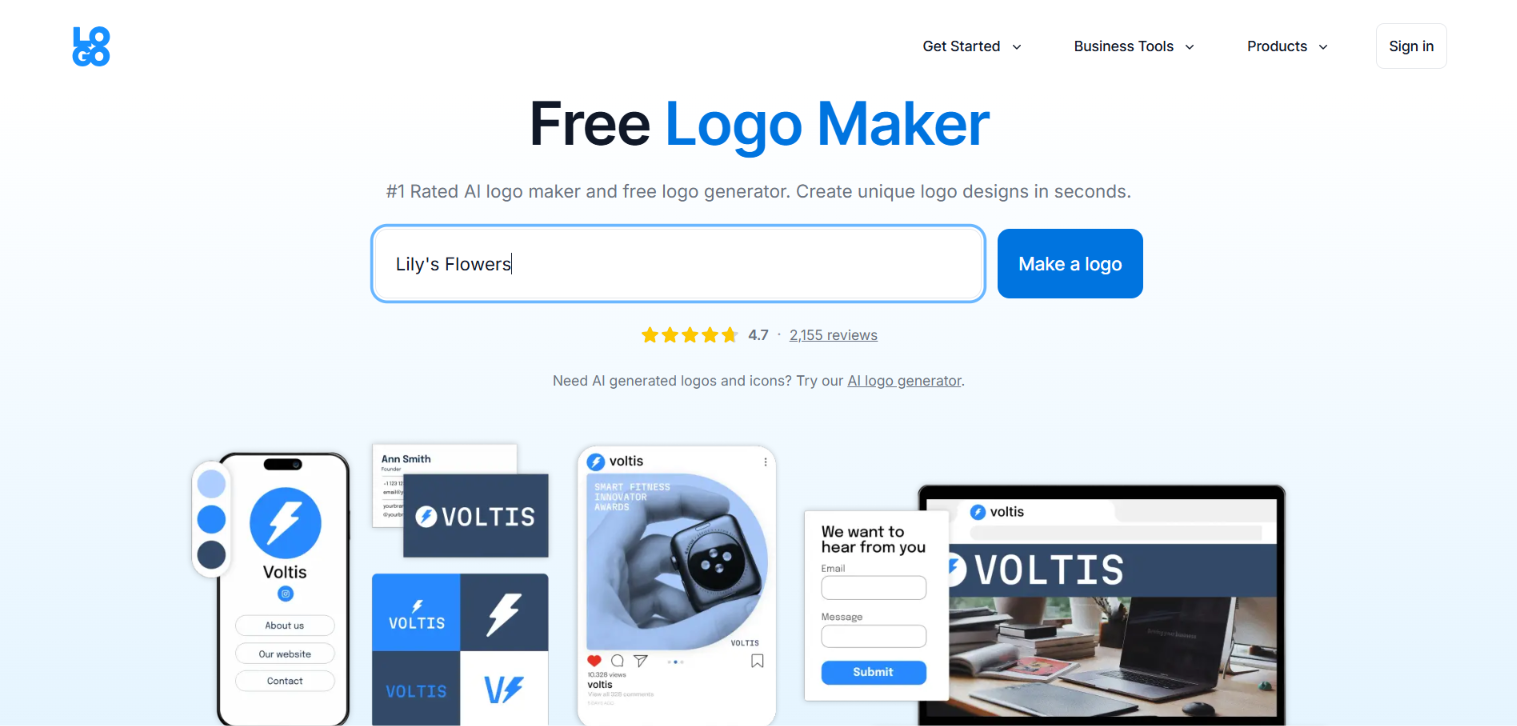
We had to fill out seven or eight fields before templates appeared: industry, color, whether we were a brand owner, and similar questions. After we selected a logo, customization was smoother. We could set the theme and change icons and shapes.
Logo download
At download, more questions appeared about subscriptions, including paid plans for websites and extra branding. After we skipped those, we could preview the logo on branding materials and export. Only the PNG was free. Other formats required payment.
What to expect
- AI generation with a guided, modern-template look
- 7-8 fields before the first concepts
- 1,200+ AI-powered templates
- Domain registration, email signature builder, and a website builder
- Brand Plan from $3.6/mo
- Free PNG; other formats on paid plans
Our Recommendation
We would recommend Logo.com if you do not mind a guided form and want that modern-template look. Skip it if you want a one- or two-step prompt and more than a PNG without paying.
LogoDesign.net
Using LogoDesign.net was simpler than we expected. The interface did not leave us guessing where to start.
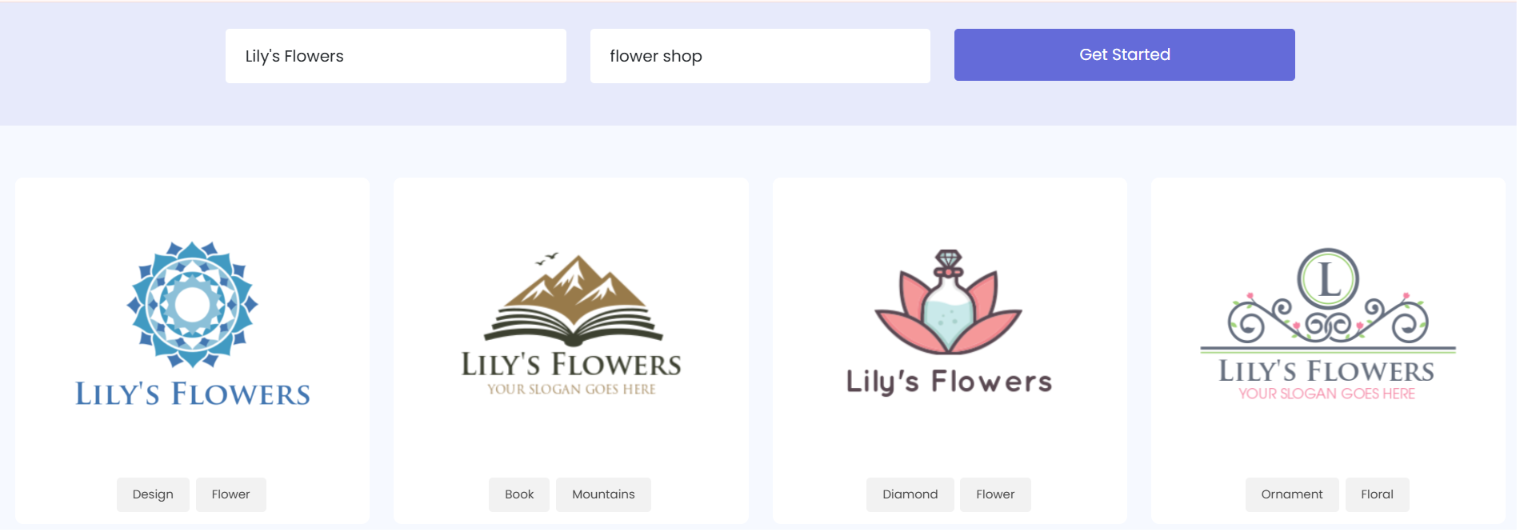
We put the brand name in the first bar and industry keywords in the second. A few seconds later, templates appeared. If we skipped the keyword bar, the platform did not really understand the industry. After customization, we could preview the logo on business cards and shirts, but the mockups were only good enough for a rough idea.
Logo download
There was no free download. Pricing started at $37 for high-res files, vectors, and editing. The full branding kit and support ranged from $57 to $97. After purchase, high-res files were PNG, JPEG, and PDF.
What to expect
- Two search bars: brand name and industry keywords
- Preview on business cards and shirts (not designer-like)
- Business card maker, letterhead, envelope, social header, email signature, flyer, postcard, infographic, QR generator, and a website builder
- Paid packages from $37 to $97
- No free export
Our Recommendation
We would recommend LogoDesign.net for someone with no design experience who will fill in two bars and browse industry templates. We would not recommend it if you need a free file or strong mockups.
Logomakerr.ai
Logomakerr.ai made generation easier than Logo.com. It was a four-step process.
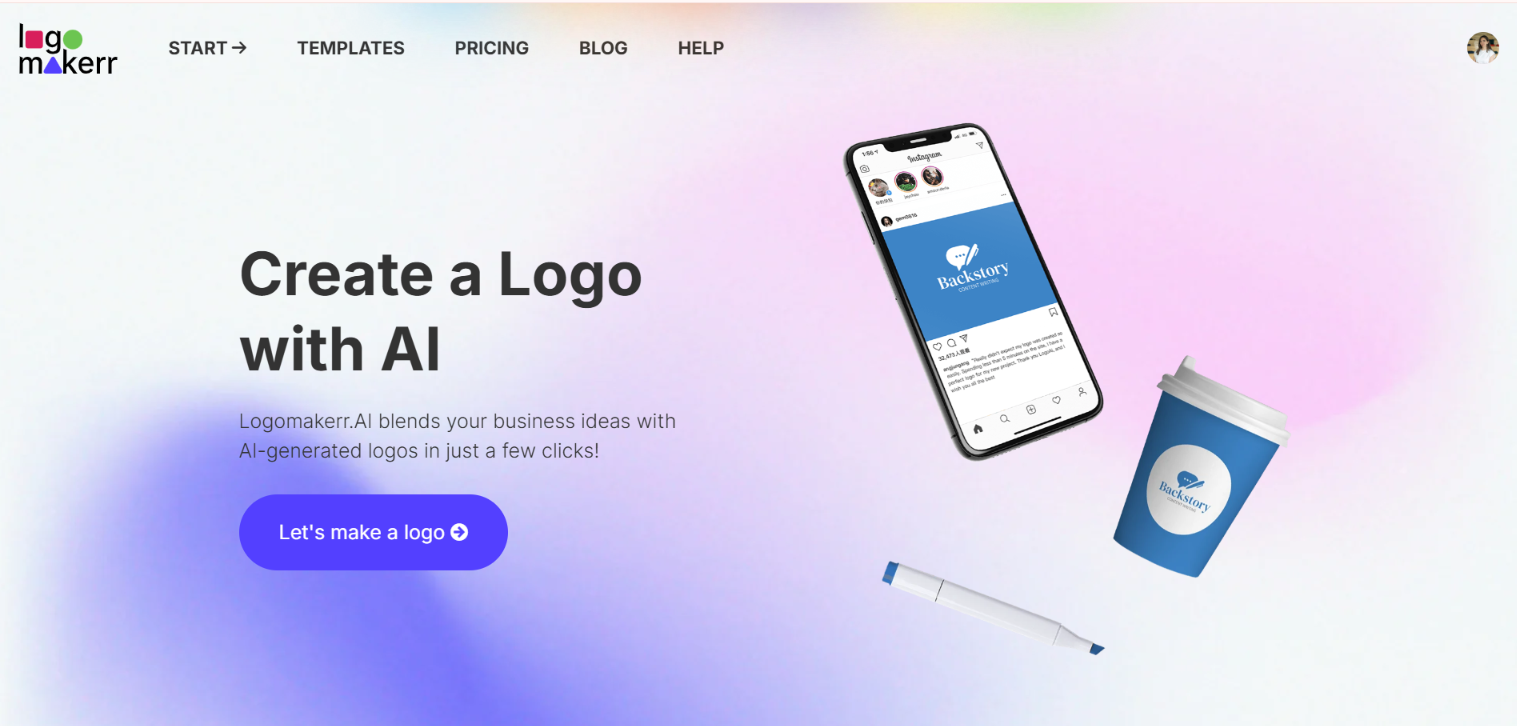
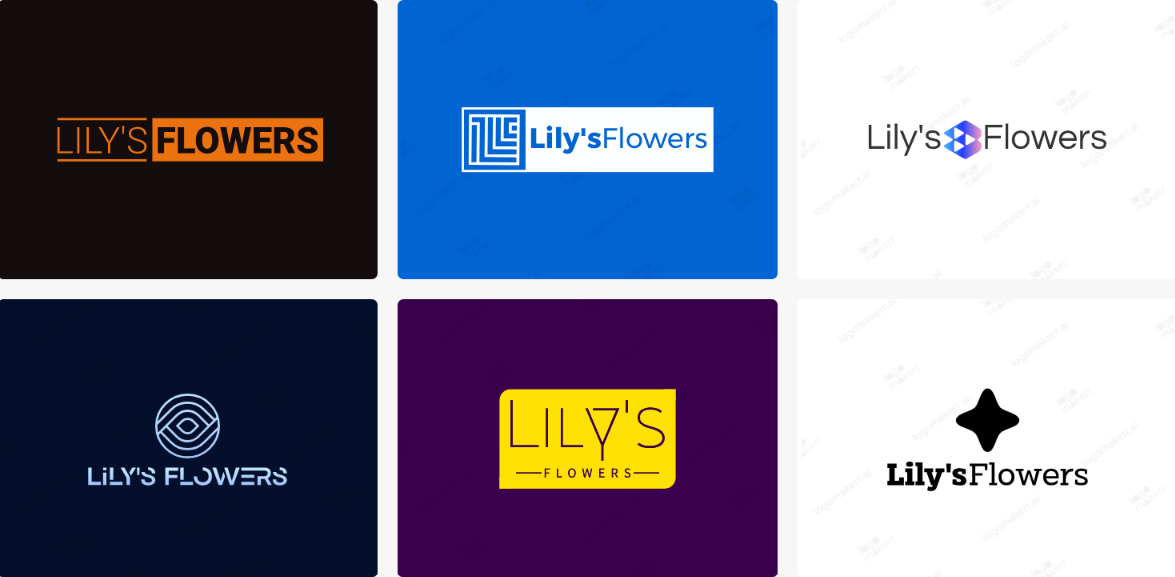
The logos came with a watermark, and the selection was a bit wider than LogoMakr. It was not fast. We still chose industry, font style, and colors, but the guided path felt smoother. Later we could add keywords, play with colors and icons, and edit. That editing was mostly manual, not AI. Preview only let us enlarge the logo. We could not place it on cups or mugs.
Logo download
There was no free tier. Three one-time payment options appeared, starting at $29, for multiple file formats and a branding kit. The marks we generated carried a watermark until we paid.
What to expect
- Four-step wizard: industry, font style, and colors
- Wider selection than LogoMakr, still not instant
- Mostly manual editing after the first concepts
- Preview that only zooms the logo
- One-time plans from $29 for files and a branding kit
- Font, color, layout, and limited symbol customization
Our Recommendation
We would recommend Logomakerr.ai if you prefer a short wizard and simple AI-started marks, and you do not mind paying before a clean file downloads. Skip it if you need a free commercial file or a preview on real mockups.
LogoMakr.com
LogoMakr.com gave us two ways in: a black canvas or AI-powered logos. The AI path was faster when we already knew what we wanted.
After we chose the AI Logo Generator, we picked guided mode or a description of our own idea. Then we wrote our business name, chose a theme and font, chose taglines, and added a short description. That took over four to five minutes. For that time, we expected several concepts. We got one template, with a watermark.
Logo download
To download that creation, we had to pay. There was no subscription, only a one-time payment for full ownership and editable files, starting at $29. Free-plan marks we generated carried a watermark.
What to expect
- DIY canvas plus an AI Logo Generator
- Guided form: name, theme, font, tagline, short description
- One watermarked template after a 4-5 minute wait
- Drag-and-drop canvas editor
- One-time plans from $29
- No free clean download of the file we made
Our Recommendation
We would recommend LogoMakr.com if you want a DIY canvas or you will sit through a guided AI form. We would not pick it for a fast first pass or a free file of the mark you just made.
Logopony
Logopony uses a one-step guided process and generated clean, simple logos in about a minute.
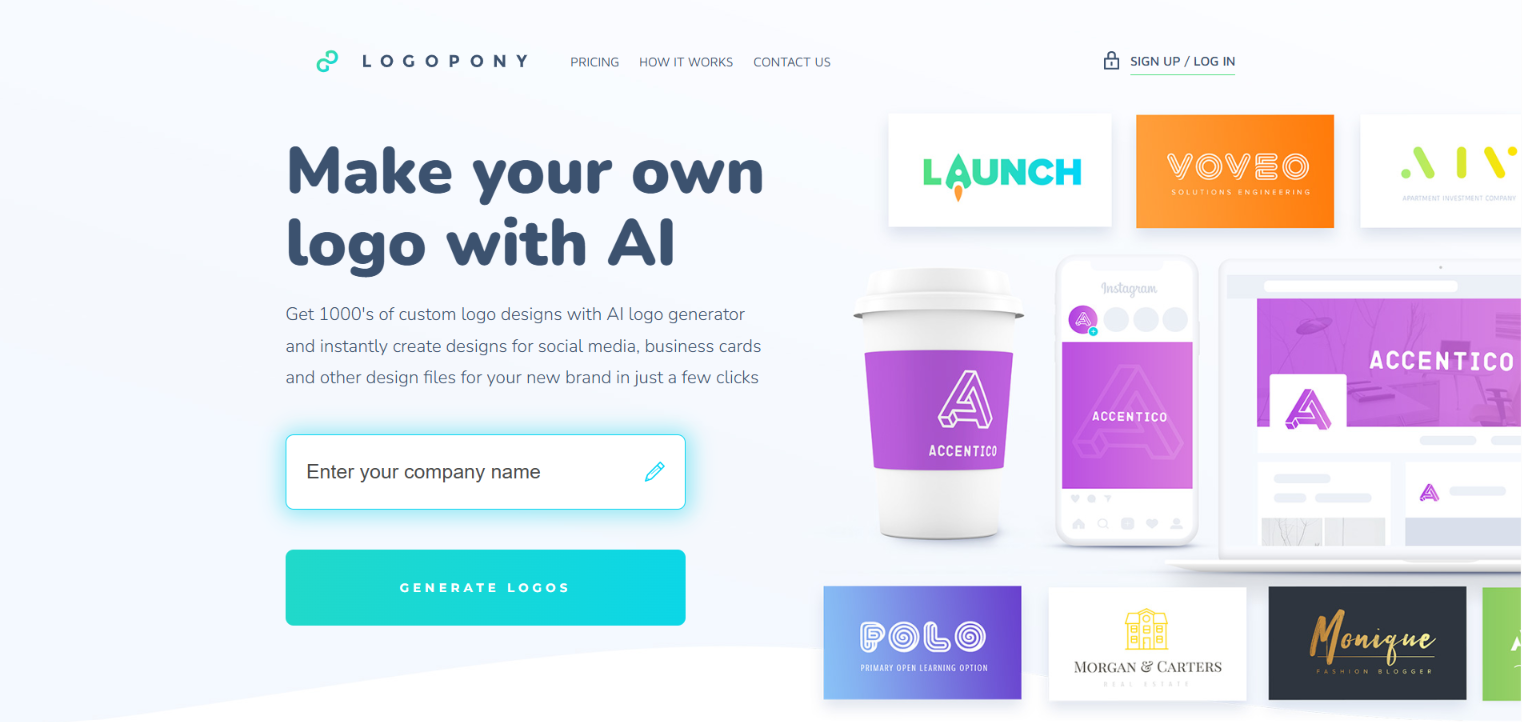
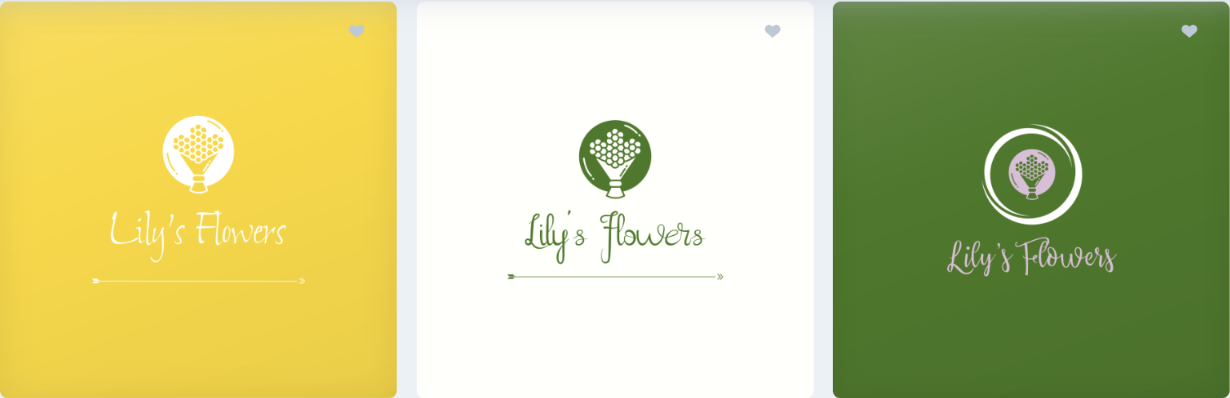
We could not continue until we filled the description field. In a later pass with a hotel name, it stayed blocked until the brief was at least 12 characters. Once that length worked, templates appeared after a few seconds. After we picked a template, we previewed it on shirts, walls, and social posts. Colors, fonts, shapes, and symbols were easy to change, and the preview updated as we edited.
Logo download
Download meant choosing Basic, Premium, or Business. No free download was offered. Plans we saw started at $15 for a single low-res file, $45 for 50+ high-res files plus social and business-card kits, and $60 for up to 10 logos.
What to expect
- One-step guided process once the brief is long enough
- Mandatory description, at least 12 characters
- Live mockups on shirts, walls, and social posts
- AI-powered editing
- 30+ file formats after purchase
- Branding kit with business cards, favicons, social graphics, and a style guide
Our Recommendation
We would recommend Logopony when mockups matter and a short description is acceptable. Skip it if you need a free download or a name-only prompt.
FreeLogoDesign
FreeLogoDesign is the tool we opened when we did not want to go deep into a brief.
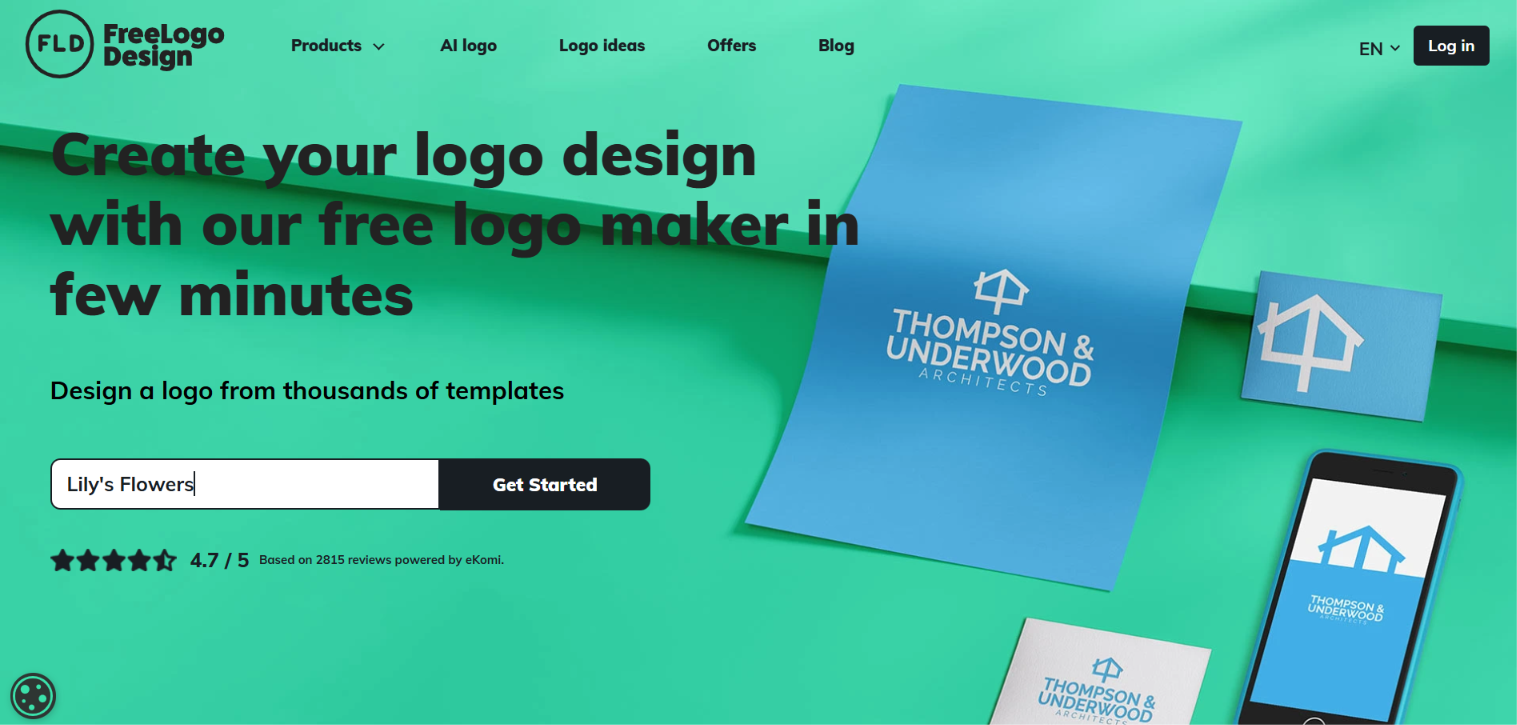
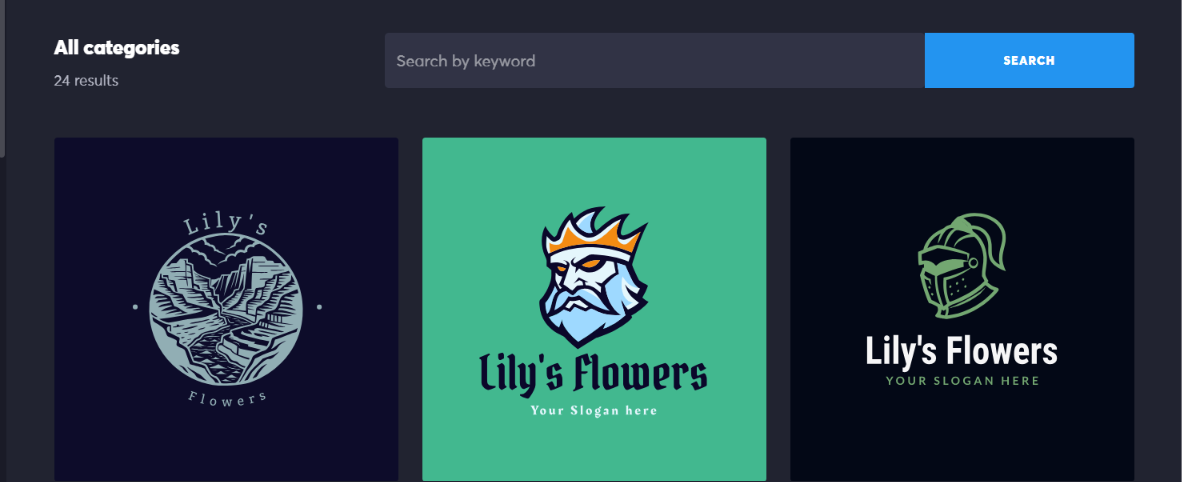
No extra industry questions were asked. That was not actually helpful. After we inserted the brand name, the logos had nothing to do with the industry. We had to customize heavily to get something like a food provider. Only 24 results showed. To generate and customize with AI, we had to pay. The free path was ready-made templates, which may not be copyright-safe if they are not edited.
Logo download
Downloading those ready-made templates did not require payment. A free download also let us preview the mark on shirts and cups. Files were low-res and limited. A basic paid package covers HD PNG, SVG, and PDF.
What to expect
- Name-only starts with 24 results
- Ready-made templates on the free path
- 1,000+ templates plus icons, shapes, fonts, and color tools
- AI-generated and customizable on paid plans
- Low-res limited free files
- Add-ons: business cards, social kits, and a brand guide
Our Recommendation
We would recommend FreeLogoDesign if you want a basic static template and a limited free file. We would not recommend it if you need the first results to match your industry.
My Free Logo Maker
My Free Logo Maker did not give us much trouble. It still used several steps, but they were shorter than Logo.com’s form, and not all of them were required.
After the company name, we picked industry and colors and inserted a slogan. We skipped some questions to save time. Results were not instant. Once we picked a logo, we previewed it on menus, social posts, and T-shirts. Customization was broad: color palettes, AI ideas, and AI symbol swaps.
Logo download
Download offered two paths: save for free, or upgrade for the full branding kit. The free version only allowed PNG. The full kit was a one-time payment of $72 for high-res files, unlimited changes, and logo files. That was the highest one-time logo price on the lists we used.
What to expect
- Automated wizard with some optional fields
- Preview on menus, social posts, and t-shirts
- AI ideas and AI symbol swaps
- Free PNG
- One-time kit at $72 for high-res files and unlimited changes
- Smooth process once the steps are done
Our Recommendation
We would recommend My Free Logo Maker if you want an automated wizard, optional AI edits, and a real PNG without paying. Skip it if you need more than PNG for free, or if $72 for the kit is more than you want to spend.
Final Choice
Choosing a logo maker comes down to how much you want to do before the first concept appears, and whether you can actually take the file with you. Some tools get you a usable logo in minutes with almost no input. Others expect a longer brief, a wizard, or a canvas you build by hand.
If you want speed, a free commercial download, and more than the logo, including business cards, a website, and the rest of a visual identity, Design.com is the one we would open first, whether that’s on a phone or a computer.