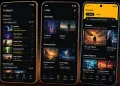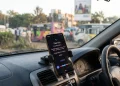






Google is rolling out a feature called Motion Assist on Android 17 that’s designed to use motion dots to stop you from feeling sick while using your phone in a moving car. It’s landing on Pixel phones first, in phases, so not everyone with a Pixel running Android 17 has it yet.
Why Do Phones Make You Nauseous in a Car?
Motion sickness in a car happens because of a mismatch between what your eyes see and what your inner ear feels. When you stare at a phone screen, your eyes tell your brain everything is still.
However, your inner ear can feel the car turning, braking, and speeding up. That conflict is what makes people feel queasy.
How Motion Assist Works
The feature uses your phone’s accelerometer and gyroscope, the same sensors that already detect motion and orientation, to track how the car is moving. It then places small dots around the edges of your screen that move to match that motion.
If the car turns right, the dots sweep to the left. If the car brakes, they slide forward. The idea is to give your eyes a visual cue that matches what your inner ear is sensing, which helps calm the conflict causing the nausea.
This isn’t a new idea. Google first tested a version of this called Motion Cues back in December 2024. Apple introduced something similar, also called Motion Cues, in 2024 as well. Manufacturers like OPPO and vivo already have comparable features on their own phones too.
The earlier version of this feature had a real limitation. It relied on Android’s “Display over other apps” permission, which meant the dots couldn’t show up over certain parts of the system, like the Settings app, status bar, notifications, Quick Settings, or the lock screen.
As a result, the effect would basically break the moment you left an app.
Google has since made OS-level changes specifically for this feature. Now the motion dots can appear over other apps as well as system UI elements, so the effect stays consistent no matter what you’re doing on the phone.
How to Turn It On
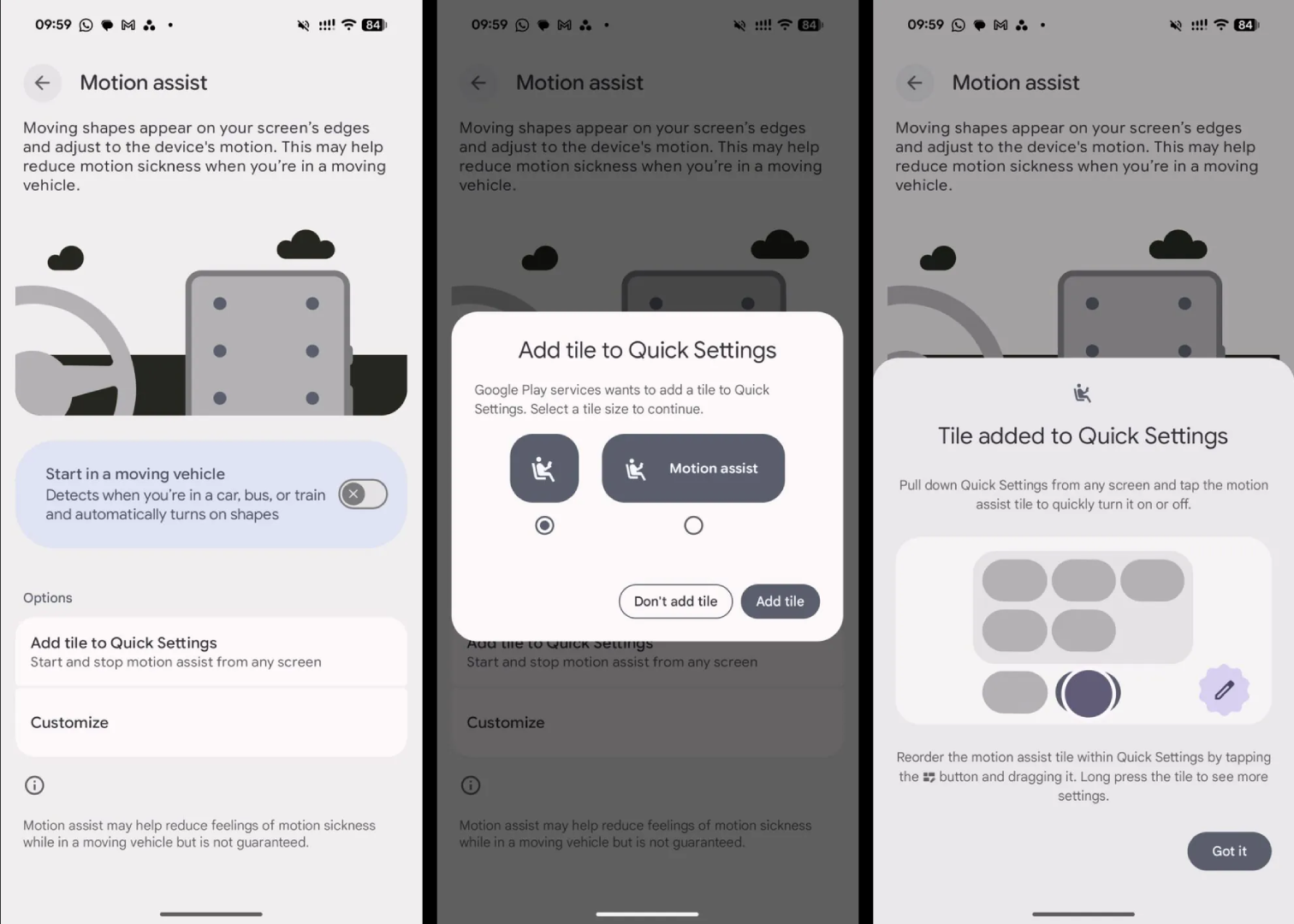
If your phone has the feature, you can find it by going to Settings, then Your Profile, then All Services, and looking under the Personal & Device Safety section for Motion Assist.
From there, you get a few options:
- A toggle that automatically starts Motion Assist when your phone detects you’re in a moving vehicle
- A Quick Settings tile so you can turn it on or off manually without digging through menus
- Customization options for the color, shape, and opacity of the dots
- A randomization setting that automatically varies those settings
When it’s active, Android shows a notification letting you know it’s running, and you can tap that notification to switch it off.
Availability
Right now the rollout is inconsistent even among Pixel devices on Android 17, as per a report by Android Authority. Some people are seeing it while others aren’t, even on similar hardware. If you check your settings and don’t see it yet, it likely just hasn’t reached your device.