






When you copy a link from X (formerly Twitter), the link tells people what device you used.
For example, you might copy a link like this:
‘x.com/post/123?s=46&t=…’
That part at the end, ‘?s=46’, is the secret.
It means:
The ‘t=’ part is just a small code for X to track the share. The detail, long embedded in the platform’s share mechanics, has drawn fresh attention this week after circulating widely among users.
s=46 = You used an iPhone
s=19 = You used an Android phone
s=20 = You used a computer or web browser
Posts explaining the codes attracted millions of views within hours, with many users testing links from their own devices and commenting on the unexpected transparency.
Security researchers and privacy advocates note that the information is relatively limited. It does not expose location, account credentials or browsing history.
Neither value identifies an individual account on its own, but together they provide X with data on which devices are most frequently used to distribute content.
Still, the episode proves how modern platforms routinely attach metadata to everyday actions such as copying a URL.
For users who prefer to avoid transmitting the device indicator, the remedy is straightforward: delete everything after the question mark. The shortened address continues to open the original post.
How to Do It
It is simple. Before you share the link, just delete everything after the ‘?’
For example:
Change this: ‘x.com/post/123?s=46&t=abc’
To this: ‘x.com/post/123’
The link will still work.
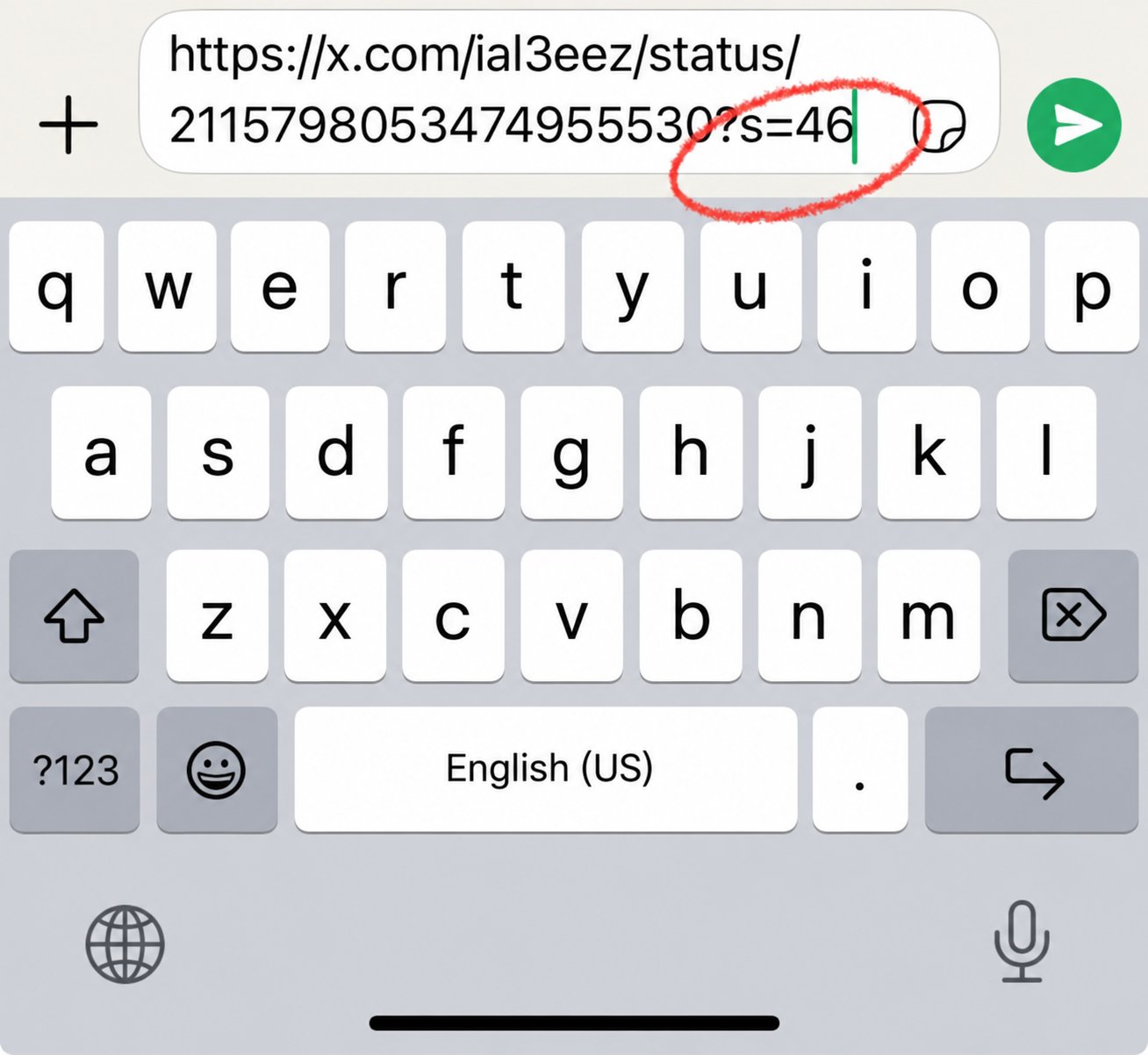
The attached image shows an iPhone keyboard view with a link ending in ?s=46, illustrating the exact parameter users can check or remove before sharing.