




Google is steadily transforming Android into a smarter, more connected ecosystem, and Cross-Device Services are at the center of this evolution.
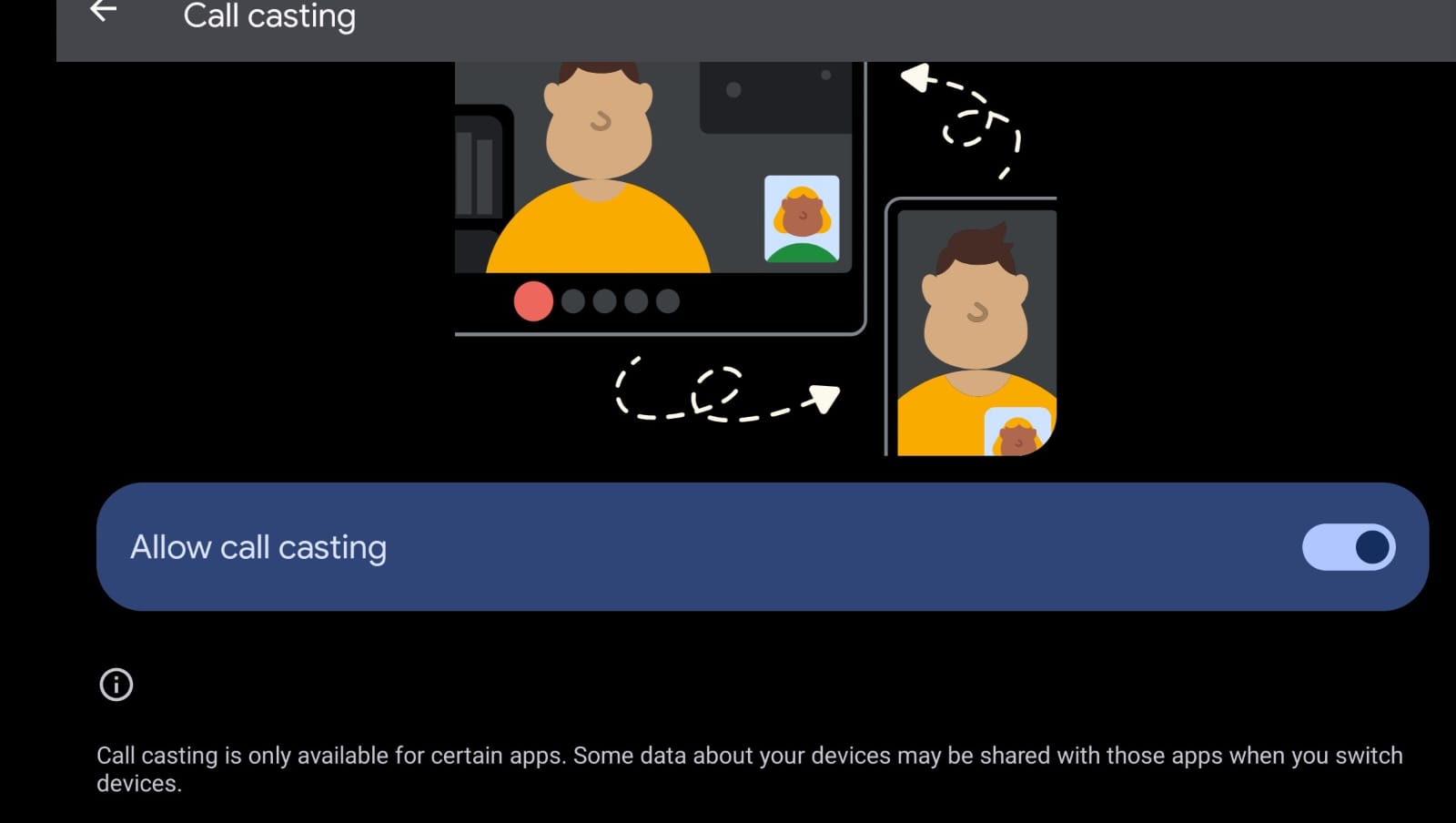
With Android Cross-Device Services, you can switch calls between devices, share mobile internet instantly, and send files with just a few taps.
Cross-Device Services is a built-in Google feature that lets nearby devices signed in to the same Google Account work together more efficiently. It’s available on most Android 13+ devices and supported Chromebooks.
Some of the standout capabilities include
- Call & Text Continuity: Switch ongoing calls or respond to messages across devices.
- Instant Tethering: Share your mobile hotspot with another device automatically.
- Nearby Share: Send apps, files, and photos wirelessly.
- Clipboard Sharing (coming soon): Copy text on one device and paste it on another.
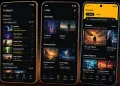
- App Streaming (beta): Continue using an app from your phone on a Chromebook.
- Unlock Device (future feature): Use one device (like a smartwatch) to unlock another.
These features rely on Wi-Fi, Bluetooth, and proximity, so your devices need to be physically close for them to work.
How to Turn On Cross-Device Services
You can follow these steps to activate Android Cross-Device Services:
- Open the Settings app on your Android phone.
- Scroll down and tap Google.
- Select All Services or look for Devices & Sharing (this may vary by manufacturer).
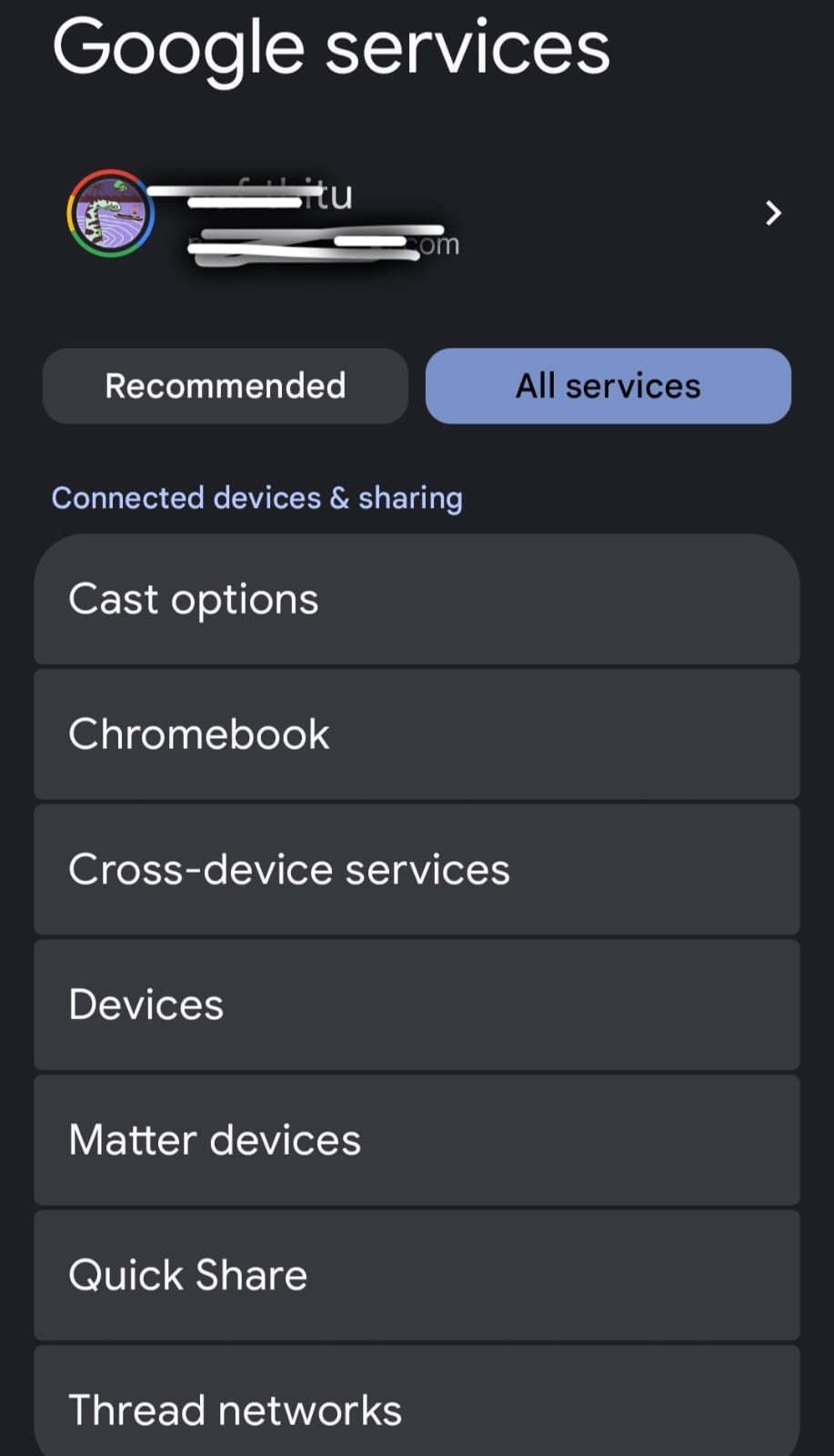
- Tap Cross-Device Services.
- Toggle ON the features you want to use:
- Call & Text Continuity
- Nearby Share
- Instant Tethering
To get the best experience, confirm that:
- All your devices are using the same Google Account.
- Bluetooth and Wi-Fi are enabled on both devices.
- Devices are near each other (usually within 1–2 meters).
Compatible Devices
Cross-device services work best on:
- Phones and tablets running Android 13 or later.
- Chromebooks with the latest ChromeOS.
- Select Pixel and Samsung devices get early access to some features.
- Google is expanding support to more devices regularly.
Why You Should Enable Cross-Device Services?
Turning on these features lets you:
- Start a task on one device and finish it on another.
- Reduce reliance on third-party apps for file or hotspot sharing.
- Enjoy a more unified experience, similar to Apple’s ecosystem.
Whether you’re working remotely, sharing files on the go, or taking calls between devices, these tools save time and streamline your digital life.
All communications between devices are encrypted, and Google ensures the features only work between devices logged into your Google account.