




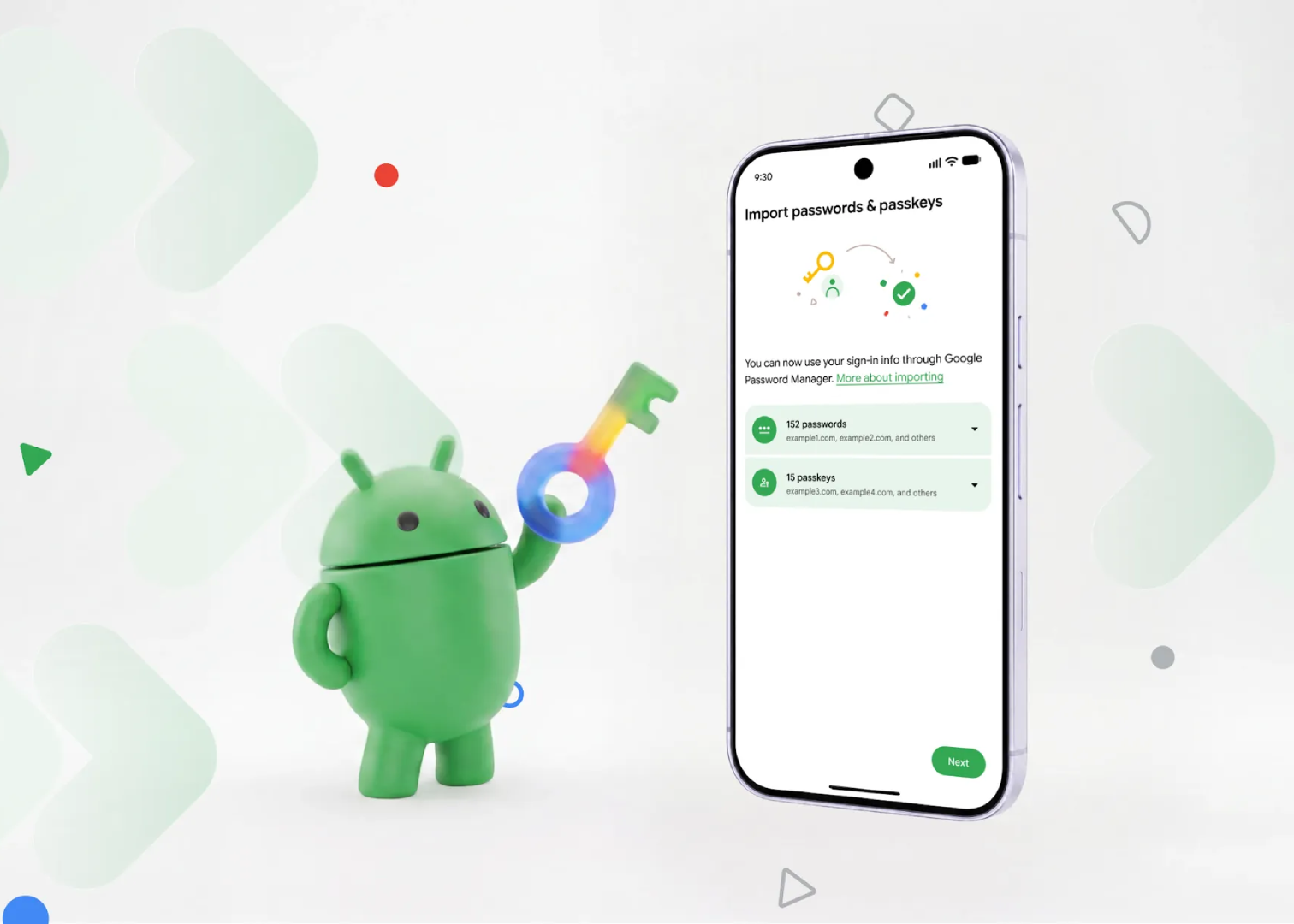
Switching password managers has always been a pain. You either had to export everything into a plain text file (basically the least secure place your passwords could live) or, if you used passkeys, you had no option at all except recreating them one by one on every site.
Google just fixed both problems with a new system built directly into Android.
The Old Way Was Kind of a Mess
Before this update, moving your saved logins to a new password manager meant downloading an unencrypted file full of your passwords. That file sat on your device, unprotected, until you imported it and (hopefully) deleted it.
Passkeys were even worse off. There was no transfer option at all, so switching managers meant manually setting up your passkeys again on every single website that used them.
How the New Transfer System Works
Google built this directly into Android at the operating system level, so the password managers themselves don’t have to build their own risky export tools. Here’s how it plays out:
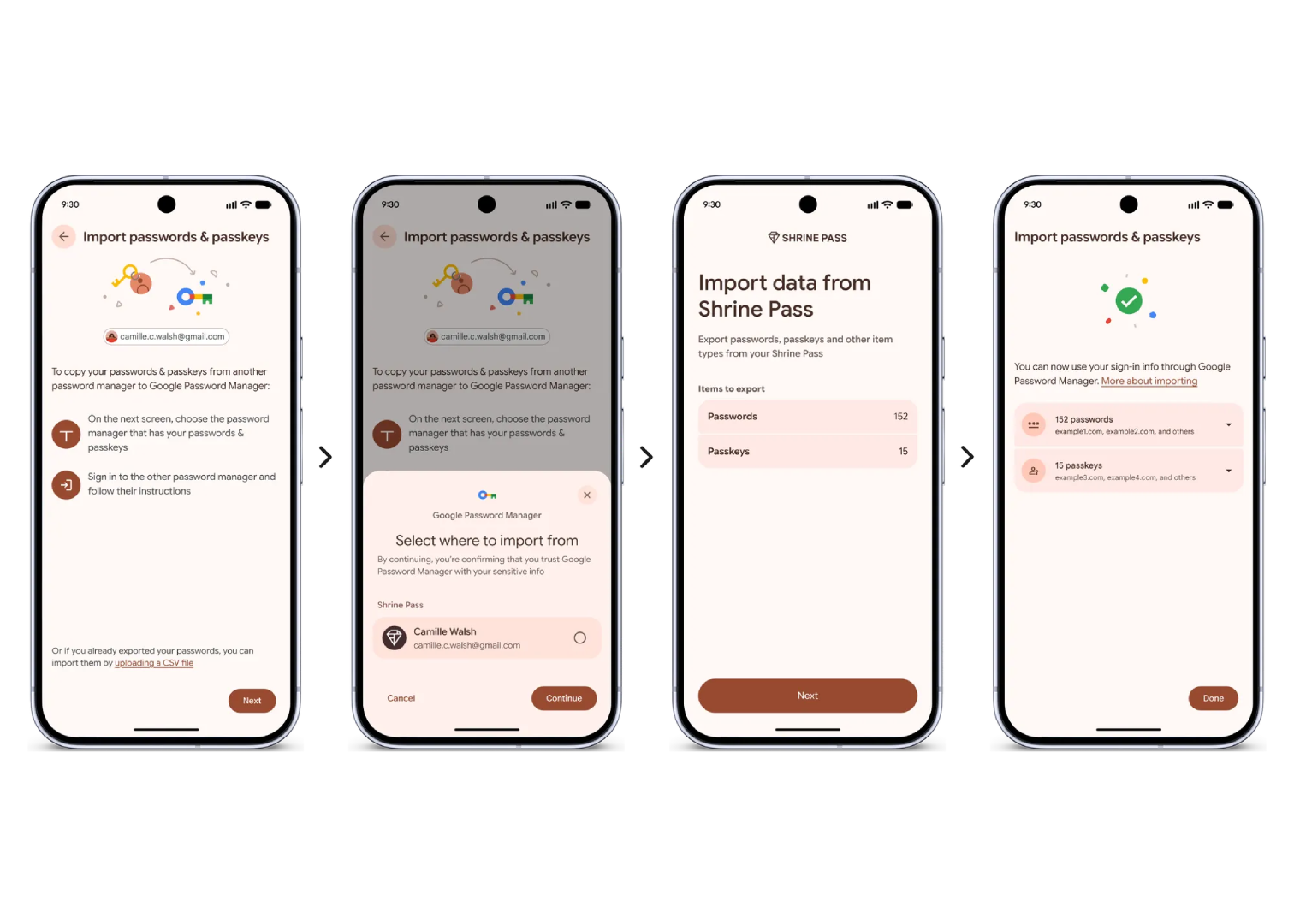
- Open your new password manager and look for the option to import or copy passwords and passkeys from another app.
- Android takes over from there. It scans your device for other password managers you have installed and shows you which ones it can pull data from.
- Pick the old manager and hit continue. Android opens that app so you can see exactly what’s about to move and confirm you want to send it.
- The transfer happens directly between the two apps, with no file ever touching your device’s storage. Google says the whole thing takes just a few seconds.
Once it’s done, you’ll typically get a short summary showing what was moved successfully.
The biggest change is that nothing is written to an exposed file during the process. Data moves directly between apps while staying encrypted throughout. Passkeys can also now be transferred, so you no longer have to set them up again every time you switch providers.
That was one of the main reasons people stayed with password managers they did not really like.
Who Supports It Right Now
At launch, the feature works with:
- Google Password Manager
- 1Password
- Bitwarden
- Dashlane
Other password manager companies can add support on their end by building against Android’s Credential Manager and its Credentials Transfer API, so expect more names to join the list over time.
What You Need to Use It
The feature works on any device running Android 8 or later, so most people with a reasonably modern phone should already have access to it. If you’re thinking about switching password managers, this is a good time to actually make the move instead of putting it off.