




Mechanical keyboards have a PR problem. The category’s defining trait is noise, and anyone who has shared an open office with a person typing on loud switches knows how quickly that goodwill evaporates.
Epomaker’s TH80 V2 tries to find a balance: a compact 75% keyboard that costs less than $70, arrives with tri-mode wireless and a gasket-mounted design, and can be configured to keep a room quiet.
The Build Is Better Than the Price Suggests
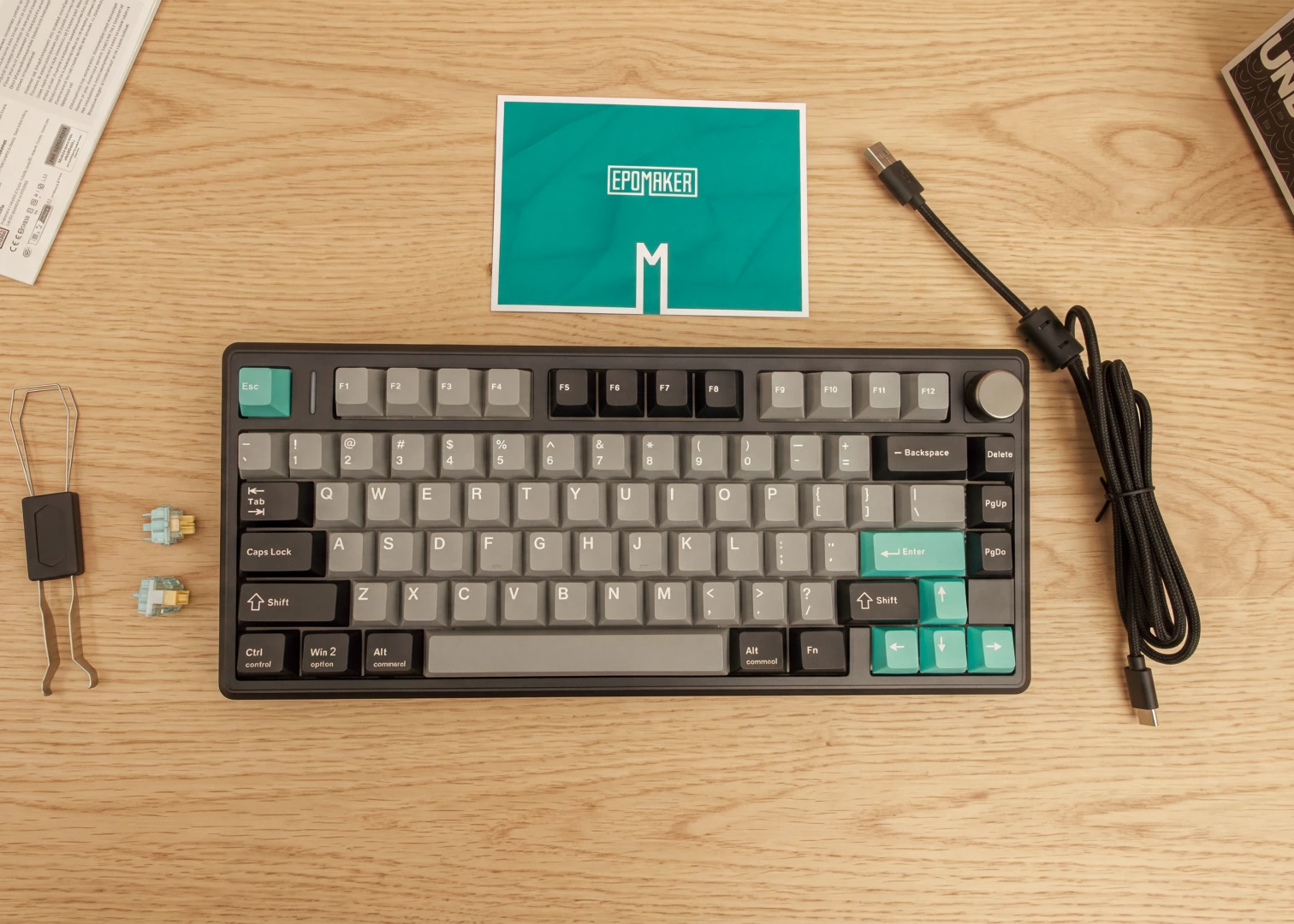
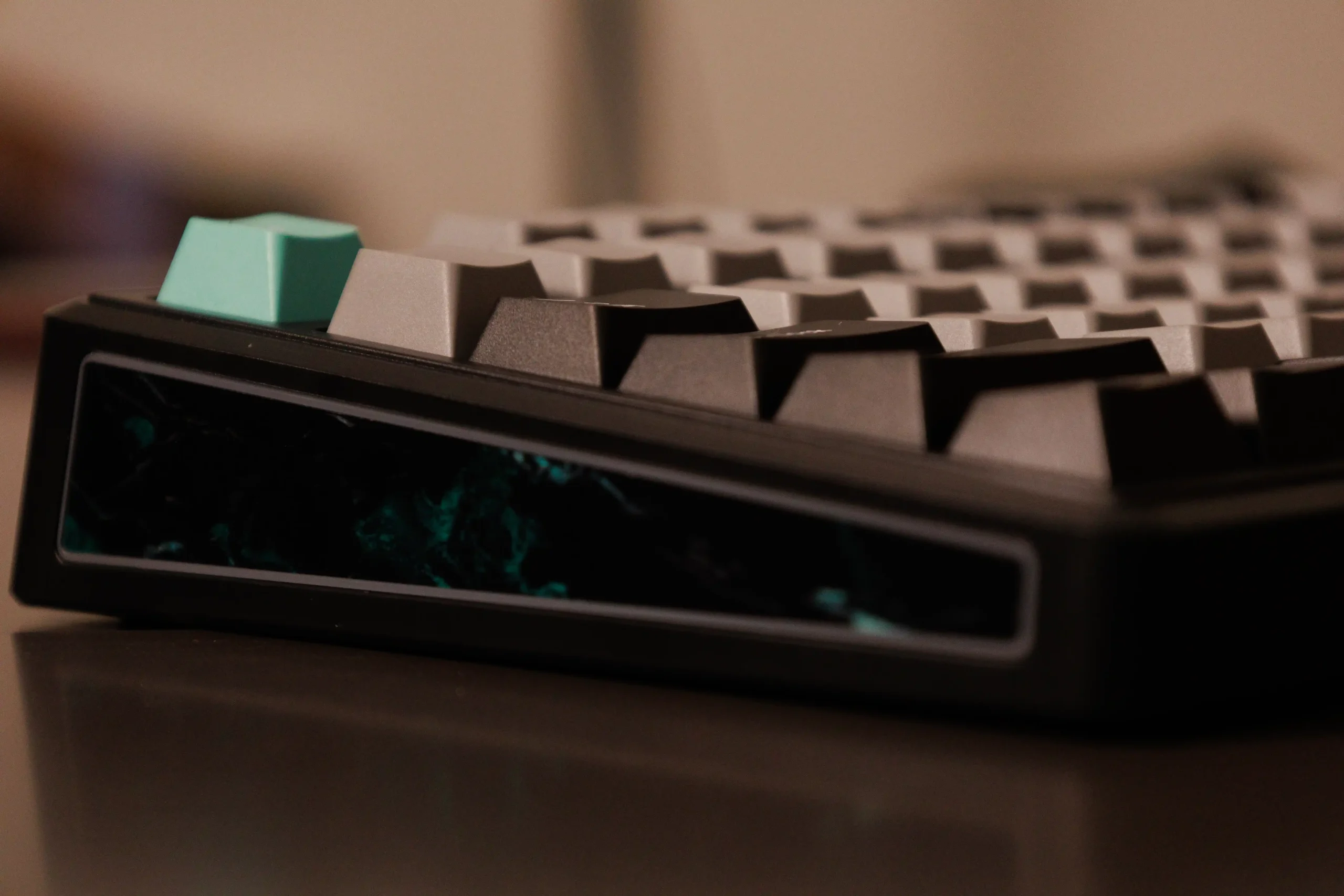
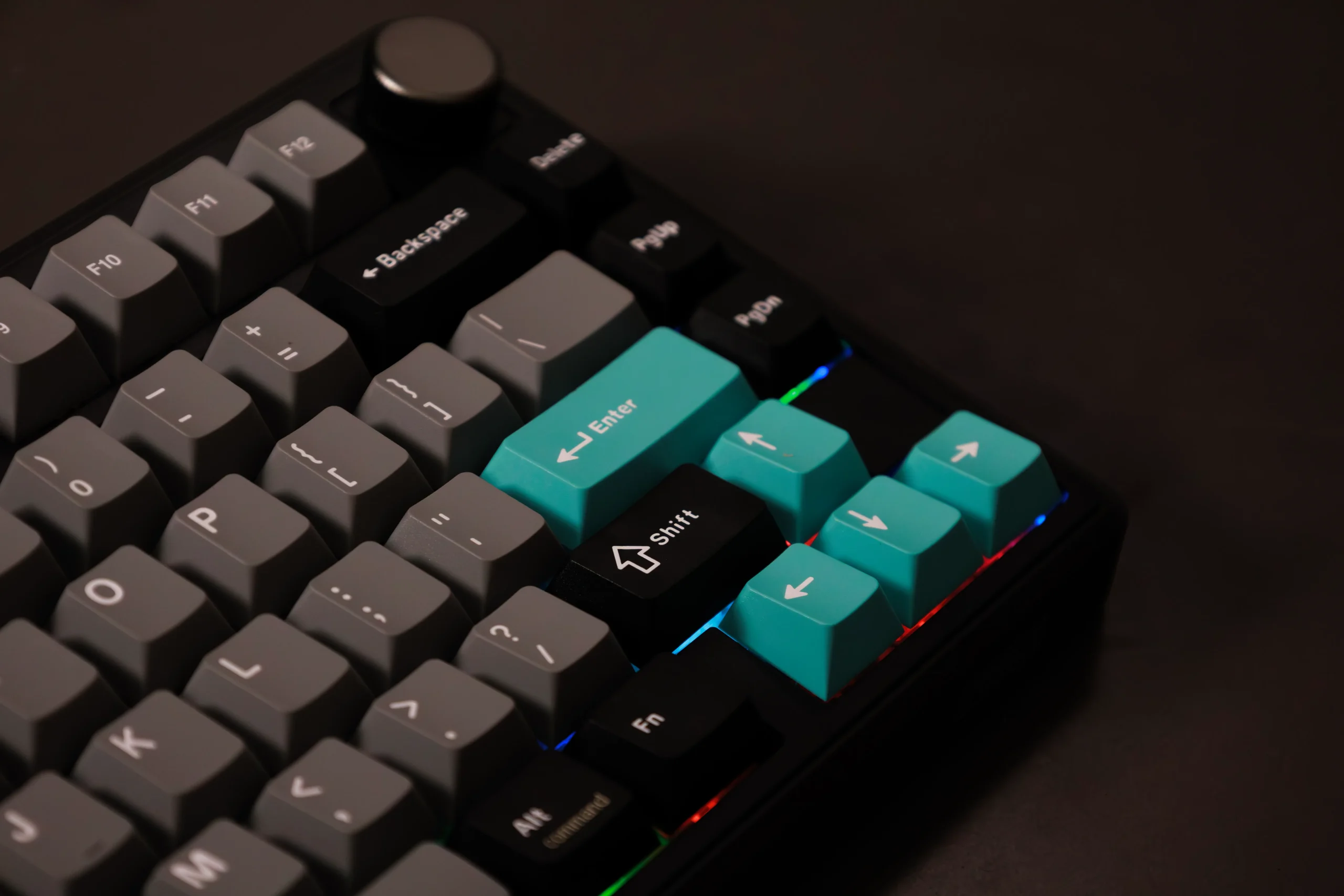
The case may be plastic, but it doesn’t look or feel like it. The board has some weight to it and shows no creaking in normal use. It comes in black or white, but we received the black version with grey keys.
The styling leans toward a retro workstation rather than a gamer, with a metallic rotary knob in the top-right that handles volume, and pressing it mutes. It’s a small thing, but it earned a place in my daily use during the last three months I’ve had it.
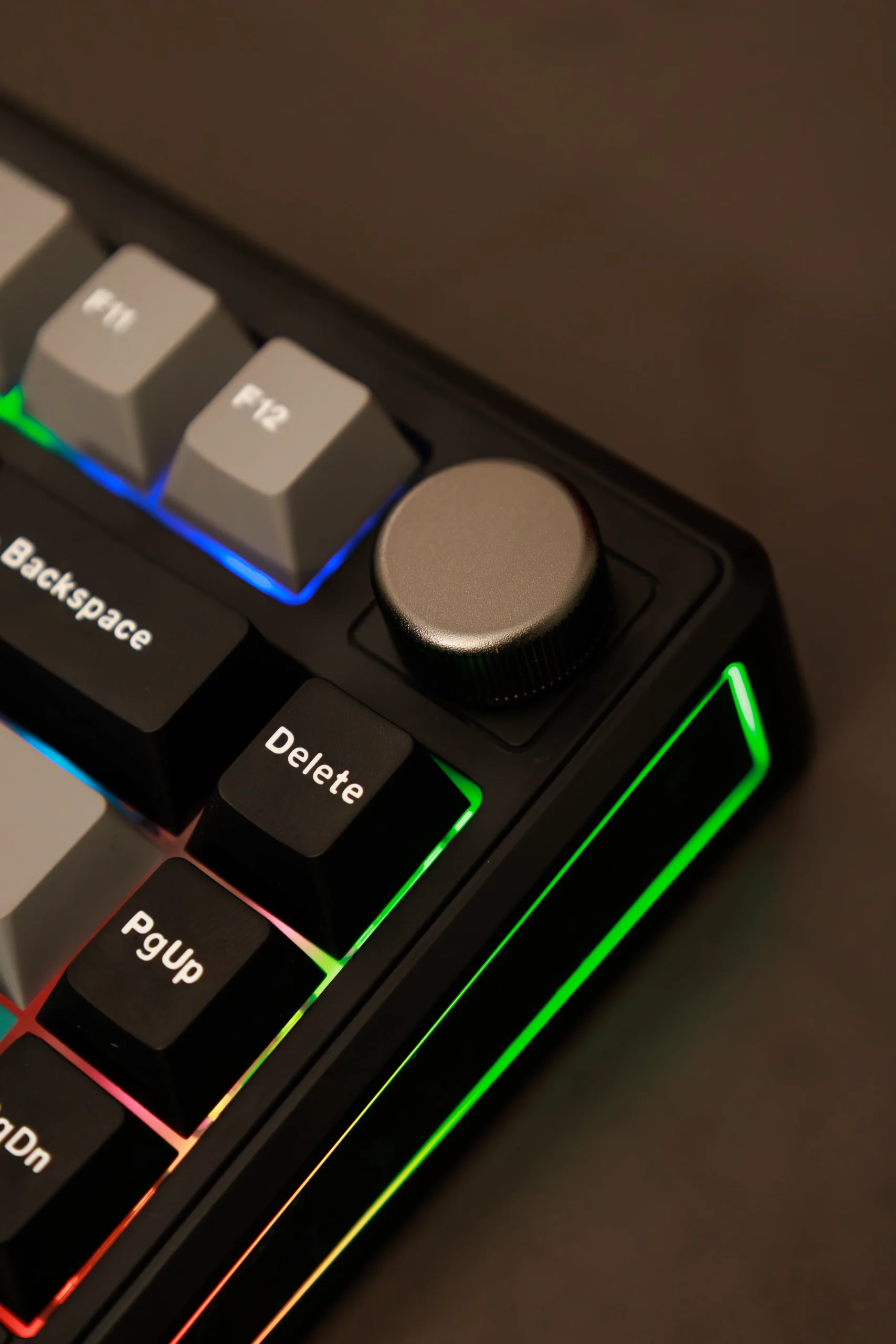
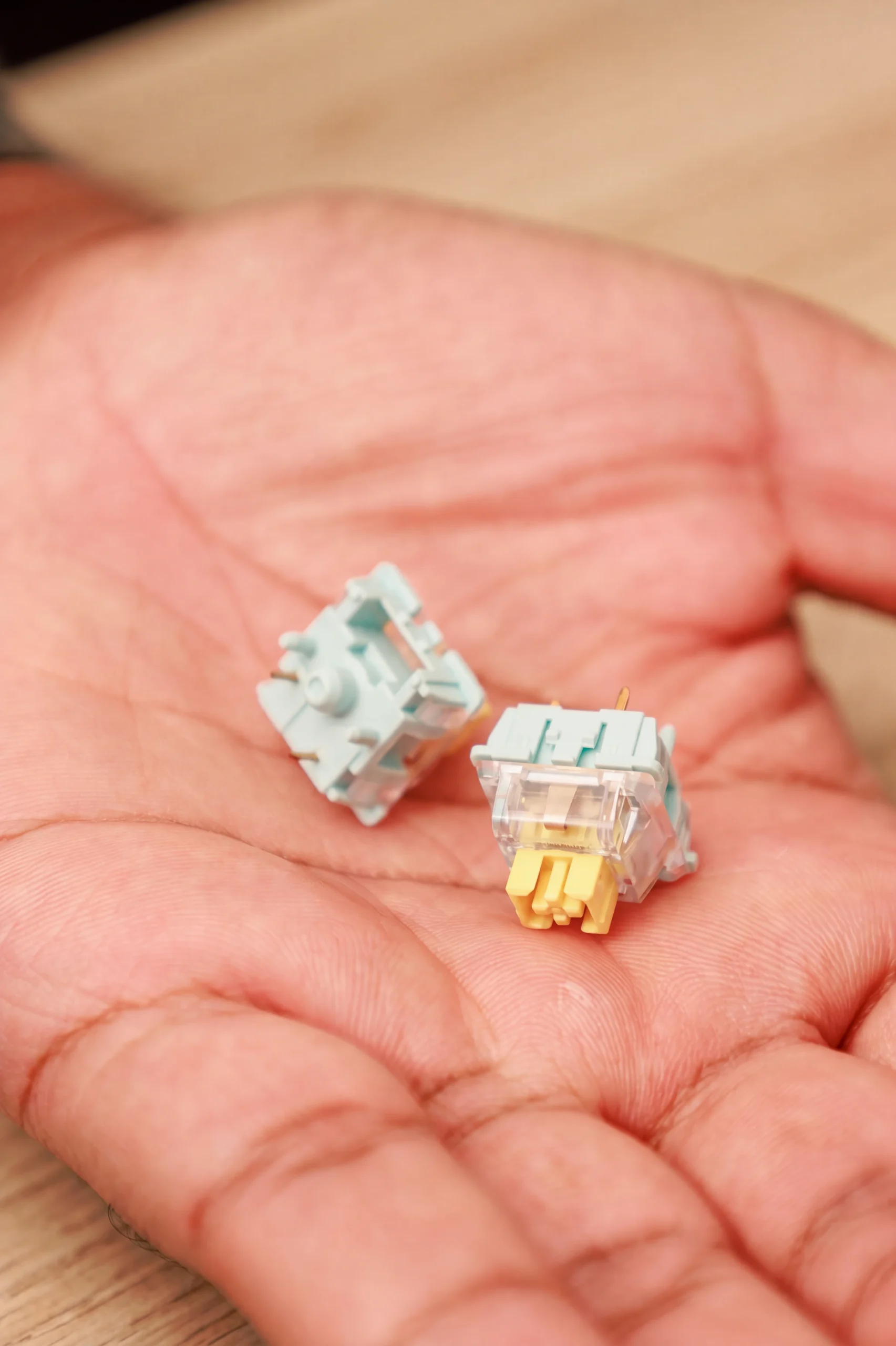
When it comes to switches, two options are offered: Creamy Jade and Sea Salt Silent V2.
The keyboard we got for review had the Creamy Jade switches, which produce that deep clacking sound enthusiasts chase, and it is a delight at home but probably not a great choice for a shared space.
We can’t speak for the Sea Salt Silent V2 switches, but what surprised us is how comfortable the keys are spaced out. On most mechanical keyboards, you tend to accidentally press another key during rapid typing, but on the Epomaker TH80 V2, we hardly experienced this.
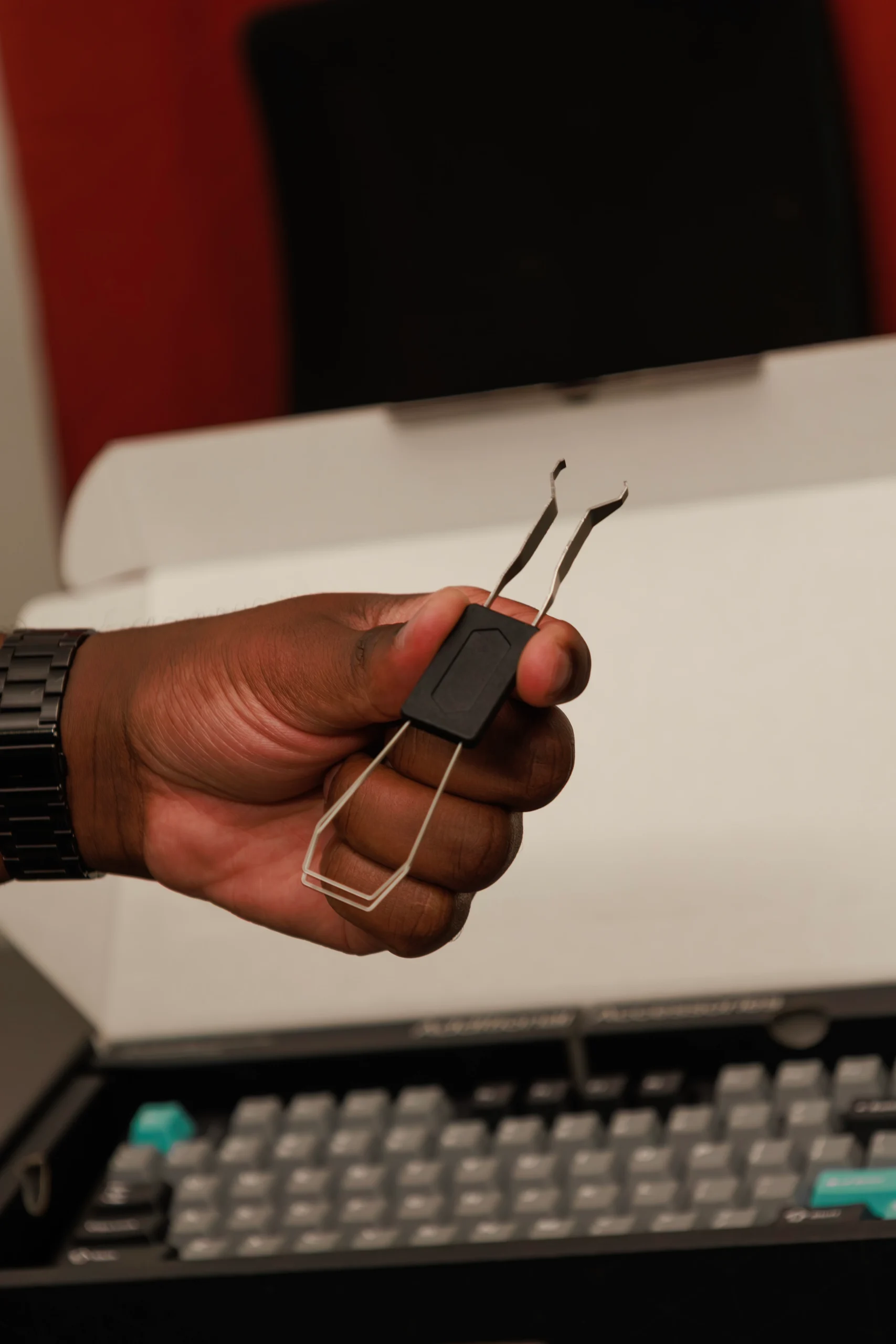
However, it’s worth mentioning that since it has a compact layout, you don’t get a numpad, which is a big deal for people whose work involves spreadsheets.
Connectivity Is Great but With Caveats
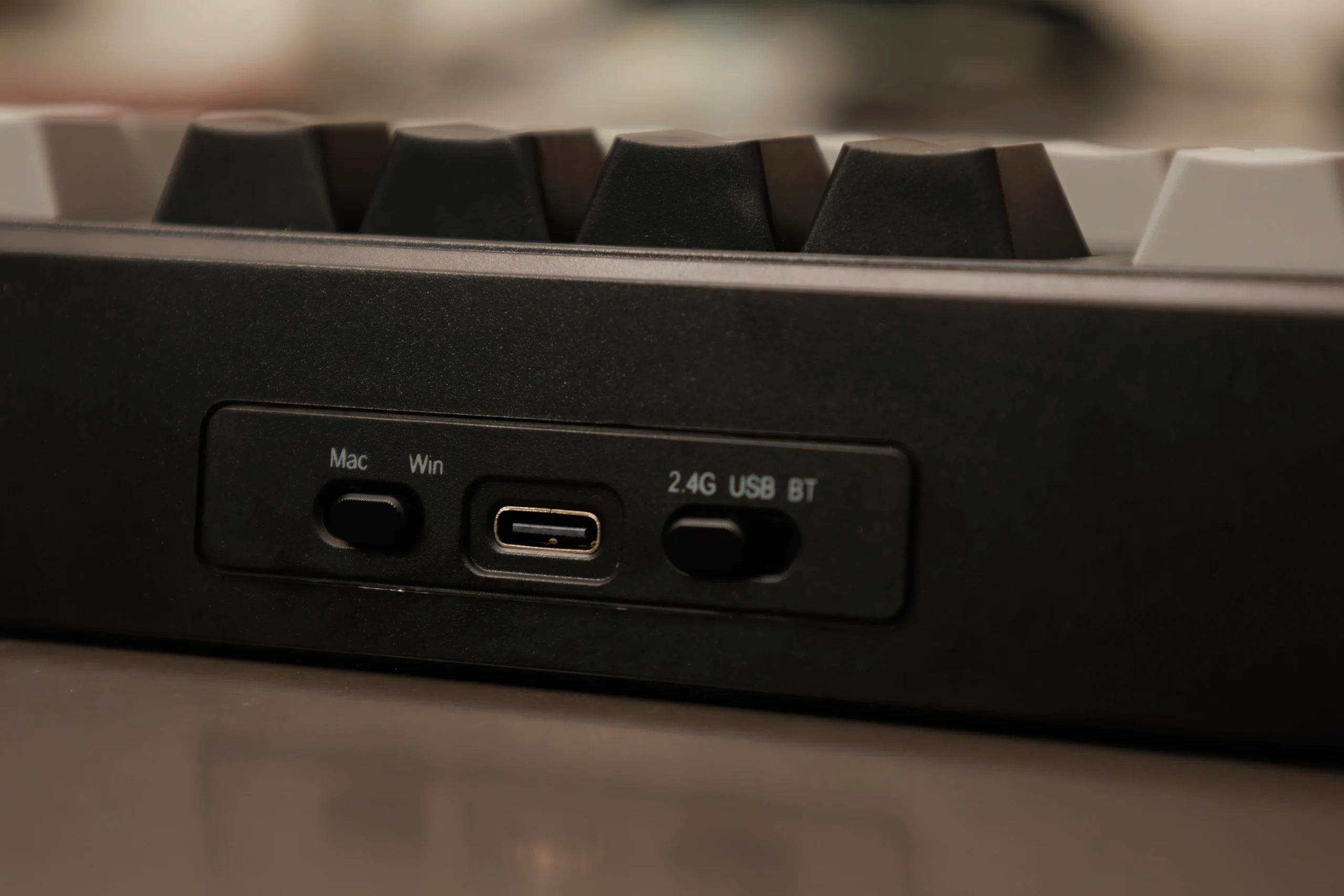
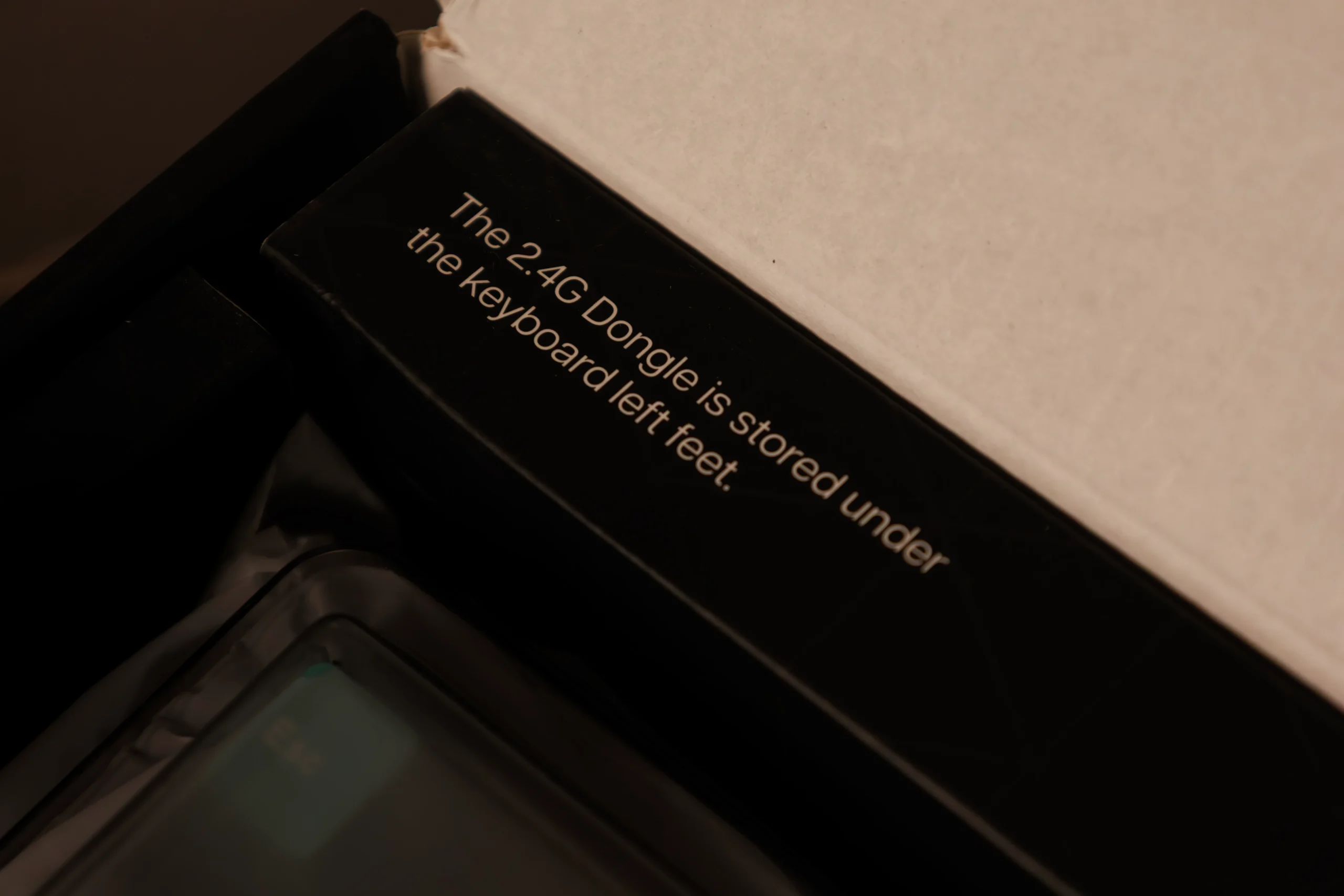
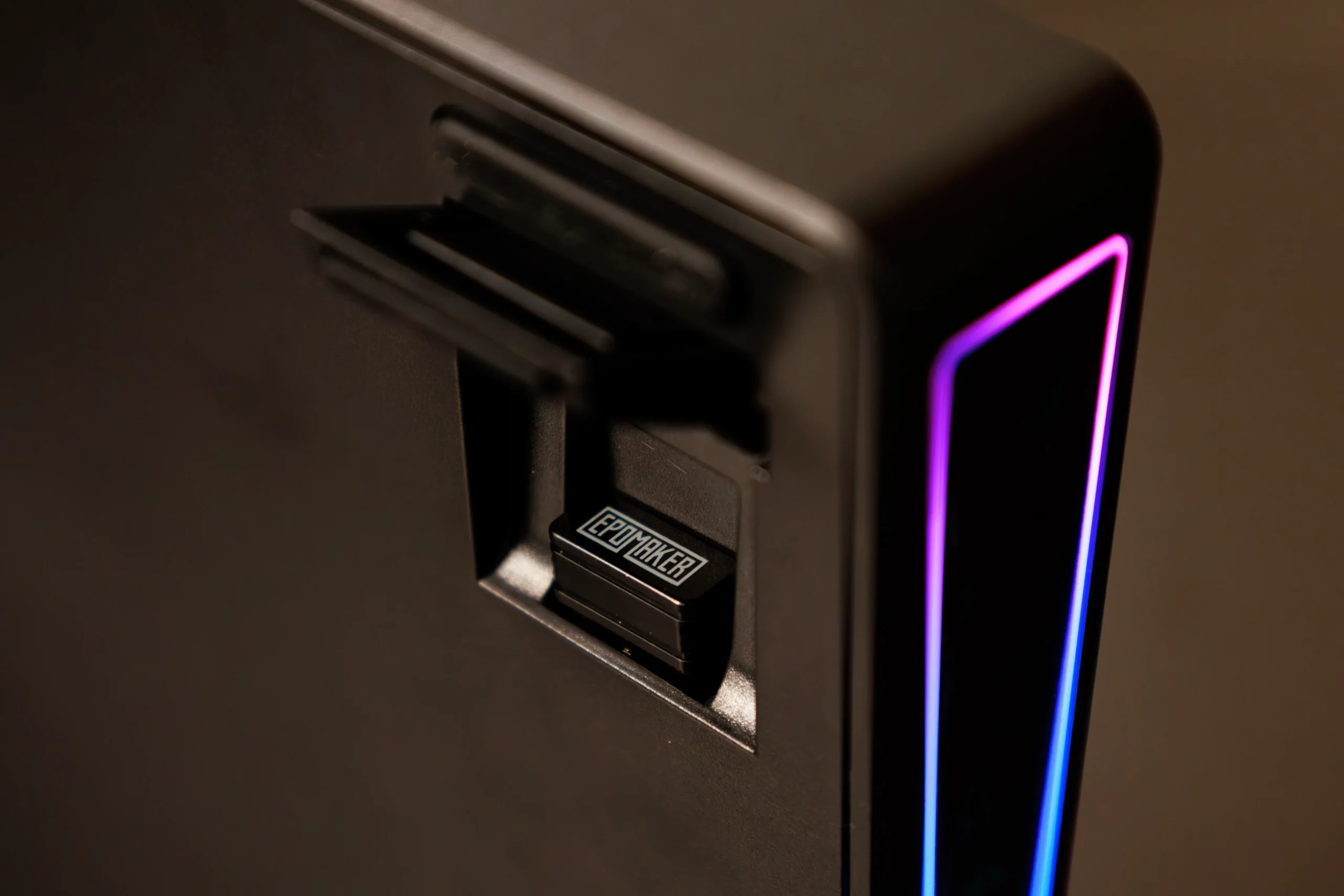
Bluetooth, wired USB-C and a 2.4 GHz dongle are all supported. The dongle is the obvious choice for reliability, but it takes up real estate on your device, and MacBook users will have to use a hub.
Bluetooth supports up to three paired devices, which is useful if you hop between laptops. A physical switch on the top changes connection mode and sits beside a Windows/macOS toggle.
Battery and Charging Could Be Better
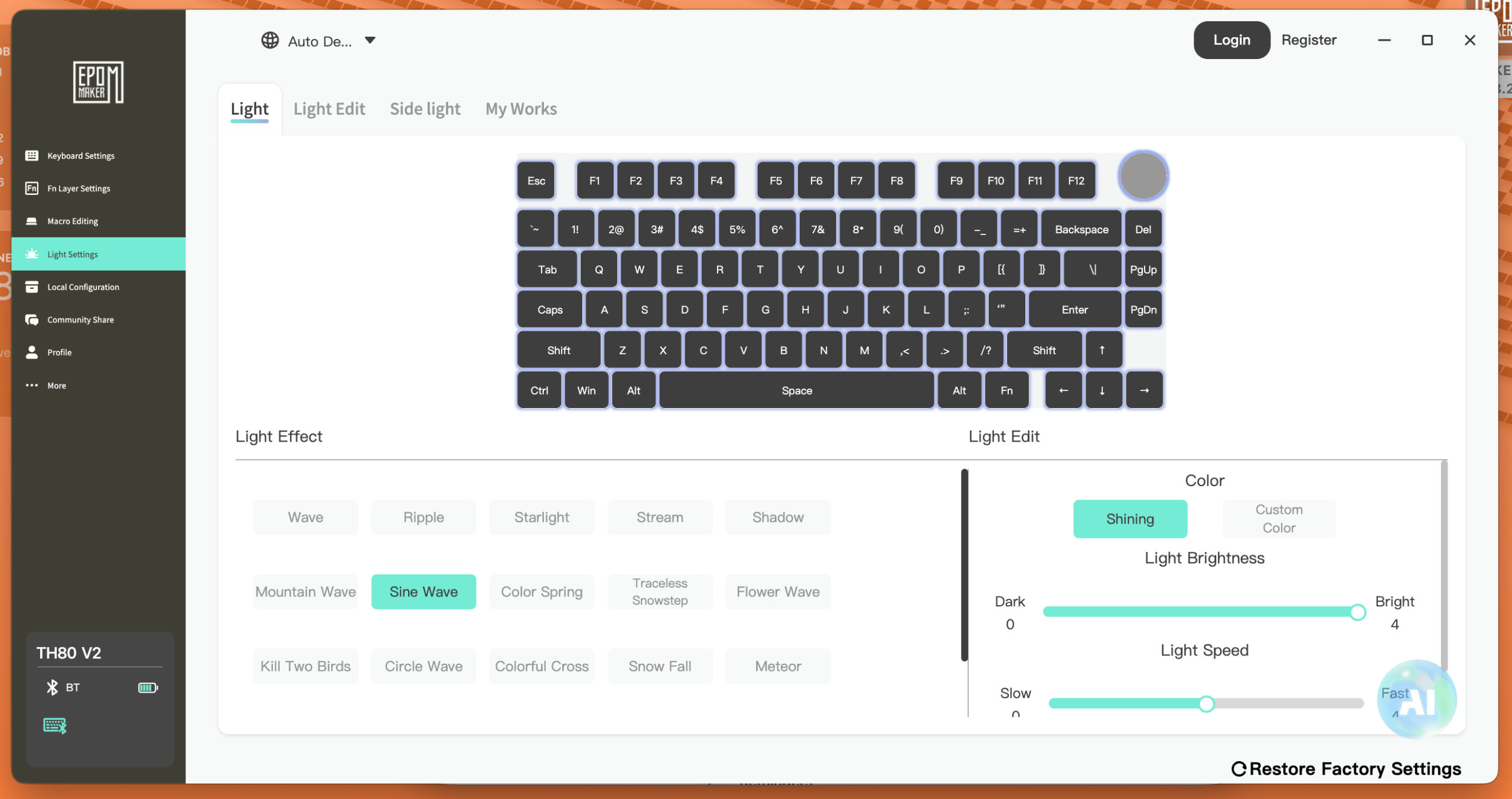
This is where Epomaker’s TH80 V2 shows its cracks. With RGB lighting on, the keyboard could only manage 2 days of use before it needed a recharge. Fortunately, you can change the RGB settings when you install the Epomaker software.
We also didn’t like the fact that the only low-battery warning is a small flashing red LED under the Ctrl key, which is easy to miss.
The biggest problem, though, was that when it was fully drained, it didn’t begin charging when connected to a laptop overnight, and we had to use a phone charger to get it charging.
Who Should Buy It?
The Epomaker TH80 V2 is an easy recommendation for newcomers to mechanical keyboards, people who are short on desk space, and anyone wanting a feature-rich board without paying ridiculous prices.
Buyers who dislike fiddly battery management or who need a metal body for durability should look elsewhere or accept some compromise.
Verdict
The Epomaker TH80 V2 delivers more build quality, typing comfort, and flexibility than its price would lead you to expect.
Its faults sit mostly in the supporting experience, such as weak battery alerts, but this is not enough to undermine the typing itself, which is the reason to buy it. At $70, that’s a trade most people will gladly make.
The Review
Epomaker TH80 V2
The Epomaker TH80 V2 is a well-built, comfortable mechanical keyboard with versatile connectivity and a compact design that offers great value for beginners. Its biggest drawbacks are inconsistent charging behavior, weak battery notifications, and the lack of a dedicated numpad.
PROS
- Solid build quality despite its plastic construction
- Comfortable key spacing for accurate typing
- Compact 75% layout saves desk space
- Tri-mode connectivity (Bluetooth, USB-C and 2.4GHz)
- Bluetooth supports up to three paired devices
- Convenient rotary knob for volume control and muting
- Attractive retro-inspired design
- Affordable at around $70
CONS
- Battery lasts only around two days with RGB lighting enabled
- Poor low-battery notification system
- Charging issues when the battery is completely drained
- No dedicated numpad
- Creamy Jade switches can be too loud for shared workspaces