




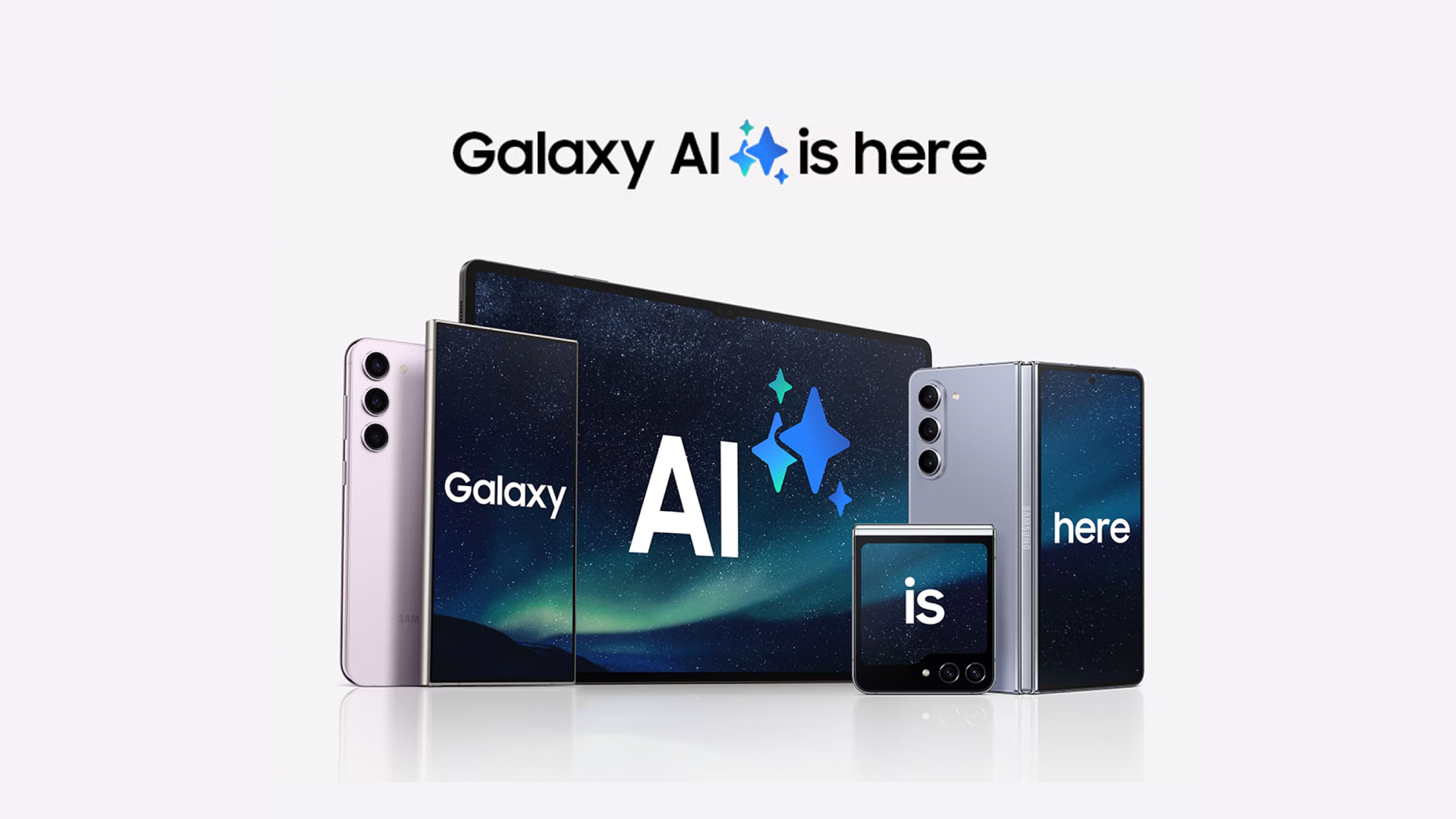
Samsung has jumped headfirst into the AI revolution with Galaxy AI, a collection of smart tools that change how you use your smartphone. Galaxy AI can see, hear, understand, and create, doing all this without needing to open a separate app.
So, What Makes Galaxy AI Different?
Unlike traditional phone features, Galaxy AI uses generative artificial intelligence similar to ChatGPT, but it’s designed specifically for mobile use.
The clever part is that it can handle more than just text. It understands images, voice, and even what you’re looking at on your screen through something called multimodal input.
Most basic Galaxy AI functions run directly on your phone’s processor, keeping your data private and working even without the internet.
For more demanding tasks like advanced photo editing, the system taps into Google’s cloud servers to deliver better results. You can often choose between faster cloud processing or slower but private on-device processing.
You Get AI Tools for Photography
Galaxy AI also transforms your camera and photo editing experience in remarkable ways. The Generative Edit feature lets you remove unwanted objects from photos, move elements around, or even expand images beyond their original borders.
The system also enhances photo quality during capture, especially in low-light situations and when using digital zoom.
Samsung combines actual camera hardware with AI processing to create what they call “optical-equivalent image quality” even when you’re zooming beyond the lens’s natural capabilities.
A standout feature that I must mention is Instant Slow-mo, which converts regular videos into smooth slow-motion clips by using AI to generate additional frames.
This eliminates the need to remember to switch to slow-motion mode before recording something interesting.
Translation and Chat Intelligent Tools
Like the best AI tools should, Galaxy AI breaks down language barriers in real-time. Live Translate works during phone calls, providing both voice and text translations as you speak. The best part? The person on the other end doesn’t need a Samsung phone for it to work.
In addition, the Interpreter feature offers split-screen conversations for face-to-face discussions, working entirely offline for privacy.
There’s also Chat Assist which acts like a writing coach for your messages, suggesting different tones like professional, casual, or witty depending on who you’re texting. It can even generate quick reply suggestions based on conversation context.
Enhancing Productivity for Workflow
Galaxy AI excels at handling everyday tasks that usually eat up time. Note Assist can transcribe voice recordings, format notes automatically, create covers for documents, and convert handwritten text to digital format.
Transcript Assist goes further by identifying different speakers in recordings and providing summaries of lengthy conversations.
Circle to Search might be the most intuitive feature, though. Simply press and hold the home button, then circle or tap anything on your screen to search for it instantly.
Spot an interesting landmark in a photo or a product you want to buy? Circle it and get immediate results.
For research and reading, Galaxy AI can summarize lengthy articles and websites, extracting key points so you don’t have to scroll through everything. The Sketch to Image feature even turns simple doodles into detailed artwork using AI image generation.
You may have heard rumors that the Samsung Galaxy AI features will only be free until the end of 2025. After that, Samsung would lock some features behind a subscription plan, particularly those requiring cloud processing.
However, Samsung has dismissed those rumors and confirmed that the default Galaxy AI features will stay free “indefinitely.” The company explained that any Galaxy AI tools that come pre-installed on your phone will never require payment.
Which Devices Are Compatible With Galaxy AI?
Full Galaxy AI Compatibility (with One UI 6.1 or higher)
These models can access the richest set of Galaxy AI tools, including Live Translate, Note Assist, Generative Edit, Writing/Drawing Assist, AI wallpapers, and more.
- Galaxy S25 series (S25, S25+, S25 Ultra) (pre-installed with One UI 7)
- Galaxy S24 series (S24, S24+, S24 Ultra, S24 FE)
- Galaxy S23 series (S23, S23+, S23 Ultra, S23 FE)
- Galaxy Z Fold 6 / Z Fold 5
- Galaxy Z Flip 6 / Z Flip 5
- Galaxy Tab S10 series (Tab S10+, S10 Ultra, and S10 FE variants)
- Galaxy Tab S9 series (Tab S9, S9+, S9 Ultra)
Devices with Partial or Limited Galaxy AI Support
On these models, select features like Circle to Search, Chat Assist, Live Translate, or Generative Edit are available, but not the full suite.
- Galaxy S22 series (S22, S22+, S22 Ultra)
- Galaxy Z Fold 4 / Z Flip 4
- Galaxy Tab S8 series (includes S8, S8+, S8 Ultra)
A-Series & Other Midrange Models
Some midrange Galaxy A models, such as the Galaxy A35 and A56, get very basic Galaxy AI features (e.g., Circle to Search or Best Face tool).
Read: Samsung Galaxy A56 Review: Easy to Love and Built to Last
Galaxy AI on Accessories and Wearables
- Galaxy Buds 3, Buds 3 Pro: Support live translation and Interpreter modes
- Galaxy Watch 7 and Galaxy Ring: Offer Galaxy AI insights like Energy Score
Galaxy AI is Samsung’s vision of smartphones that truly understand and assist users rather than just responding to taps and swipes. The features are practical and address real problems like language barriers, photo editing complexity, and information overload.
For most users, Galaxy AI could genuinely change how you interact with your Samsung phone, and if not, it’s still an impressive addition to an already capable device.