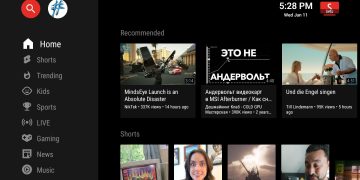





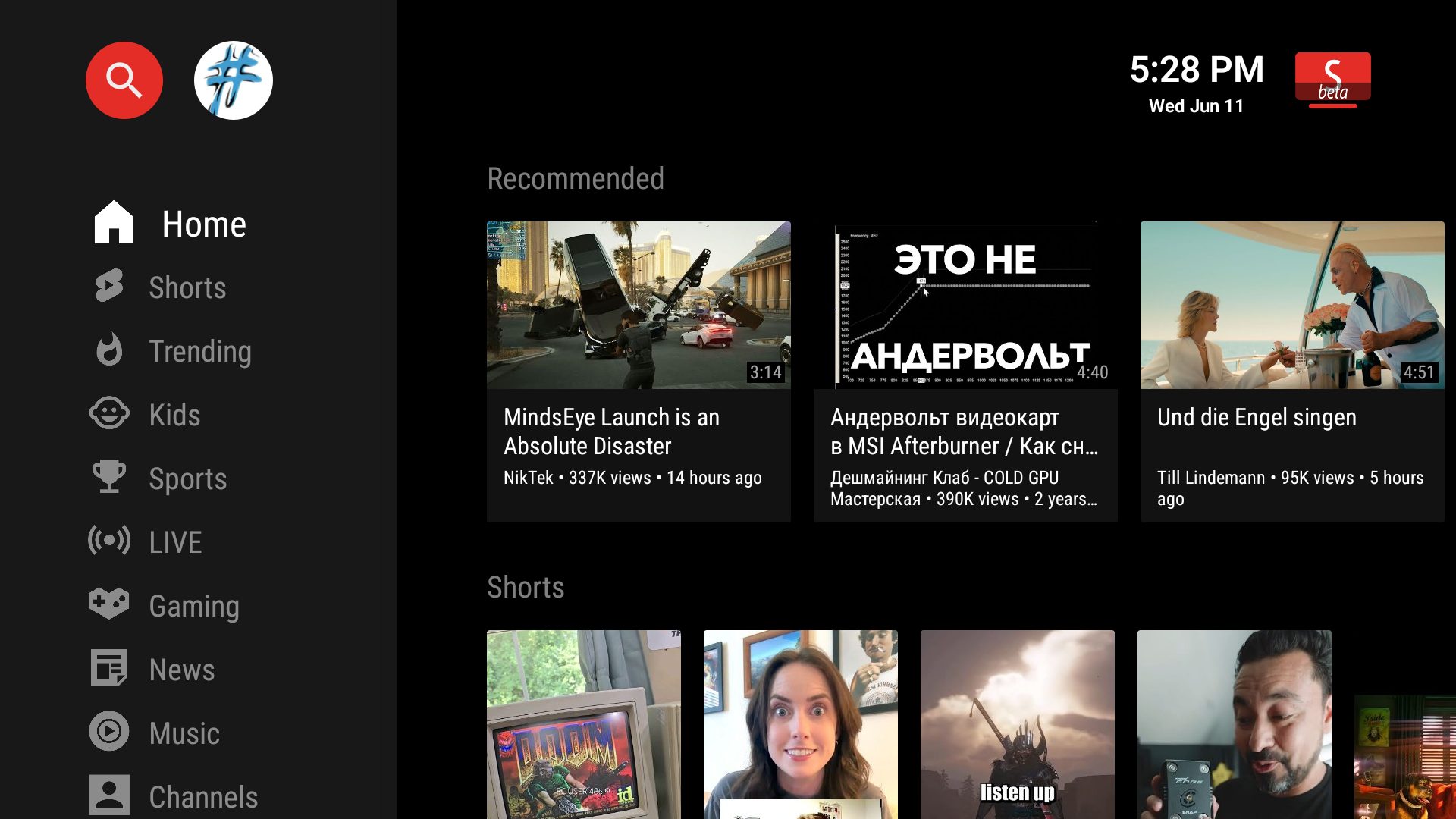
SmartTube, a widely used third-party YouTube client for Fire TV and Android/Google TV devices, is facing a major security incident.
The app’s digital signature was exposed, prompting both Google and Amazon to automatically uninstall it from streaming devices to prevent potential risks to users. This protects millions of users from potentially compromised app versions.
What Happened?
A digital signature is a cryptographic certificate that confirms an app update comes from a legitimate source. Once SmartTube’s signature was exposed, attackers could theoretically distribute malware disguised as legitimate updates.
To preempt this risk, major platforms like Google and Amazon have flagged older versions. In response, the SmartTube developer released version 30.56, the first build from an uncompromised machine with a new digital signature.
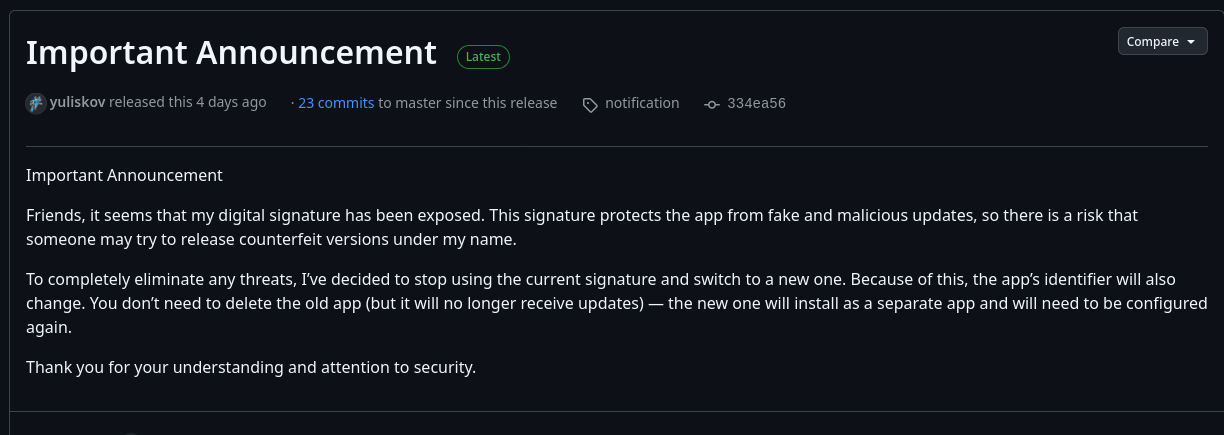
This version is considered safe for installation and ensures that users can continue enjoying SmartTube securely.
Some minor issues in version 30.56 means it has not yet appeared on the official release list, but it can still be installed safely via the Downloader app.
How to Install the Secure Version
To upgrade safely:
- Open the Downloader app on your Fire TV or Android TV device.
- Enter the installation code:
- 28544: Stable release
- 79015: Beta release
- Follow the on-screen instructions to complete installation.
- Uninstall any previous SmartTube versions to avoid conflicts and security risks.
If you previously installed a version of SmartTube that may have been infected with malware, it is important to take steps to protect your device and personal accounts.
Experts recommend resetting your device to factory settings, reviewing your YouTube and Google account activity for any unusual behavior, and considering changing your Google account password while enabling two-factor authentication for added security.