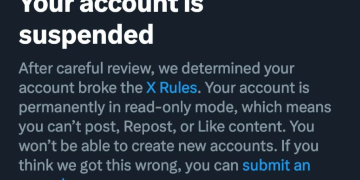





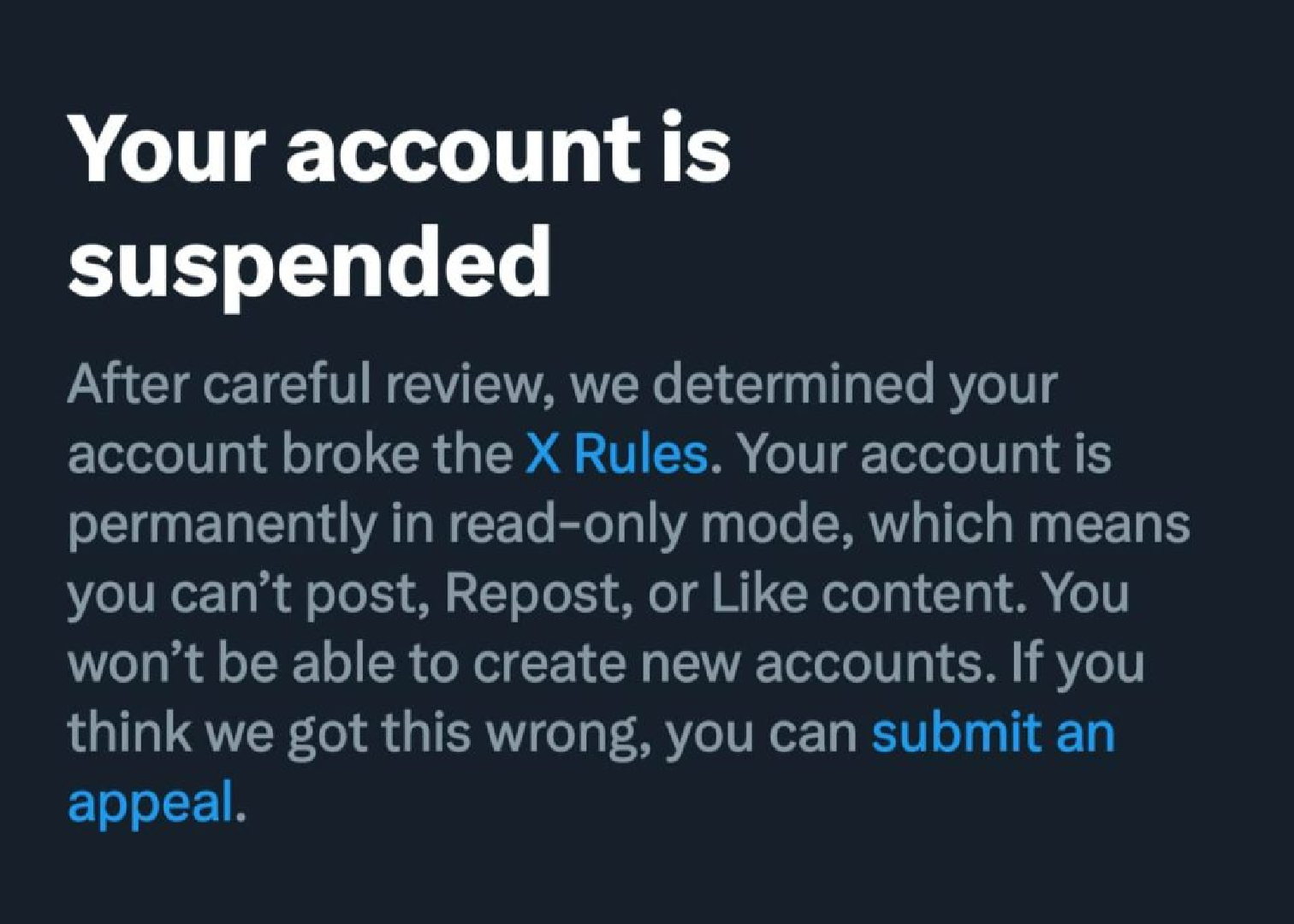
X (Twitter) suspends accounts for reasons including spam, abusive behavior, and platform manipulation. Most users appeal through a single form, unlike Meta, which uses separate apps. Paid and business accounts may follow slightly different steps.
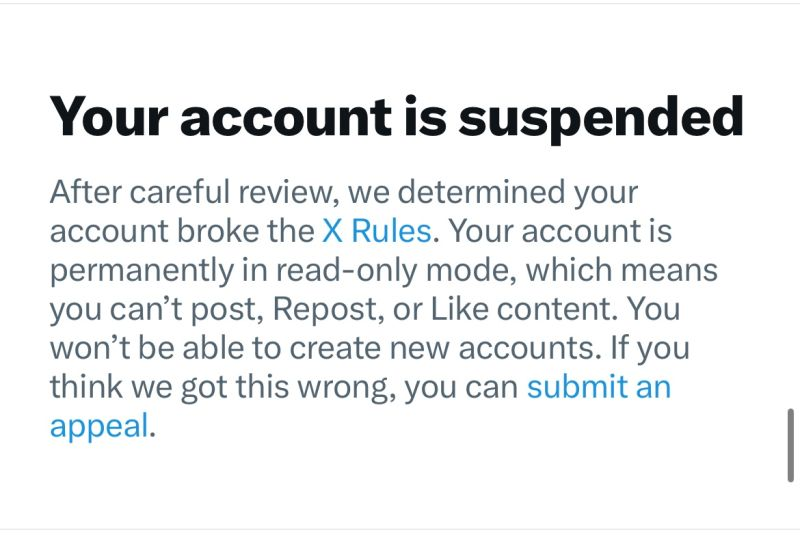
Recovering a Suspended X Account
Step 1: Try logging in first. X often shows a prompt right there explaining why the account was flagged, sometimes with a “Start” button that walks you through a quick fix, like verifying a phone number, without needing a full appeal.
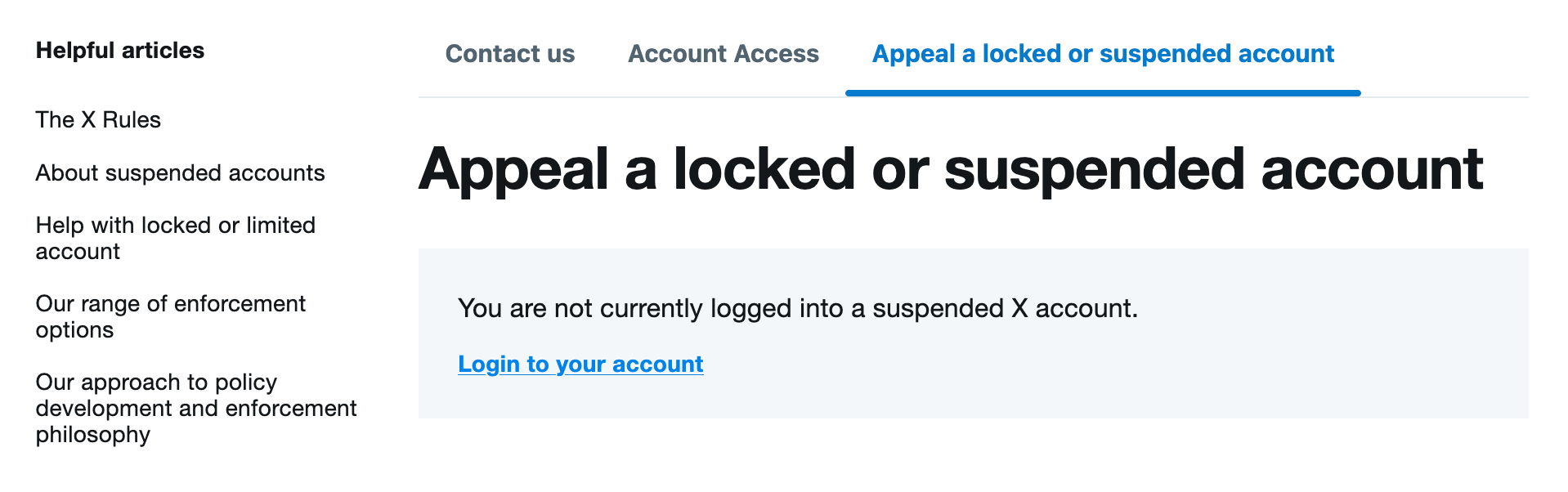
Step 2: Open the appeal form if the account is still locked. If logging in doesn’t sort things out, you can head over to the X Appeal Form and start your appeal there.
Step 3: Fill in your account details. Add the suspended account’s username and the email address linked to it.
Step 4: Explain what happened. In the description box, say plainly why you think the suspension was wrong or how you’ll fix things if it wasn’t. Vague appeals tend to receive generic rejections back.
Step 5: Submit and keep an eye on your inbox. X follows up by email with a support ticket, so respond to any requests for more information as soon as they land.
If It’s a Verified or Business Account
A paid subscription or a business account on X does not exempt you from the standard suspension process, but it does provide additional opportunities worth exploring.
It does not exempt you from the standard suspension process, but it does open a couple of extra doors worth trying.
Step 1: Check whether the suspension is billing-related first. X can restrict access over a failed payment on a subscription just as easily as over a policy violation, so confirm the card on file and any outstanding balance before assuming it’s a content issue.
Step 2: Use priority support if you have it. Premium and Verified Organization members often have a direct line to X support instead of the public form, so check your account settings for that option first.
Step 3: Don’t open a new account while you wait. X sees this as trying to dodge the suspension, and it can turn a temporary block into a permanent one for both accounts.
Step 4: Keep the account’s history handy. A clean posting record, screenshots of prior engagement, or proof the account represents a real business all strengthen an appeal that hinges on the suspension being a mistaken flag rather than a genuine violation.
READ: X Rolls Out “Made with AI” Label for Content Creators
What Moves the Needle
If you were flagged for “Platform Manipulation” and you’re a real, active user. High-volume posting during a live event or breaking story can look like bot behaviour to an automated system, so explain the context directly in your appeal rather than assuming it’s obvious.
If the violation was small or minor. Owning up to it and promising to follow the rules going forward is often enough to get the account back, especially the first time around.
Don’t mass-tag X support on other accounts. Repeatedly tagging support handles from unrelated accounts doesn’t speed anything up, and it can trigger a fresh suspension for evading the original one.
Before You Submit
- Keep the tone calm and factual, since a defensive or aggressive appeal tends to get rejected outright.
- Have the account’s username and associated email ready before you start the form.
- Check your spam folder daily once you’ve filed the appeal, since X’s replies don’t always land in the main inbox.
- If the first appeal is rejected, wait a few days before trying again, and add any new context rather than repeating the same explanation.