

• Latest
  • All
  • How To
Windows Update

How to Fix Broken Streaming After the Latest Windows Updates

August 25, 2025
China Kills Meta’s $2 Billion Manus Deal: How The Deal Unravelled

China Kills Meta’s $2 Billion Manus Deal: How The Deal Unravelled

June 16, 2026
UK Bans Social Media For Under-16s, Joining a Growing Global Push

UK Bans Social Media For Under-16s, Joining a Growing Global Push

June 16, 2026
Huduma Kenya call centre open till 9 Pm

BREAKING: Huduma Center Services Halted After Data Center Loses Power

June 16, 2026
Big Brother is Watching as Kenya Joins the CCTV Surveillance Club

Big Brother is Watching as Kenya Joins the CCTV Surveillance Club

June 16, 2026
DHgate Tablet Cases deals
How to Download and Verify Your NTSA eLogbook

How to Verify Your NTSA eLogbook Is Not Fake

June 16, 2026
Outside Enterprise Allegedly Used Gemini to Build Massive Phishing Operation

Google Sues Scammers Using Gemini to Build Fake Government and Brand Sites

June 13, 2026
SpaceX

SpaceX Debuts at $2.1 Trillion Valuation in Largest IPO Ever

June 13, 2026
Elon Musk

Elon Musk Becomes World’s First Trillionaire

June 13, 2026
Who Will Win The 2026 World Cup According to Prediction Models

Who Will Win The 2026 World Cup According to Prediction Models

June 16, 2026
Airbuds: The App That Turns Your Music Into a Social Feed

Airbuds: The App That Turns Your Music Into a Social Feed

June 16, 2026
How a Remote IMEI Kill Switch Is Shaking Up the Stolen iPhone Market Worldwide

Following London Success, Apple Deploys Global Killswitch Feature to Eliminate Stolen iPhones Market

June 16, 2026
CS Mbadi clarifies: June 30 remains tax deadline; nil return may shift to January 31

Kenya’s June 30 Tax Deadline Remains, But Nil Returns Deadline May Move to Jan 31

June 16, 2026
Techweez | Tech News, Reviews, Deals, Tips and How To
  • News
  • Entertainment
  • Reviews
  • Features
  • Editorial
No Result
View All Result
Techweez | Tech News, Reviews, Deals, Tips and How To
  • News
  • Entertainment
  • Reviews
  • Features
  • Editorial
No Result
View All Result
Techweez | Tech News, Reviews, Deals, Tips and How To
No Result
View All Result

How to Fix Broken Streaming After the Latest Windows Updates

Naftary Thitu by Naftary Thitu
August 25, 2025
in How To
Reading Time: 3 mins read
339
0
Windows Update

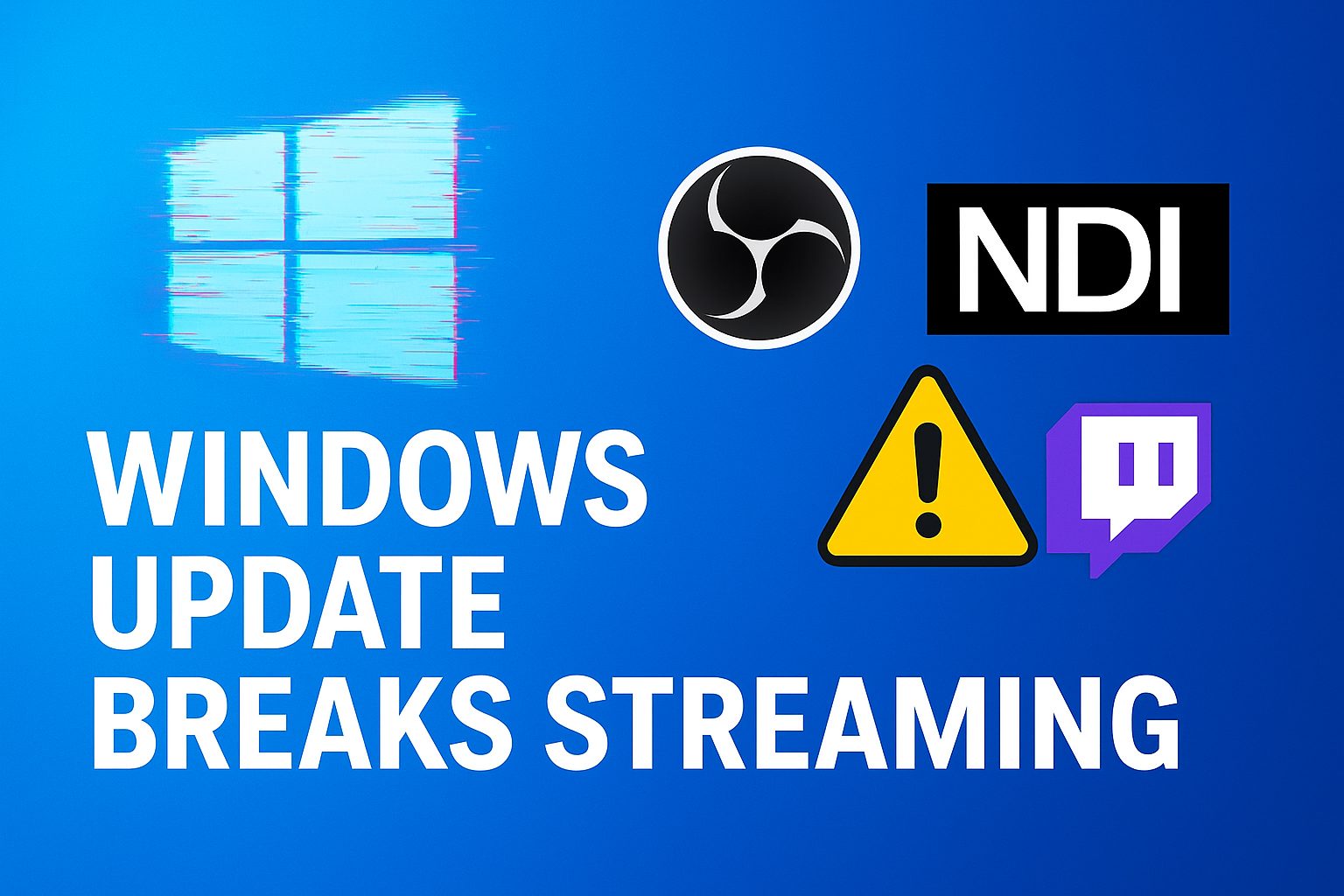
Microsoft’s August Windows updates are turning into a nightmare for streamers. The security patches, KB5063878 for Windows 11 and KB5063709 for Windows 10, have introduced a bug that breaks live-streaming and video production setups.

If you use OBS Studio, NDI Tools, or any NDI-based workflow, chances are you’ve already noticed the stuttering, lag, or choppy audio after installing the update.

Microsoft has officially confirmed the issue on its Windows Release Health Dashboard, marking it as a known problem on build 26100.4946. Until a permanent fix is released, users will need to rely on workarounds.

What’s Causing the Problem?

The issue is linked to the Network Device Interface (NDI) protocol, which is widely used in professional broadcasting and game streaming. By default, NDI uses Reliable UDP (RUDP) to send video and audio over networks.

After the August updates, RUDP performance is severely degraded, even on strong connections. This makes live streams nearly unwatchable for affected users.

.

How to Fix Streaming Issues

Until Microsoft rolls out an official patch, there are a few workarounds streamers can use:

1. Change NDI Settings (Best Fix)

  • Open NDI Access Manager (part of NDI Tools).
  • Go to the Advanced tab.
  • Switch the Receive Mode from RUDP to UDP or Single-TCP.

This simple change avoids the broken protocol and restores smooth streaming.

2. Uninstall the Update

If switching NDI protocols isn’t an option, users can roll back the update:

  • Go to Settings > Windows Update > Update History > Uninstall Updates.
  • Remove KB5063878 (Windows 11) or KB5063709 (Windows 10).

Keep in mind that uninstalling removes important security patches.

3. Pause Windows Updates

If you haven’t installed the August update yet, you can delay it:

  • Open Settings > Windows Update.
  • Select Pause updates for up to 5 weeks.

Advanced users can also disable automatic updates entirely using Group Policy or Registry tweaks, though this is not recommended for most people.

If you rely on NDI for professional streaming or live broadcasts, the safest option is to adjust NDI to use UDP or TCP. This way, you can keep your PC protected with the latest patches while avoiding broken streams.

Uninstalling or pausing updates should only be a fallback if switching protocols doesn’t solve your problem.


Tags: MicrosoftWindowsWindows 10Windows 11
SendShare190Tweet119
Naftary Thitu

Naftary Thitu

Tech enthusiast and ICT guru by trade, I simplify digital trends and gadgets into articles everyone can enjoy. Email: [email protected]

Related Posts

Nvidia RTX laptop

Nvidia Wants to Sell You a PC Again

June 2, 2026
Data center

Kenya’s $1 Billion Microsoft AI Data Center Project Stalls Over Electricity Limits

May 8, 2026
Countersuit

Elon Musk vs. OpenAI: What the Trial Has Revealed So Far

May 8, 2026
Sony PlayStation

PlayStation Reverses Plan to Bring More Games to PC as Sony Shifts Strategy

March 4, 2026
Mawingu to Deploy Starlink Internet to 450 Rural Hubs in Kenya

Mawingu to Deploy Starlink Internet to 450 Rural Hubs in Kenya

February 27, 2026
GitHub

GitHub Adds Claude and OpenAI Codex as Native AI Coding Agents

February 5, 2026

Latest

China Kills Meta’s $2 Billion Manus Deal: How The Deal Unravelled

China Kills Meta’s $2 Billion Manus Deal: How The Deal Unravelled

June 16, 2026
UK Bans Social Media For Under-16s, Joining a Growing Global Push

UK Bans Social Media For Under-16s, Joining a Growing Global Push

June 16, 2026
Huduma Kenya call centre open till 9 Pm

BREAKING: Huduma Center Services Halted After Data Center Loses Power

June 16, 2026
Big Brother is Watching as Kenya Joins the CCTV Surveillance Club

Big Brother is Watching as Kenya Joins the CCTV Surveillance Club

June 16, 2026
How to Download and Verify Your NTSA eLogbook

How to Verify Your NTSA eLogbook Is Not Fake

June 16, 2026
Outside Enterprise Allegedly Used Gemini to Build Massive Phishing Operation

Google Sues Scammers Using Gemini to Build Fake Government and Brand Sites

June 13, 2026

Best devices

Best Infinix Phones of 2025

Best Infinix Phones of 2025: Budget Prices With Premium Features

December 31, 2025

The Best Infinix Accessories Worth Buying in 2025

November 26, 2025

Best Budget Wireless Earbuds To Buy in Kenya (2025)

October 8, 2025

Samsung Galaxy A36 5G vs Samsung Galaxy A56 5G: Comparison Review

August 29, 2025

Infinix Hot 60 Pro+ vs Infinix Hot 60i: Comparison Review

August 22, 2025

Best Budget Smartwatches To Buy in Kenya 2025

February 13, 2025

Techweez is where tomorrow’s tech stories break today, thanks to intelligent analysis, real-world insight, and visionary storytelling.

Follow Us

Editorials

Airbuds: The App That Turns Your Music Into a Social Feed

Kenya Might Need to Crack Down on Wealth Porn Like China

Techweez and Gearhaus Score BAKE Awards 2026 Nominations

Death by AI: Opportunities That Were Disrupted by Automation

CBK Approved 200+ Digital Lenders, But That’s Not the Real Story

Data Centers, Petrodollars and the Price of Building the AI Age

More News

SpaceX Debuts at $2.1 Trillion Valuation in Largest IPO Ever

Elon Musk Becomes World’s First Trillionaire

Who Will Win The 2026 World Cup According to Prediction Models

Airbuds: The App That Turns Your Music Into a Social Feed

Following London Success, Apple Deploys Global Killswitch Feature to Eliminate Stolen iPhones Market

Kenya’s June 30 Tax Deadline Remains, But Nil Returns Deadline May Move to Jan 31

  • Terms Of Use
  • Techweez Brand
  • Privacy & Policy
  • Contact Us

© 2024 Techweez - Palahala Media Group may earn a commission when you buy through links on our sites.
A Palahala Media Group Brand. All rights reserved.
.

Welcome Back!

Login to your account below

Forgotten Password?

Retrieve your password

Please enter your username or email address to reset your password.

Log In

Add New Playlist

Techweez | Tech News, Reviews, Deals, Tips and How To
Crunchy Cookies 🍪 Ahead!

Hey there! Just a heads-up: we're big fans of cookies - both the digital and edible kind! 🍪 We use our cookies and some from third parties to ensure your browsing experience on our site is smooth sailing and secure.


But wait, there's more! We also use cookies to gather stats and insights on how you navigate our site. It's like getting a behind-the-scenes peek at your digital adventures!


Don't worry, you're in control. You can adjust your cookie settings anytime to suit your preferences. Feeling curious? Dive into our Privacy Policy for all the juicy details. Happy browsing! 🚀

Functional Always active
Listen, this legal stuff is about as exciting as watching paint dry. But it basically says we only use your stuff for what you asked us to do, and nobody else gets to peek!
Preferences
The technical storage or access is necessary for the legitimate purpose of storing preferences that are not requested by the subscriber or user.
Statistics
It's those sneaky cookie crumbs websites leave behind to count visitors, like counting ants at a picnic! Totally harmless, just for fun facts. The technical storage or access that is used exclusively for anonymous statistical purposes. Without a subpoena, voluntary compliance on the part of your Internet Service Provider, or additional records from a third party, information stored or retrieved for this purpose alone cannot usually be used to identify you.
Marketing
Hey there! Just letting you know we use some fancy gizmos to remember your preferences. This way, we can show you ads that are, well, not completely bananas.
Manage options Manage services Manage {vendor_count} vendors Read more about these purposes
Make cookies
{title} {title} {title}
Techweez | Tech News, Reviews, Deals, Tips and How To
Crunchy Cookies 🍪 Ahead!
To provide the best experiences, we use technologies like cookies to store and/or access device information. Consenting to these technologies will allow us to process data such as browsing behavior or unique IDs on this site. Not consenting or withdrawing consent, may adversely affect certain features and functions.
Functional Always active
Listen, this legal stuff is about as exciting as watching paint dry. But it basically says we only use your stuff for what you asked us to do, and nobody else gets to peek!
Preferences
The technical storage or access is necessary for the legitimate purpose of storing preferences that are not requested by the subscriber or user.
Statistics
It's those sneaky cookie crumbs websites leave behind to count visitors, like counting ants at a picnic! Totally harmless, just for fun facts. The technical storage or access that is used exclusively for anonymous statistical purposes. Without a subpoena, voluntary compliance on the part of your Internet Service Provider, or additional records from a third party, information stored or retrieved for this purpose alone cannot usually be used to identify you.
Marketing
Hey there! Just letting you know we use some fancy gizmos to remember your preferences. This way, we can show you ads that are, well, not completely bananas.
Manage options Manage services Manage {vendor_count} vendors Read more about these purposes
Make cookies
{title} {title} {title}
No Result
View All Result
  • News
  • Reviews
  • Features
  • Editorial
  • Automotive
  • Entertainment

© 2024 Techweez - Palahala Media Group may earn a commission when you buy through links on our sites.
A Palahala Media Group Brand. All rights reserved.
.