





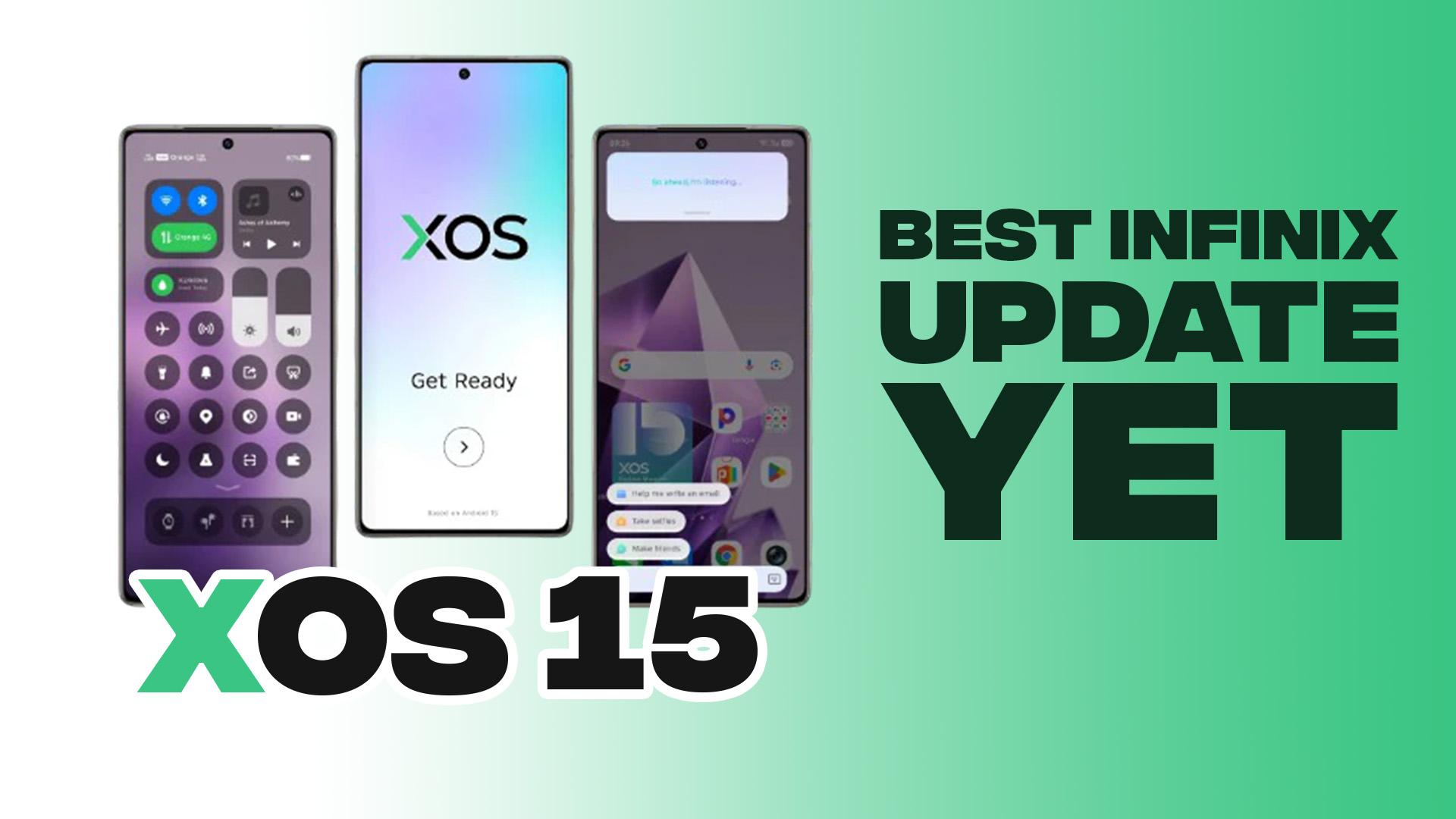
Earlier this year, Infinix introduced XOS 15, its latest OS update that brought with it a surprising amount of polish to budget smartphones, with features that improve user experience rather than just cluttering up the interface.
After spending time with the latest version, we can finally tell you everything you need to know about XOS 15 and why you might want to get an upgrade from the previous iteration.
Vogue Portraits
Vogue Portraits has to be the standout feature when it comes to XOS 15. This tool transforms your gallery photos into stylized wallpapers with various artistic forms.
You can make your snapshots look like comic book panels, magazine covers, or abstract art pieces. The customization even lets you adjust patterns, colors, and artistic effects until you get exactly the look you want.
It’s the kind of personalization feature that actually feels personal, not just another preset filter pack.
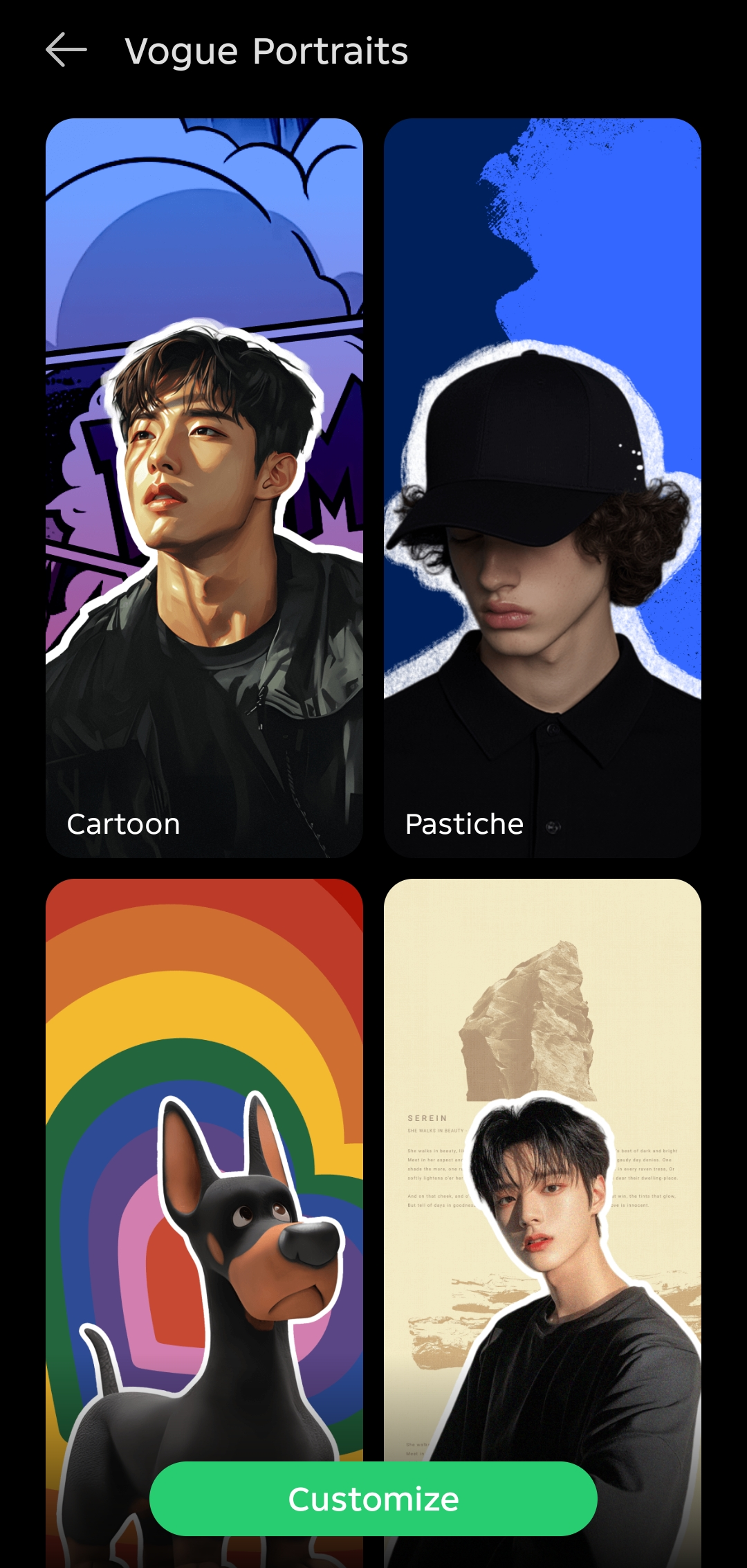
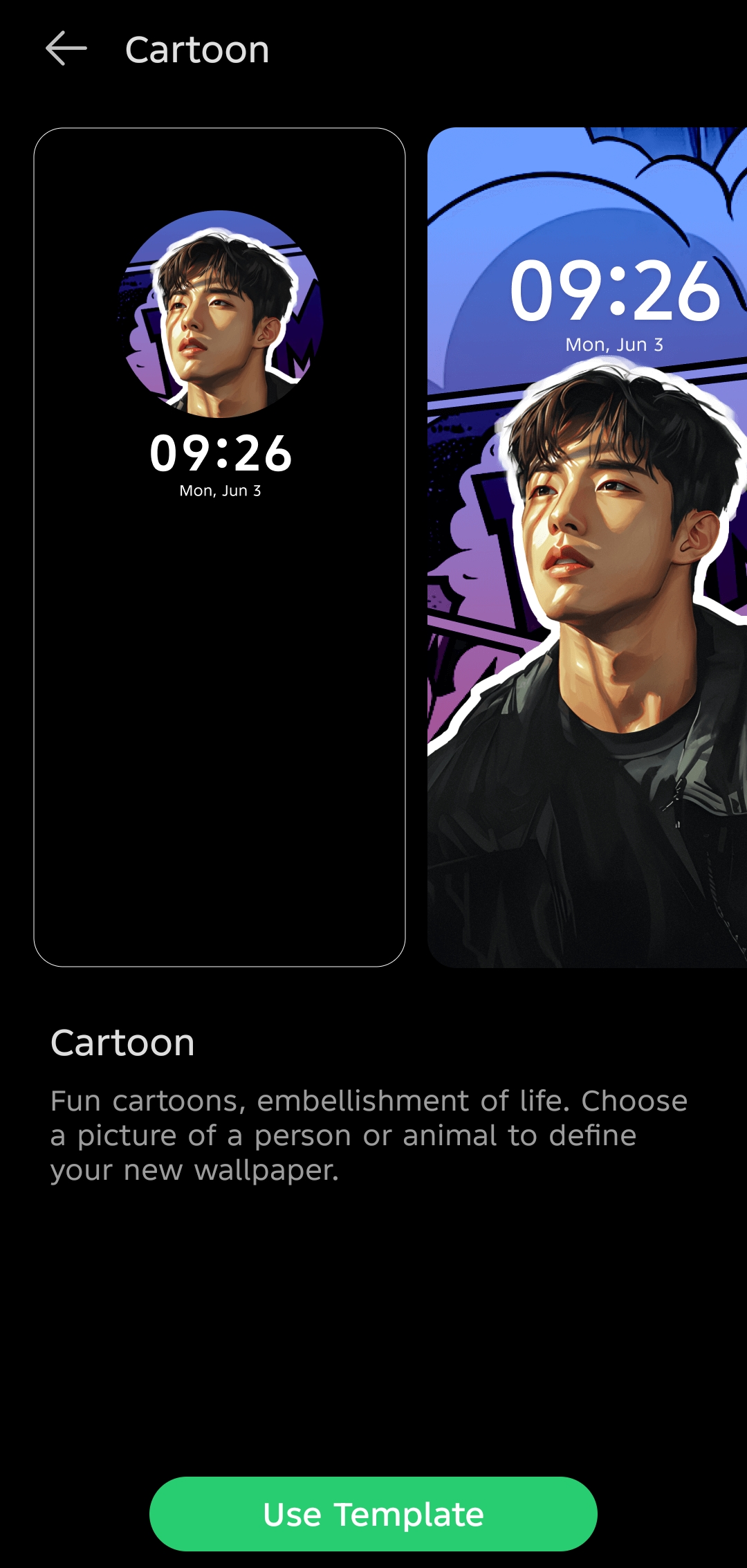
To access it, go to Settings > Wallpapers & Personalization > Wallpapers > Vogue Portraits
AI Note
Infinix has also included AI Note, their answer to Samsung’s sketch-to-image feature. Even terrible drawings get transformed into decent-looking images across multiple styles, including sketch, comics, pixel art, digital art, and cyberpunk.
Testing confirmed it works surprisingly well, as you can see from the rough eagle sketch I drew that was turned into a detailed eagle masterpiece.
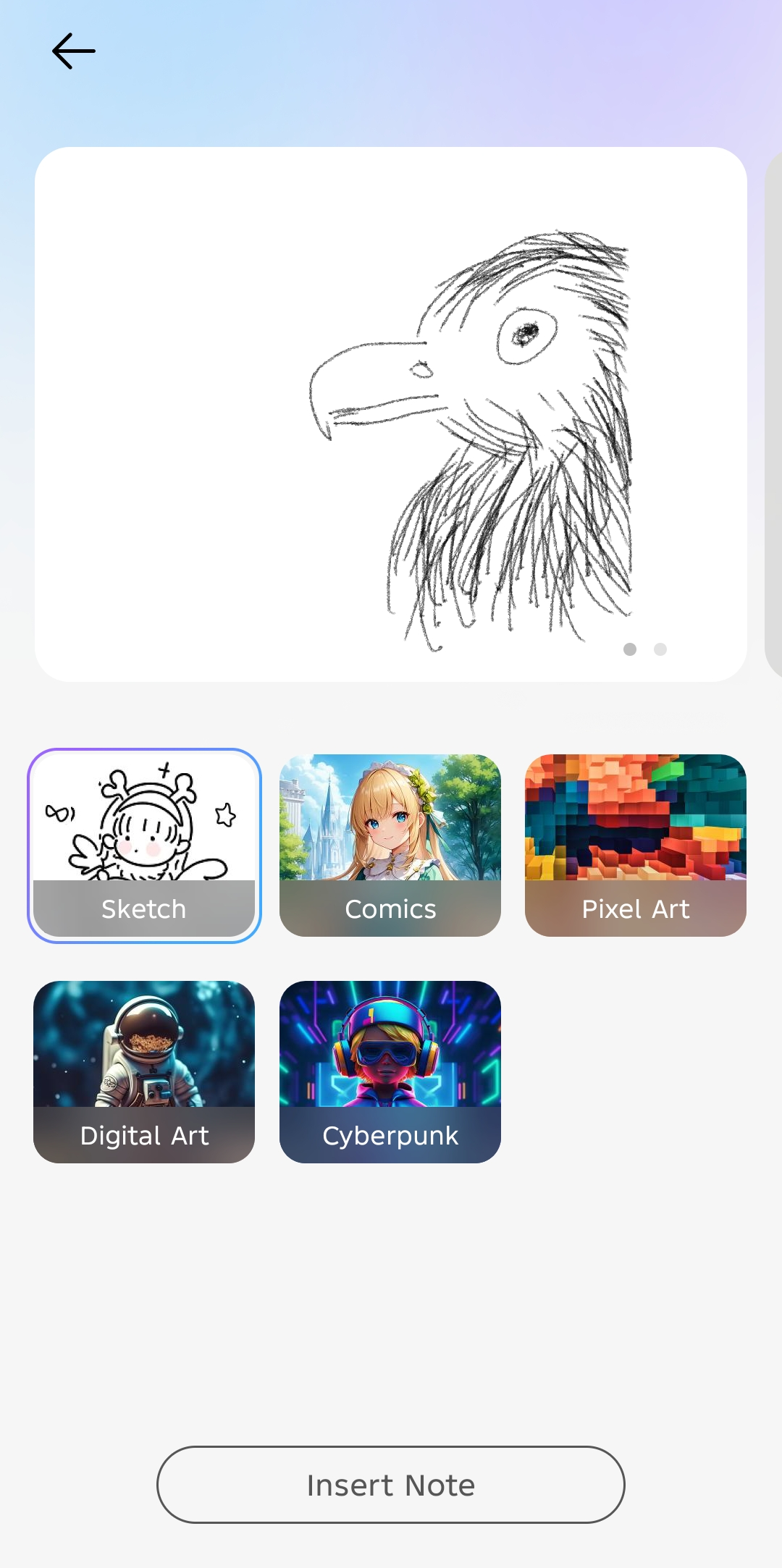
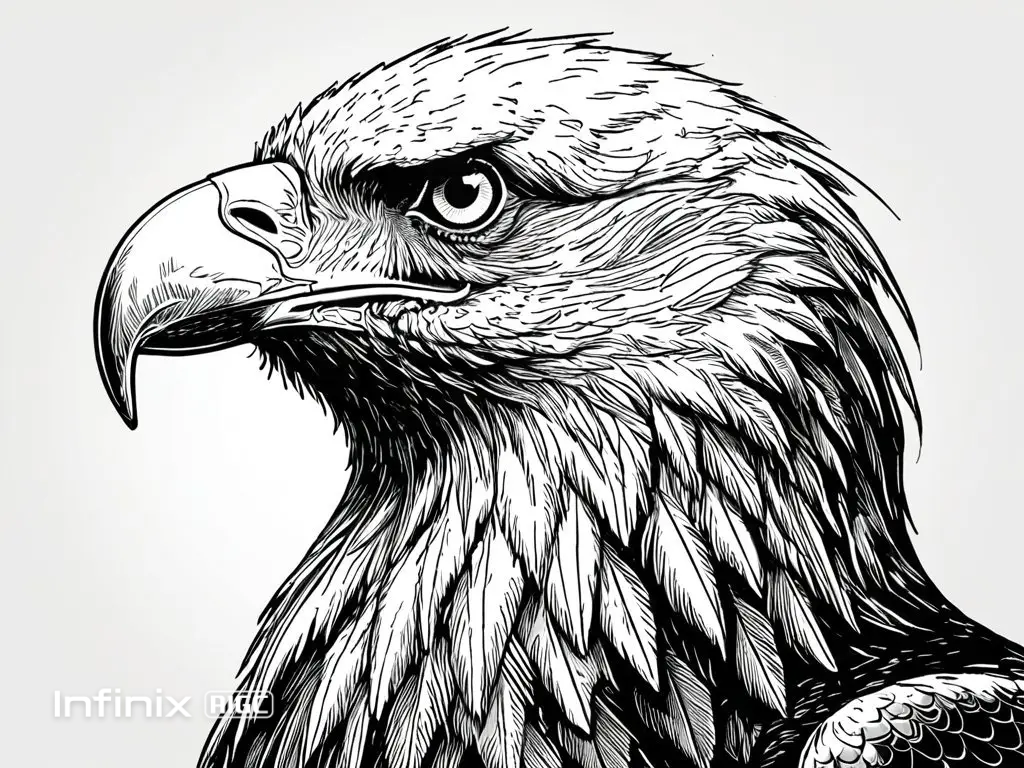
To access it, go to Settings > Infinix AI > AI Note
Dynamic Bar
There’s also the Dynamic Bar that copies Apple’s Dynamic Island concept and places it around the front camera cutout. It displays notifications and status updates for calls, media player, charging, timers, and also Google Maps. This means you can glance at navigation directions without switching apps.
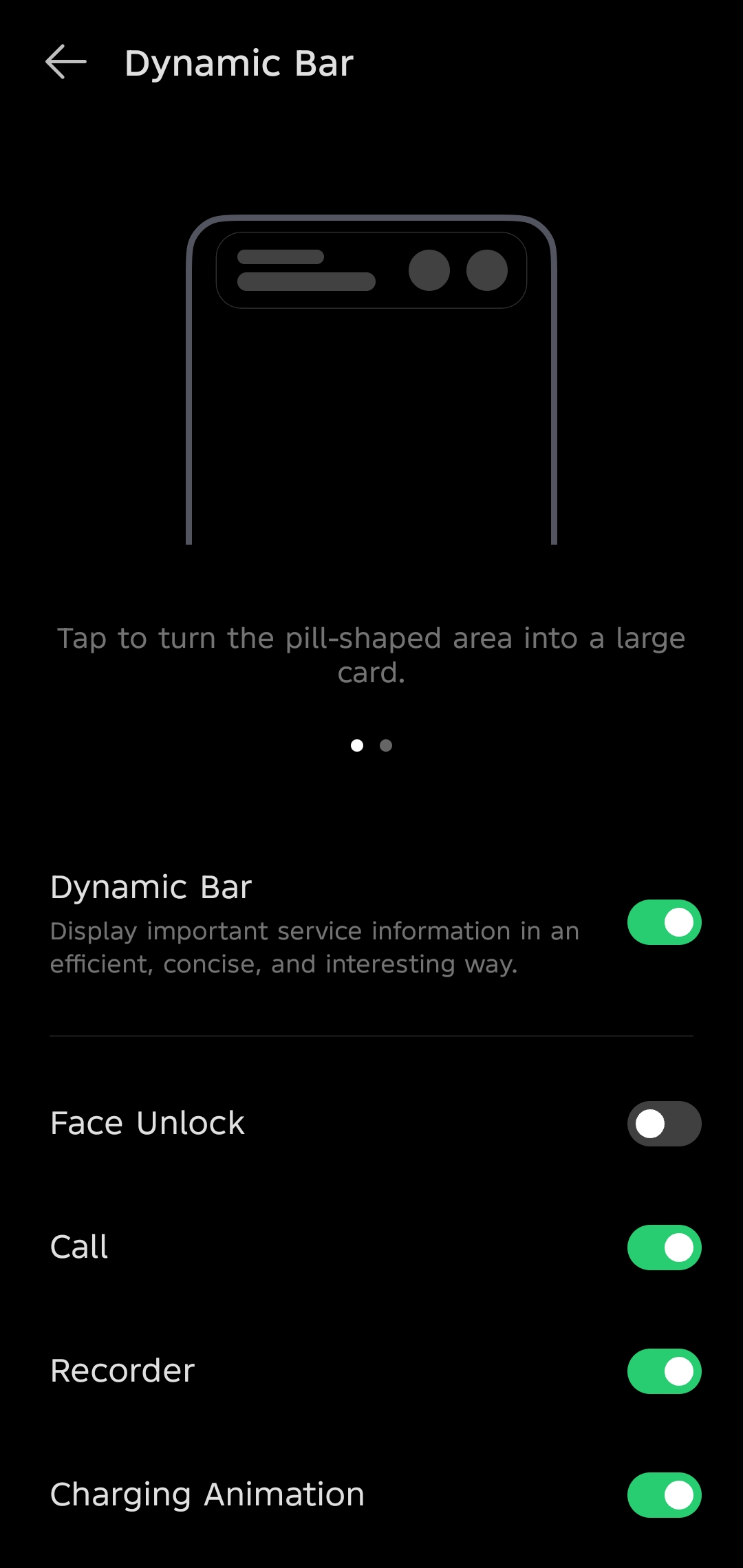
To access it, go to Settings > Special Function > Dynamic Bar
Beyond these headliners, XOS 15 delivers smooth animations throughout the interface. Opening apps, unlocking the phone, and swiping through menus all feel fluid with subtle bouncy effects that give the system a premium feel.
The home screen customization goes further than most Android skins. You can resize and recolor app icons, change folder shapes and colors to match your wallpaper, and download icon packs directly from the Play Store without needing a third-party launcher.
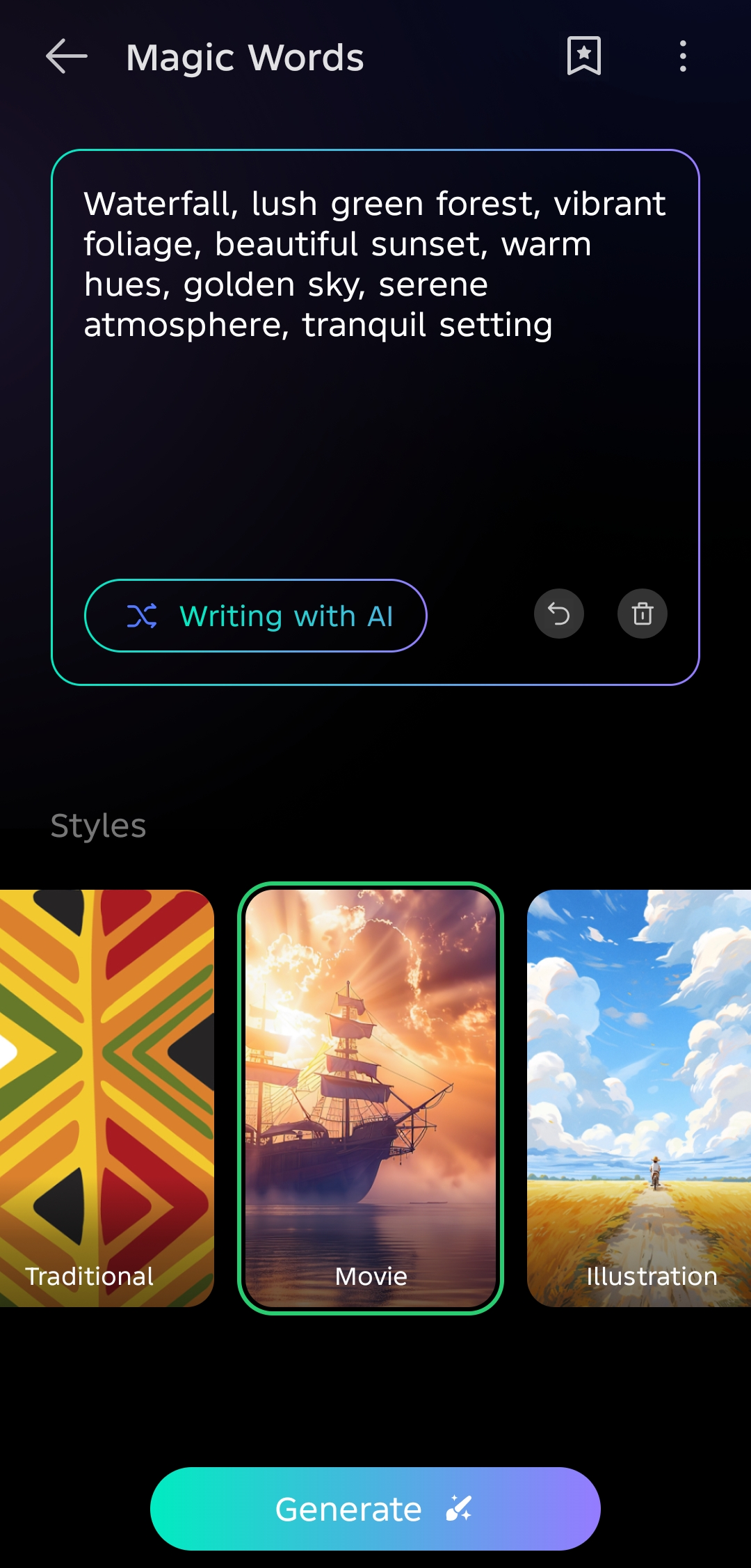
Most people will love the AI wallpaper generator that creates unique backgrounds from text prompts or the Custom One-Take Wallpapers that let you extend a single gallery image across your always-on display, lock screen, and home screen for a unified look.

Practical features include a Floating Window system for split-screen and popup multitasking, a Smart Panel that slides in from the right edge for quick access to apps and files, and an enhanced Game Mode with performance controls, bypass charging, and anti-interference options.
The AI toolkit covers document and image summarization, writing assistance with tone adjustment, real-time call translation with auto-answer, background removal for photos, and Circle to Search functionality.
READ: 6 Infinix Features You’re Not Using but Definitely Should
The lock screen and control center have also been redesigned with more modern aesthetics and additional customization options.
Where XOS 15 stumbles is with Folax Voice, Infinix’s AI assistant. While it handles basic interactions and simple tasks adequately, it tends to fail when you need it most.
Our biggest issue was processing speed. Unlike other AI assistants that can process huge amounts of information in seconds, Folax AI took noticeably long to complete tasks involving information analysis or image recognition.
Fortunately, those are shortcomings most people can live with. For a budget-focused Android skin, XOS 15 has more thoughtful features than expected. The visual polish, customization depth, and practical AI tools make it competitive with skins on more expensive phones.