




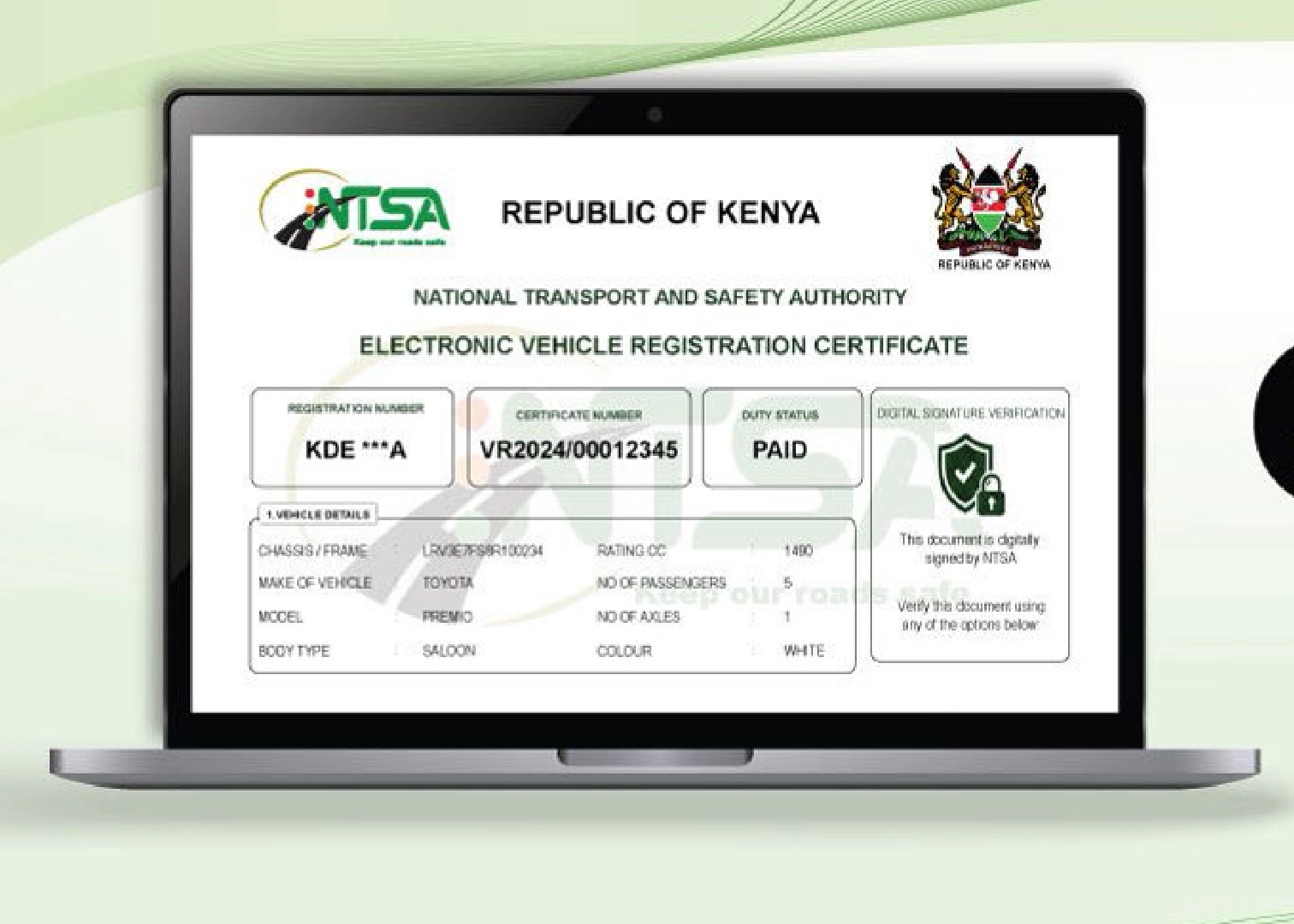
On June 10, 2026, the National Transport and Safety Authority (NTSA) officially made motor vehicle logbooks paperless with the eLogbook, a step that was hailed as crucial in ending corruption and bureaucratic frustration often associated with the now-discarded physical logbook.
“We are not only bringing services closer to wananchi by enabling them to access their logbooks electronically, but we are also eliminating bureaucracy and cartels,” NTSA Director General Nashon Kondiwa said.
Digital documents, however, bring another form of fraud, such as identity fraud. Hence, digital verification is vital to mitigate such fraud, ensure regulatory compliance, and also create consumer trust.
READ: NTSA Retires Paper Logbook as Kenya Launches New eLogbook System
Trust is especially needed, as an eLogbook is a document that secures a pricey asset.
How to Authenticate NTSA eLogbook on Mobile
NTSA is well aware of this and has already provided the steps Kenyans should take to authenticate the digital logbooks. This is done via the NTSA app and using your eCitizen credentials.
| First Step | Download the free NTSA mobile app from the Google Play Store. |
| Second Step | Login using your eCitizen credentials. |
| Third Step | On your home page click on services to go to document verification. |
| Fourth Step | Click in verify registration certificate |
| Fifth Step | Scan the QR code on the e-logbook to get its number, then verify. |
| Sixth Step | Click on verify to confirm the authenticity of the elogbook |