




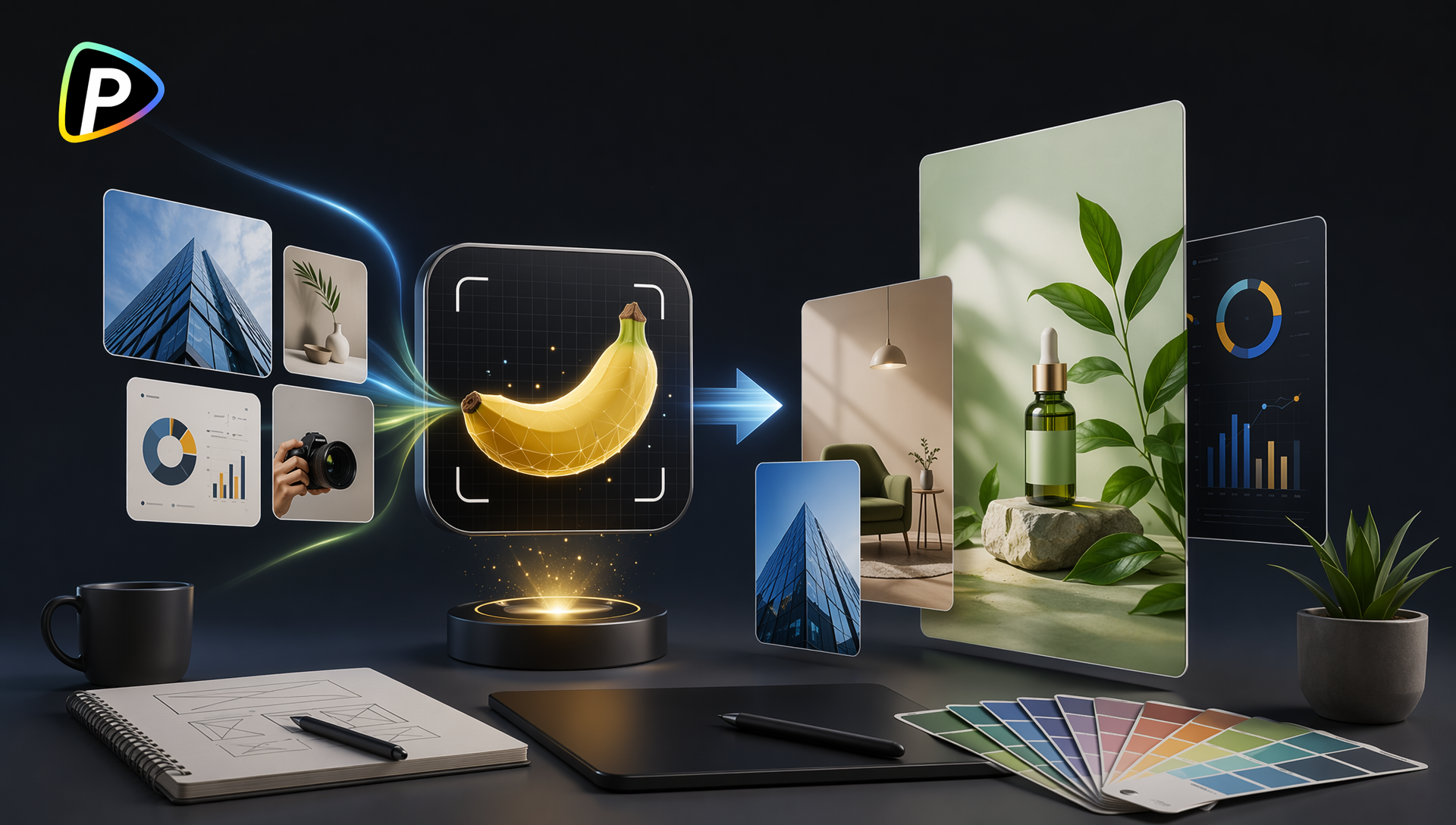
Creating marketing visuals is now part of daily operations for many businesses. Product launches, social media updates, online promotions, and website content all require fresh images. For small businesses without in-house designers, creating these materials consistently can take significant time and resources.
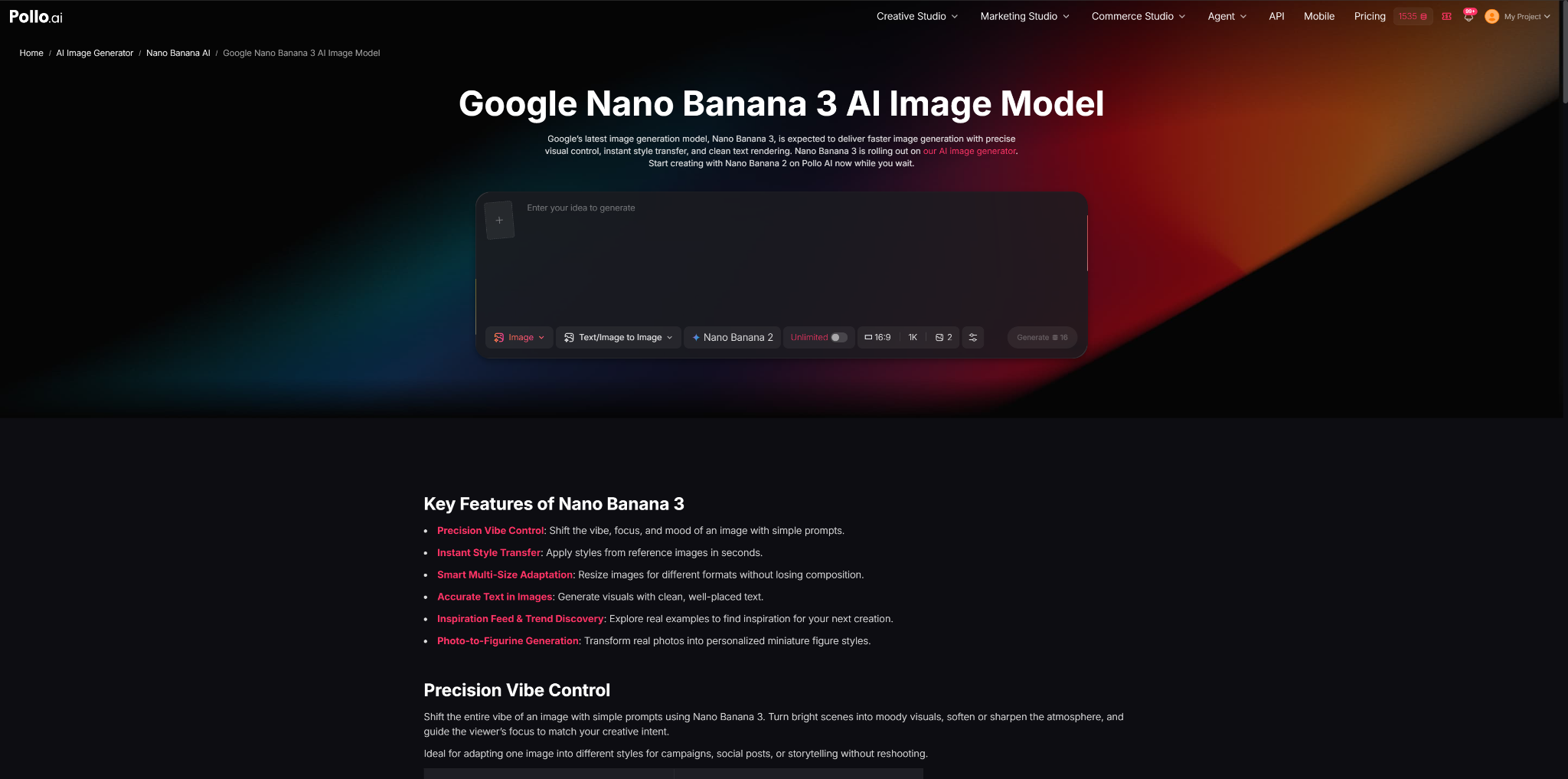
Google Nano Banana 3 on Pollo AI offers a way to generate and edit marketing visuals through text prompts and image references. Businesses can use it to create product images, promotional graphics, and campaign concepts for different digital channels.
Why Do Businesses Need AI Marketing Visual Tools Like Google Nano Banana 3 on Pollo AI?
For solo entrepreneurs, local businesses, and small teams, visual content is often needed on a regular basis. A restaurant may need images for weekly promotions, an online seller may need new product visuals, and a service business may need social media graphics to attract customers.
However, many small businesses do not have dedicated designers. Hiring external designers for every simple visual update can increase costs, while creating everything manually requires additional time and skills.
AI image tools can cover many routine design tasks, such as generating promotional images, changing backgrounds, creating different visual styles, and preparing content for different platforms.
Google Nano Banana 3 on Pollo AI combines image generation and editing features that allow users to create visuals from text descriptions or modify existing images. For example, an online store can upload a product photo and create different presentation styles, while a local business can generate promotional images for seasonal campaigns.
The main advantage for small businesses is flexibility. Instead of producing every image from scratch, teams can quickly test different visual directions and select the options that match their marketing goals.
What Types of Marketing Visuals Can Be Created with Google Nano Banana 3 on Pollo AI?
1. Product Marketing Images
Product images are essential for e-commerce websites, marketplaces, and online advertising. Pollo AI integrates Google Nano Banana 3, allowing businesses to create different product presentations without arranging a new photo session for every variation.
For example, a skincare brand can create:
- clean product images with studio backgrounds;
- lifestyle scenes showing how the product is used;
- seasonal promotional visuals for special campaigns.
When creating product visuals, businesses should focus on keeping the product appearance accurate. A detailed prompt describing the product, background, lighting, and intended style usually produces more suitable results.
2. Social Media Campaign Graphics
Social media content often needs frequent updates, and businesses may require multiple versions of the same campaign visual.
With Google Nano Banana 3 on Pollo AI, users can adjust elements such as image style, composition, and background to create variations for different posts.
For example, a coffee shop promoting a seasonal drink may create:
- a lifestyle image showing the product in a café environment;
- a promotional graphic highlighting a discount;
- a website banner using the same campaign theme.
Using reference images can also help maintain a consistent look across different social media materials.
3. Brand and Advertising Concepts
Before investing in a full marketing campaign, businesses often need visual concepts to evaluate ideas.
Google Nano Banana 3 on Pollo AI can be used to create early versions of advertising scenes, product launch concepts, and brand visuals. These drafts can help marketing teams compare different creative directions before moving into final production.
How to Use Google Nano Banana 3 on Pollo AI Step by Step?
Creating useful marketing visuals with Google Nano Banana 3 on Pollo AI starts with defining the purpose of the image. A product listing image, a social media post, and an advertising banner usually require different compositions, styles, and levels of detail.
1. Choose Between Image Generation and Image Editing
Users can start by creating a new image from a text prompt or uploading an existing image for modification.
For businesses that already have product photos, image editing can be more practical. Instead of arranging a new photoshoot, they can change the background, atmosphere, or presentation style of an existing image.
For example, an online store can upload a product image and use a prompt such as:
“Transform this product photo into a premium e-commerce image with a clean background, soft studio lighting, and a professional commercial style.”
This approach is useful when a business needs different versions of the same product visual for websites, advertisements, or marketplaces.
2. Create More Accurate Results with Detailed Prompts
A common mistake when using image generation tools is writing prompts that are too general. A simple request like “create a coffee shop image” does not provide enough information about the intended use.
A more effective prompt should include:
- the main subject;
- the target audience;
- the visual style;
- the environment;
- the platform where the image will be used.
For example, a local café preparing an Instagram promotion could write:
“Create a social media promotional image for a coffee shop, showing a fresh coffee cup on a wooden table with warm lighting, a cozy atmosphere, and space for promotional text.”
If the image is intended for an advertisement, users can also describe the desired customer group and campaign purpose to make the visual direction clearer.
3. Use Reference Images to Maintain Brand Style
For businesses creating content regularly, maintaining a consistent visual style is often more important than generating completely different images every time.
Google Nano Banana 3 on Pollo AI allows users to provide reference images and adjust the generated results based on specific visual requirements. This can be useful for businesses that want to keep product appearance, brand colors, or photography styles consistent.
For example, a fashion store can upload a clothing image and request:
“Use this product image as the main subject. Create a modern fashion campaign image with an editorial photography style and natural lighting.”
This workflow can help businesses test different creative directions while keeping the main product recognizable.
4. Adapt Visuals for Different Marketing Channels
The same campaign usually needs different image formats depending on where it will be published.
For example:
E-commerce product pages
- Focus on product clarity and accurate details.
- Use clean backgrounds and professional lighting.
Social media posts
- Focus on storytelling and visual appeal.
- Include lifestyle scenes or promotional elements.
Website banners
- Leave enough empty space for headlines, buttons, or other design elements.
A business promoting a new fitness product, for example, may create a clean product image for an online store, a lifestyle image for Instagram, and a wider promotional banner for its website using the same visual concept.
5. Review and Refine Before Publishing
AI-generated images should be reviewed before being used in marketing campaigns. Businesses should check whether the product details, text elements, and overall style match their requirements.
If the result is not suitable, users can refine the prompt instead of starting again. Small adjustments, such as changing the background, modifying the lighting, or requesting a different composition, can often improve the final image.
Conclusion
AI image tools are becoming another option for businesses that need regular visual content but do not want every small update to require traditional design production.
Google Nano Banana 3 on Pollo AI can be used for creating product images, social media graphics, and marketing concepts through text prompts, image references, and editing instructions. However, the final quality still depends on clear requirements, suitable inputs, and human review.
For businesses, the most practical approach is to use AI for repetitive visual tasks while keeping brand direction, creative decisions, and quality control within the marketing process.