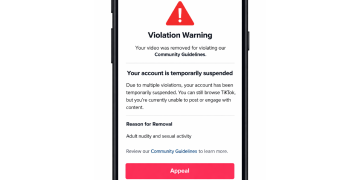





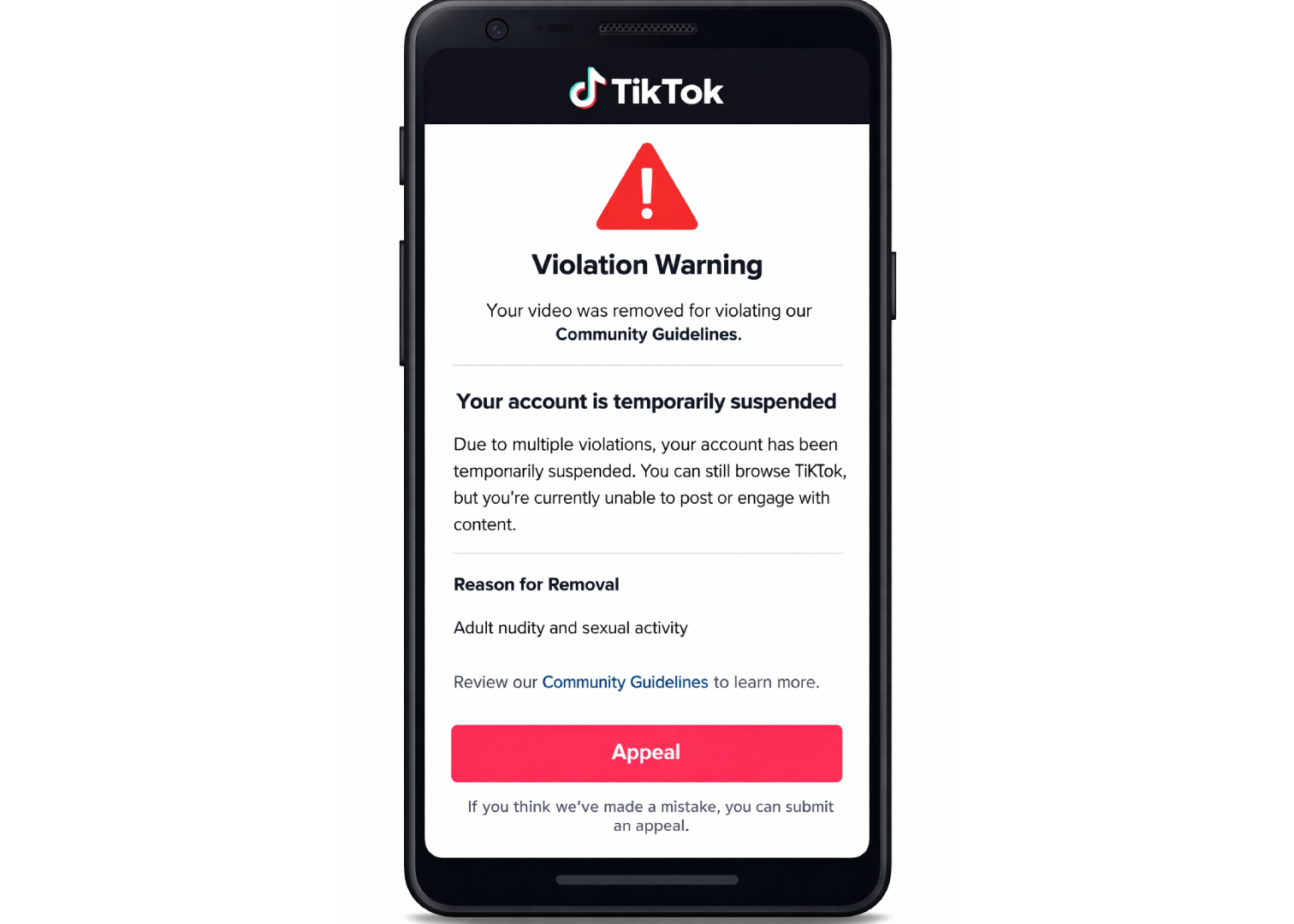
TikTok moves faster than most platforms when it comes to enforcing a ban whereby even a single serious violation can end in a permanent ban rather than the escalating warnings other apps use.
That speed cuts both ways, though, since the appeal process is also more contained, running almost entirely through the app itself rather than a maze of web forms.
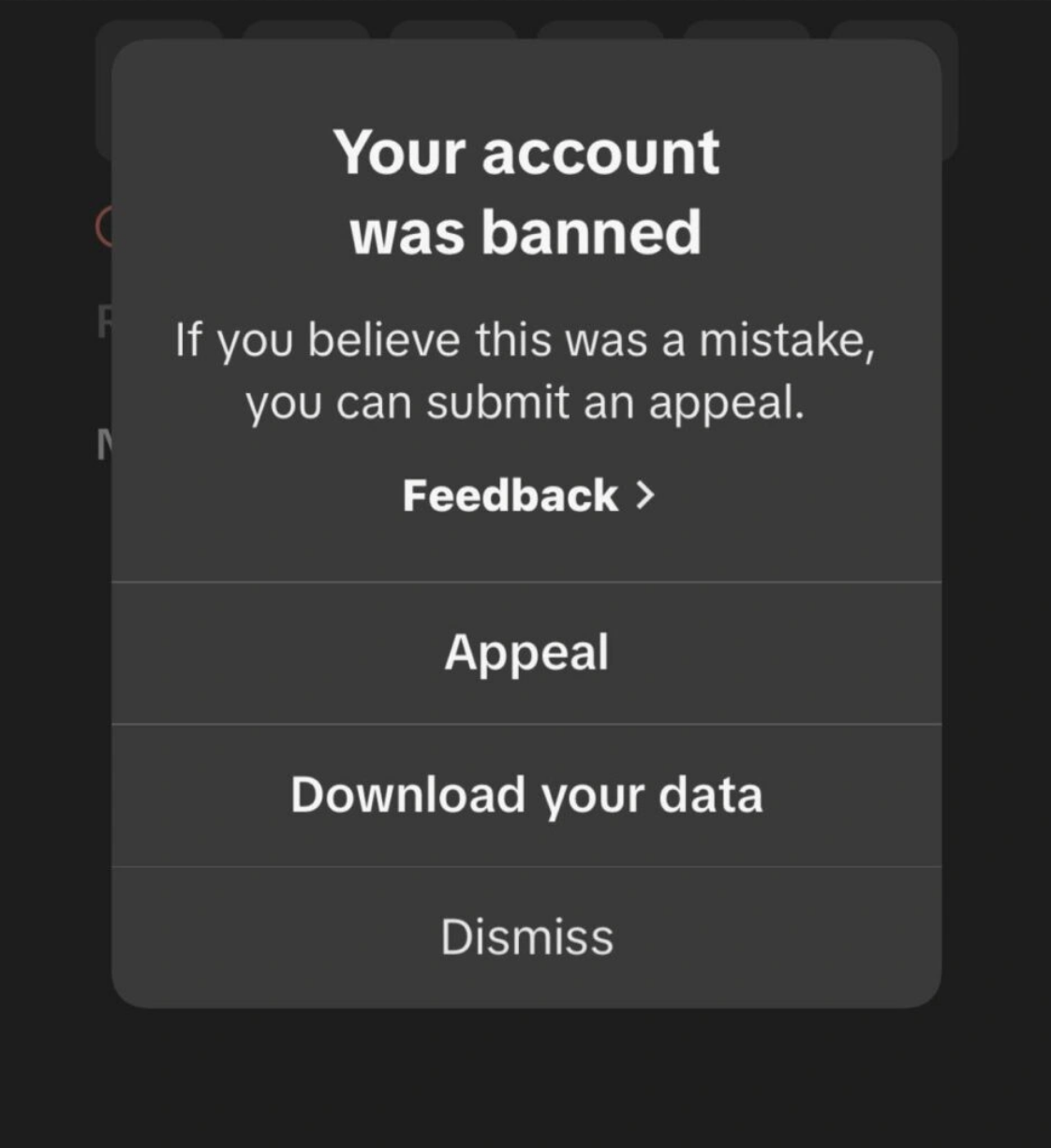
Recovering a Suspended or Banned TikTok Account
Step 1: Read the notice carefully. Open the notification in the app, or check the email TikTok sent, and note the exact reason given, since the appeal you write later needs to respond to that specific reason rather than a general “please unban me.”
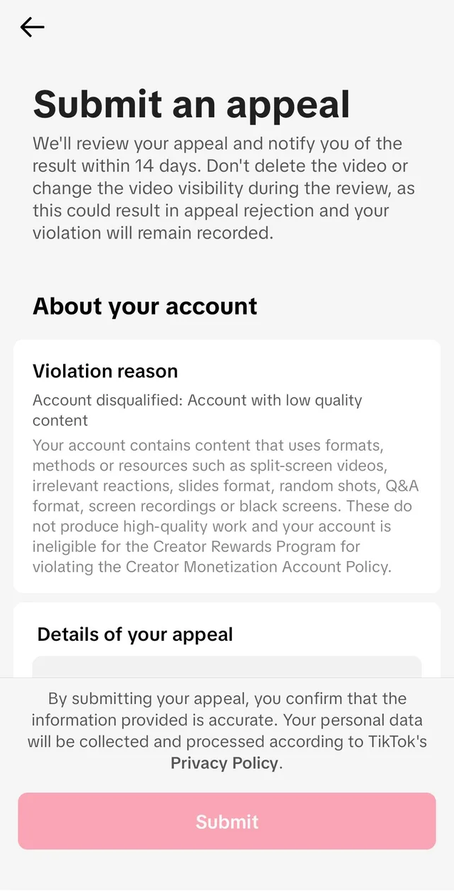
Step 2: Tap Appeal. The option sits right inside the ban notification itself; alternatively, you can find it under Settings and Privacy, then Report a Problem.
Step 3: Use the Feedback Form if the in-app option isn’t available. If you don’t see the appeal button, or it gets rejected, use TikTok’s feedback form instead. Pick “Account ban or suspension” from the Topic dropdown.
Step 4: Attach any relevant evidence. Screenshots, proof of age, or anything else that supports your case strengthens the appeal considerably. A bare denial rarely moves anyone reviewing it, but specific proof does.
Step 5: Wait it out, and don’t spam the button. You typically get one appeal per enforcement action, so a clear, evidence-backed submission the first time matters more than resubmitting repeatedly. TikTok doesn’t publish fixed response times, but a temporary restriction tends to lift within a couple of days on its own, while a permanent ban’s first appeal reply usually takes closer to a week.
If It’s a Business or Ad Account
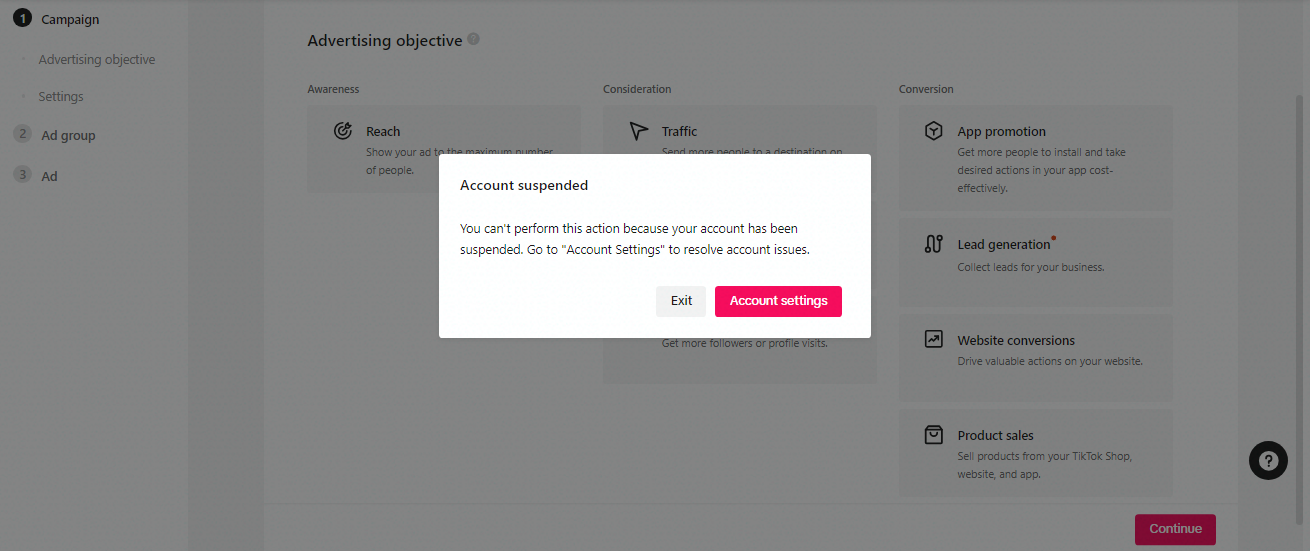
An organic TikTok ban and an ad account suspension run through entirely separate teams and separate review processes, so treat them as two different problems rather than one.
Step 1: Confirm which account is actually restricted. A creator profile, a Business Center, and an ad account can each be flagged independently, and the fix looks different for each one.
Step 2: For ad accounts, go through TikTok Ads Manager. Sign in, tap the Help icon, and file a ticket through Ad Assistant under Account Review. Most ad suspensions come down to a payment problem, a flagged ad, or an issue with the landing page, so check those before you appeal.
Step 3: Fix the problem first, then appeal. If it’s a billing flag, update the payment method and clear anything outstanding. If it’s a flagged ad or landing page, pull it down or fix it first; an appeal filed before the root cause is addressed tends to come back with the same rejection.
Step 4: Confirm who has the authority to act. If the account sits inside a client’s Business Center and you’re managing it as an agency partner, check who actually owns it before promising anyone a fast fix, since ownership determines who can even file the appeal.
Step 5: Don’t open a replacement account while you wait. TikTok treats a new account created to sidestep a suspension as evasion, and it can complicate the review on the original account rather than speeding anything up.
What Actually Moves the Needle
Context beats a generic denial. If a video was flagged for “Dangerous Acts” but it was a professional stunt or clearly educational content, explain that directly and, where possible, point to similar content that stayed up.
Age flags usually resolve fast. Many bans come from an automated “Underage” flag rather than an actual policy violation, and a clear ID scan typically clears these quickly.
There’s no appeal for a shadowban. TikTok doesn’t officially recognize shadowbans, so there’s no form for it. Stop posting anything borderline, take down whatever got flagged, and keep posting normally; visibility usually comes back on its own after that.
A denied appeal isn’t the end of the road. If TikTok turns you down for something like repeated violations, fix that specific issue, wait about a month, and try again with fresh evidence instead of sending the same appeal twice.
Before You Submit
- Keep your language calm and specific: If possible, name the exact guideline instead of just saying the ban feels unfair.
- Gather your evidence first: screenshots, age proof, or whatever backs up your case, before you start filling out the appeal.
- Stick to one appeal per action: Filing more than one just looks like noise to TikTok’s system, not urgency.
- Move fast on a permanent ban: TikTok starts deleting account data about a month after the ban kicks in.