




Even in an age dominated by cloud storage, accidentally losing local files, like photos, videos, or crucial WhatsApp messages, can still hit hard. In times like these is where Stellar Data Recovery for Android proves its worth.
Stellar has built a solid reputation in the data recovery world, offering everything from DIY recovery tools for Android, iOS, Windows, and macOS to specialized in-lab services.
Unlike many data recovery tools that require root access (which can void warranties or risk bricking your phone), Stellar lets you scan and recover lost files without rooting.
The tool runs on a Windows PC; you just connect your Android device via USB and follow the prompts.
What Can You Recover?
Stellar’s Android tool supports recovery of:
- Photos, videos, and audio files deleted from the File Manager or Gallery
- Contacts, SMS, and call history from the phone’s internal memory
- WhatsApp and WhatsApp Business chats, including attachments like images and voice notes
- Files removed from the “Recently Deleted” folder, as long as they haven’t been overwritten
- WhatsApp data from Google Drive
If your phone is broken or the screen is unresponsive but still powers on, Stellar can still scan it for data recovery.
How To Use Stellar Data Recovery
- Download the software from Stellar’s website and install it on your Windows PC.
- Connect your Android device and enable USB debugging.
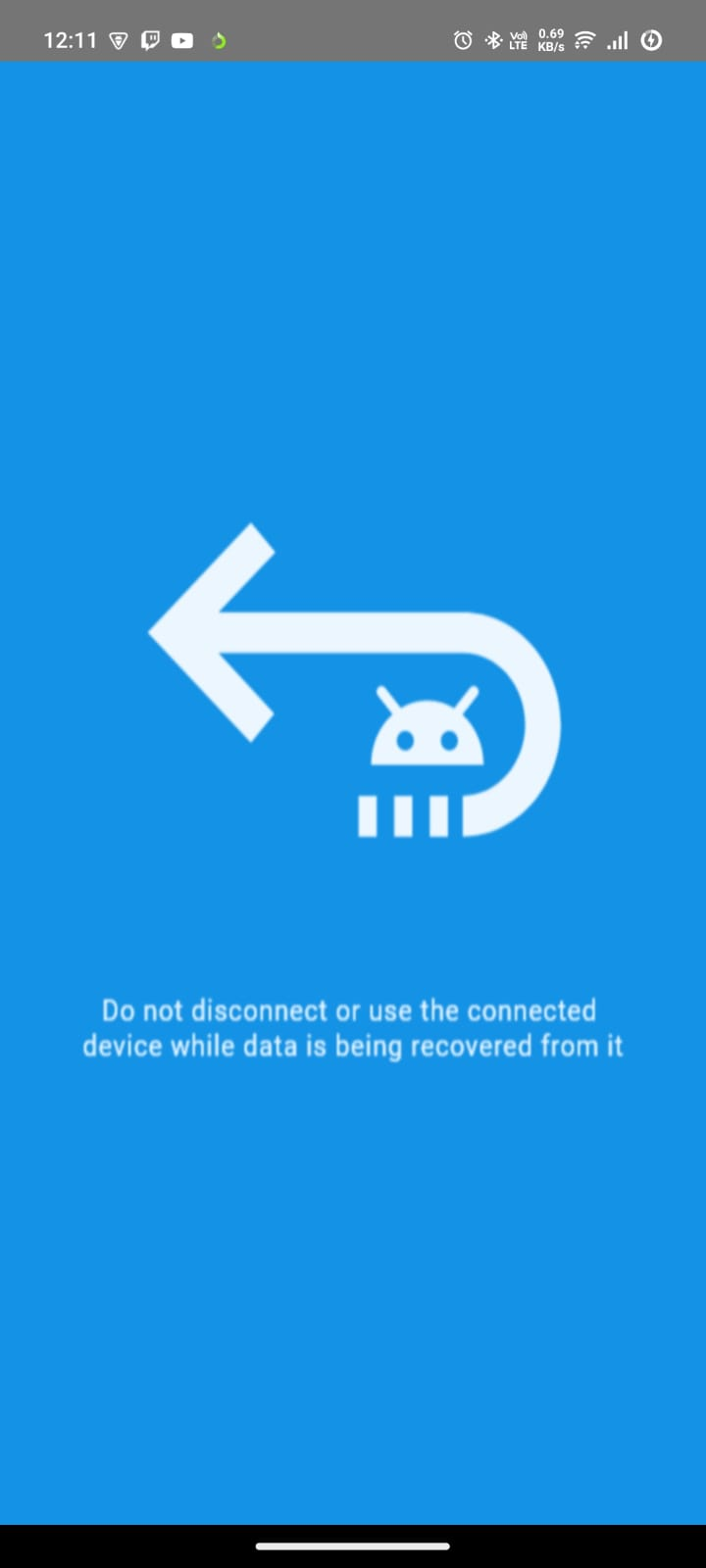
- Choose the type of data you want to recover: photos, contacts, chats, etc.
- Let the software scan your phone’s internal storage.
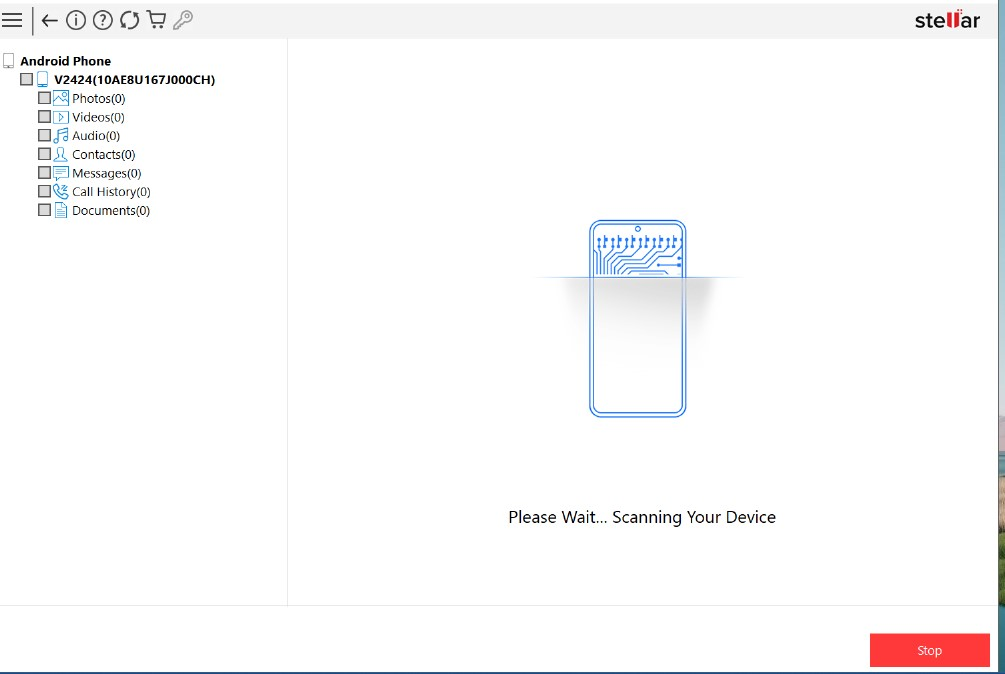
- Preview the recoverable files, select what you want to restore, and save them to your PC.
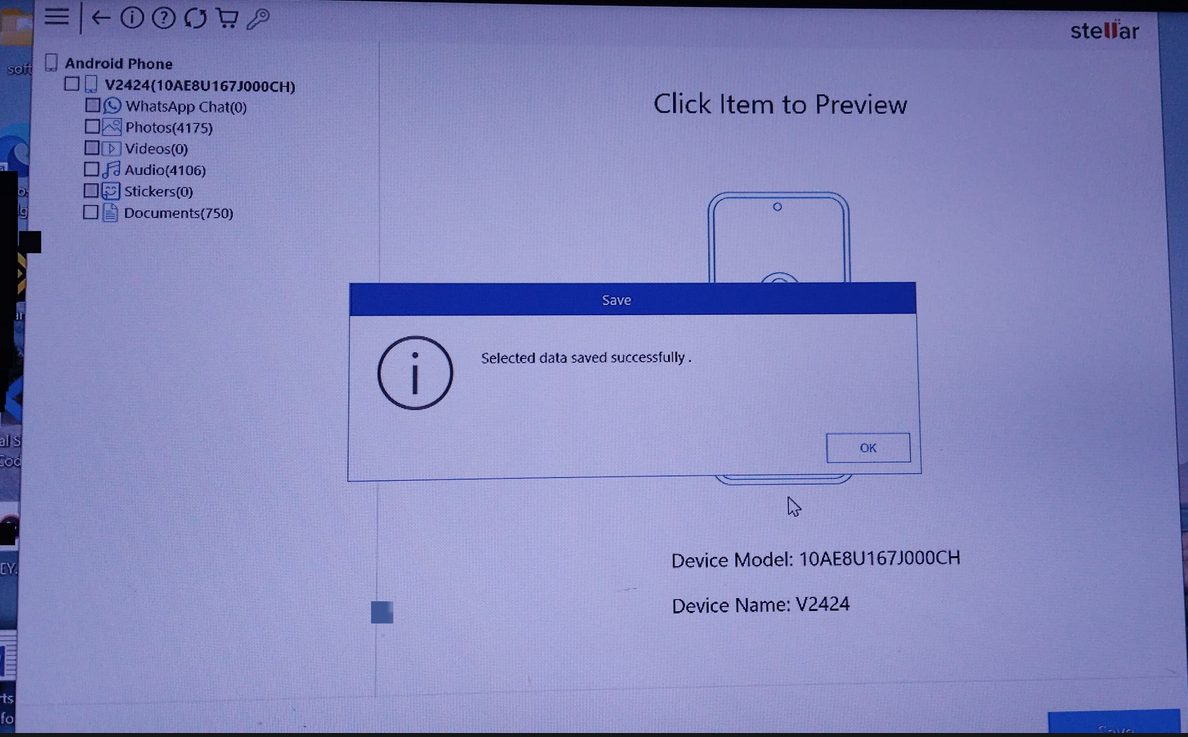
File Previews and Selective Recovery
Once the scan is complete, Stellar Data Recovery for Android displays a detailed preview of the recoverable files, including photos, videos, documents, contacts, and more, right within the interface.
These thumbnails make it easy to identify exactly what you need before proceeding with the recovery.
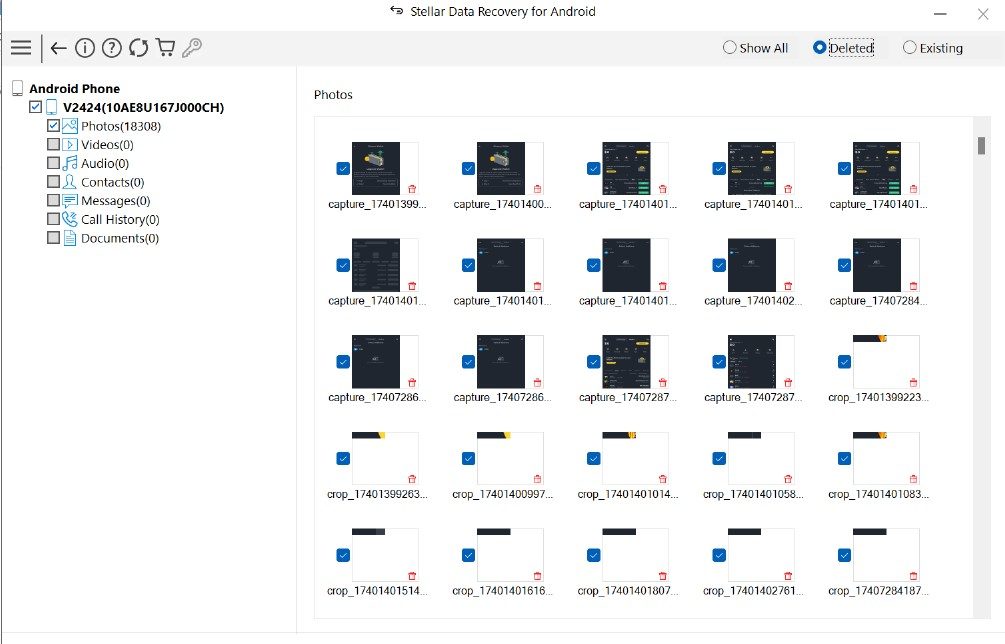
This selective recovery feature avoids the hassle of restoring unnecessary data you no longer need.
Combined with the ability to recover data from broken devices and deleted WhatsApp chats (even from Google Drive), and all without requiring root access, Stellar’s Android Data Recovery software offers a dependable solution when data loss strikes.
Pros and Cons of Stellar Data Recovery
One of the biggest advantages of Stellar Data Recovery for Android is that it doesn’t require you to root your device, which is often a risky and complicated process.
It also supports recovery of WhatsApp data, including backups stored on Google Drive, a rare feature in most recovery tools.
The software can restore files that have been permanently deleted and even works with physically damaged or unresponsive phones.
Additionally, it provides an intuitive interface that allows you to preview recovered files and selectively choose what to restore, saving both time and space.
However, there are a couple of limitations worth noting. The tool requires a Windows PC to run, meaning macOS users and Linux users are out of luck.
Also, depending on your phone’s storage size, the scanning process can take some time, so quick recovery might not be an option if you’re in a hurry.