





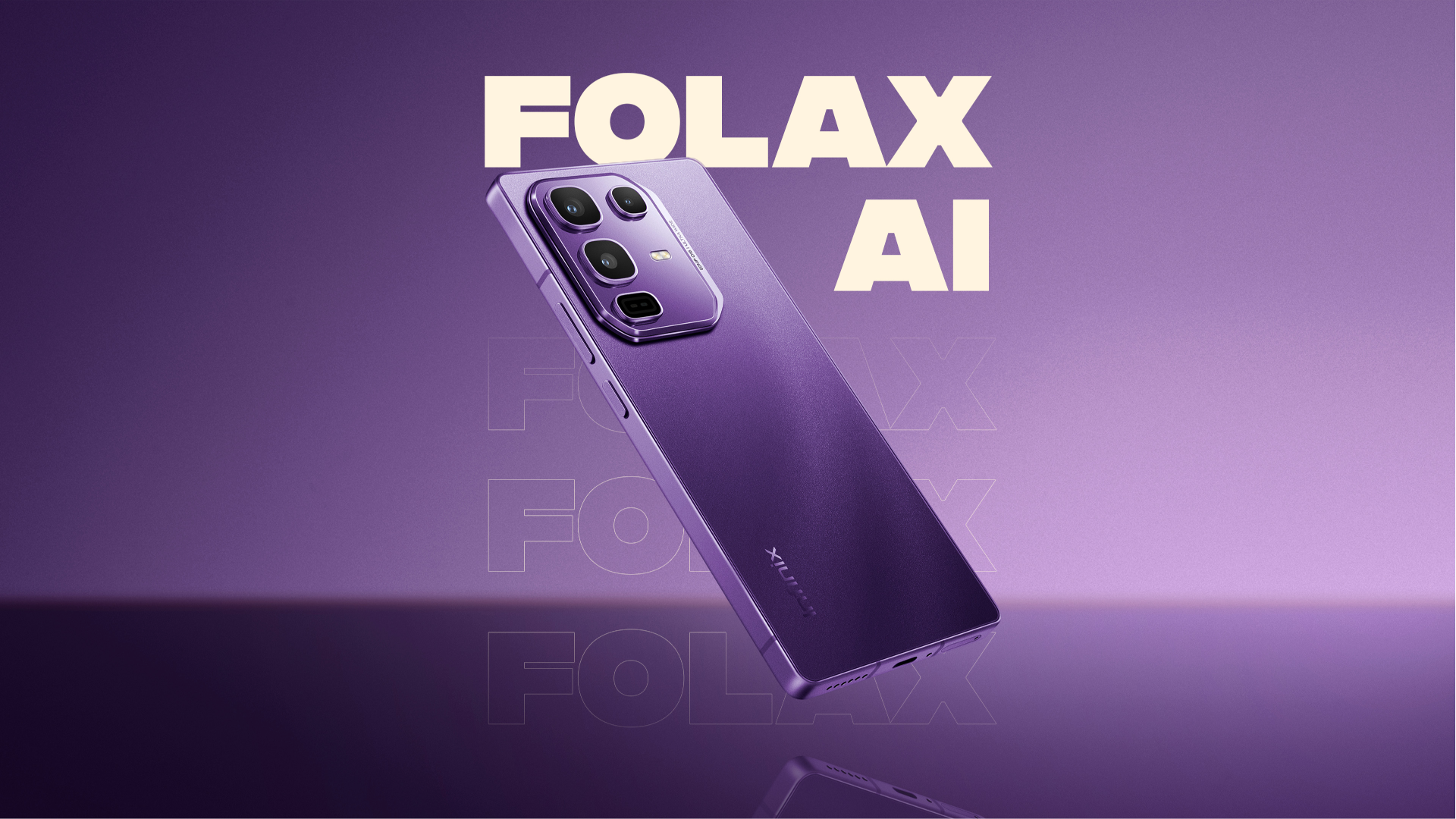
Infinix recently built its own voice assistant called Folax AI and packed it into its XOS 15 operating system. You’ll find it on phones like the Infinix Note 50 Pro, where it handles the usual voice assistant tasks plus some genuinely useful tricks. But what makes it different from other AI assistants out there?
What Makes Folax AI Different?
Folax runs on a mix of Infinix’s own machine learning models and external AI tech. The standout feature is that many functions work offline, so you’re not stuck when your internet cuts out.
It covers the basics like setting alarms, making calls, sending texts, and taking notes through voice commands.
The Actually Useful Features
Here are some cool features you can access from Folax AI:
- AI Auto-Answer that turns your phone into a secretary: When you can’t take a call, Folax picks up with an automated voice and transcribes the conversation in real time. This feature is perfect for when you’re in meetings or driving.
- Smart Touch that makes screen interaction smarter: Circle anything on your screen, and Folax will identify it instantly. Text from a photo, URLs from websites, contact info from images; it copies whatever you need without the usual hassle of manual selection.
- AI Writing tools that work across your apps: In Google Keep and other applications, Folax can summarize long text, proofread your writing, change the tone from casual to professional, or expand brief notes into fuller content. It’s basically like having a writing assistant built into your keyboard.
- Voice Translation that breaks language barriers: You can also have real-time translated conversations through Folax. When you speak in your language, it will translate for the other person, then translate their response back to you.
- AI Wallpaper Generator that creates custom backgrounds: Give Folax a description, and it will generate wallpapers for your home screen. The quality varies, but it’s a fun way to get something unique instead of the same stock photos everyone uses.
- AI Subtitles that work beyond just videos: The stock video player can get AI-generated captions, but Folax also supports Google Live Caption for any audio content on your phone. This feature is useful in noisy environments or when you need to keep sound off.
The more you use Folax AI, the more it feels like a practical tool rather than just a tech demo. Its offline functionality sets it apart from assistants that need constant internet connection, and features like Smart Touch and AI Auto-Answer solve real problems instead of just showing off.
While it may not have the brand recognition of Google Assistant or Siri, it delivers features that actually make daily phone use easier.