




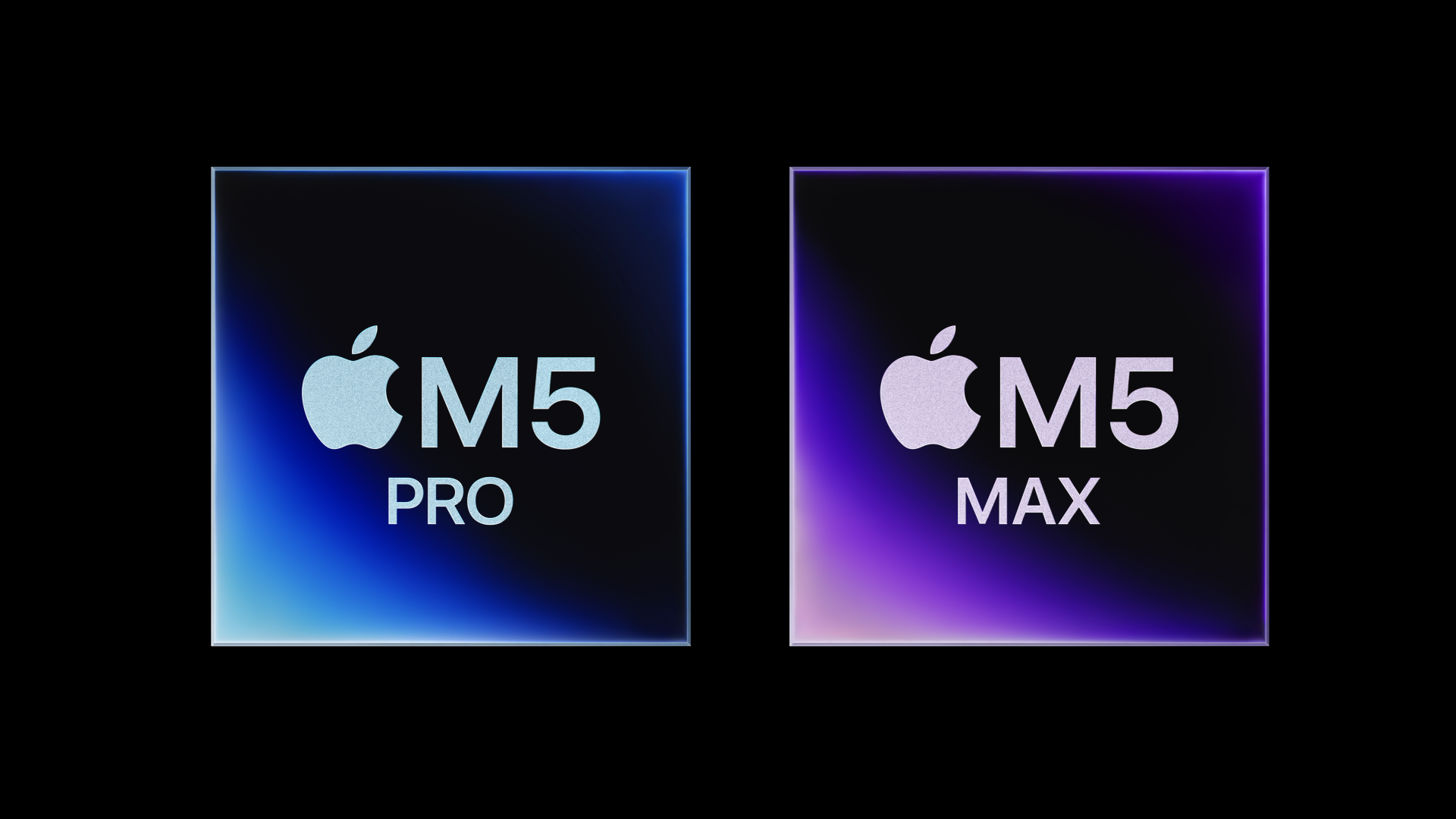
Apple announced a new wave of MacBooks, debuting a refreshed MacBook Air with the M5 chip and new MacBook Pro models carrying the M5 Pro and M5 Max. All of them go up for preorder today and hit shelves on March 11.
The headline story with these new laptops is AI performance, specifically, the ability to run large language models and image generation tools directly on the laptop, without sending anything to a server.
The M5 chips include a Neural Accelerator built into each GPU core, which is a meaningful architectural change from previous Apple silicon.
As a result, the M5 Pro and M5 Max chips handle LLM prompt processing roughly 4x faster than their M4 counterparts, and AI image generation is about 8x faster compared to M1 Pro and M1 Max chips.
For most people browsing the web and writing emails, none of that will feel different day-to-day. However, if you’re doing anything computationally heavy like running local AI models, editing 4K or 8K video, doing 3D rendering, or training custom machine learning models, the performance may differ.
What Changed in the MacBook Air
The MacBook Air gets the M5 chip, which Apple says delivers 4x the AI performance of the M4 Air. That’s remarkable, but probably not the thing that most buyers will feel most immediately.
The bigger practical change is storage: the base model now comes with 512GB, double what the M4 Air included. The maximum storage option also doubled, going from 2TB to 4TB.
Additionally, the SSD itself is faster, too, as Apple claims 2x faster read/write speeds compared to last year’s model.
The Air also gains Wi-Fi 7 and Bluetooth 6 support and keeps its 18-hour battery life, 12MP Center Stage camera, and two Thunderbolt 4 ports. It comes in the same four colors: Sky Blue, Midnight, Starlight, and Silver in both 13-inch and 15-inch sizes.
Here’s the catch though: it’s $100 more expensive. The 13-inch starts at $1,099, and the 15-inch starts at $1,299.
The MacBook Pro Gets Serious Hardware
The Pro lineup is where the engineering is more ambitious. The M5 Pro and M5 Max chips are built using what Apple calls a Fusion Architecture with two dies combined into a single chip and feature an 18-core CPU with 6 high-performance cores and 12 efficiency cores.
Graphics performance is up to 50% better than the M4 Pro and M4 Max chips, and storage speeds reach up to 14.5GB/s, which is 2x faster than the previous generation.
The MacBook Pro also adds Wi-Fi 7 and Bluetooth 6 through Apple’s own N1 wireless chip, three Thunderbolt 5 ports, HDMI output up to 8K, and a MagSafe 3 port.
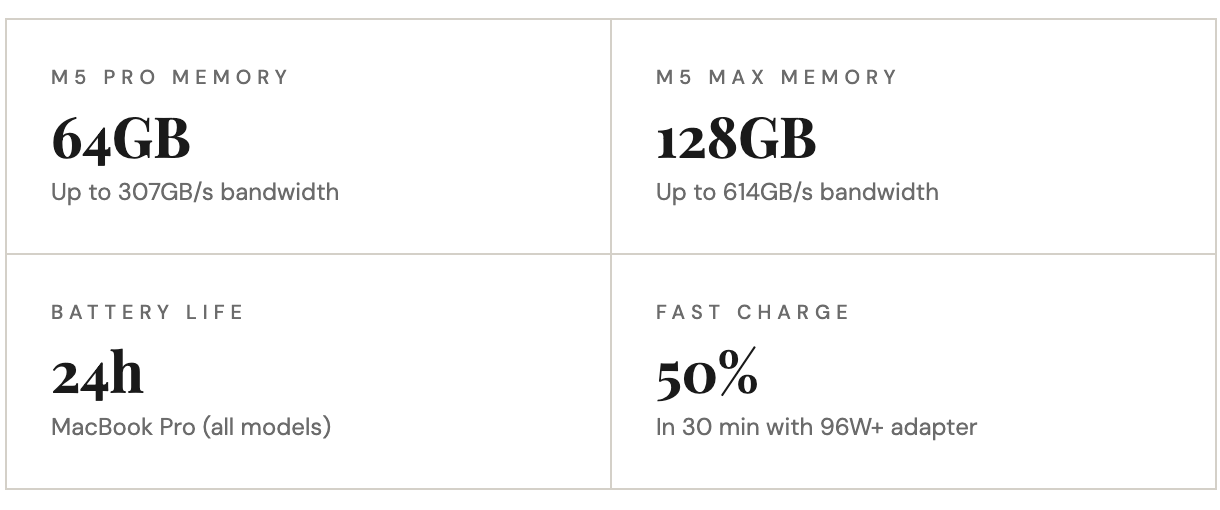
The display is the same Liquid Retina XDR panel from previous Pro models, now with a nano-texture option. The 12MP Center Stage camera, six-speaker system, and studio-quality mics are all present. Battery life tops out at 24 hours.
Base storage has also increased across the board. The M5 Pro models now start at 1TB (previously 512GB), and M5 Max models start at 2TB.
The Price Is Going Up Across the Board
None of this comes cheap, and Apple has raised prices on every tier of the MacBook Pro lineup.
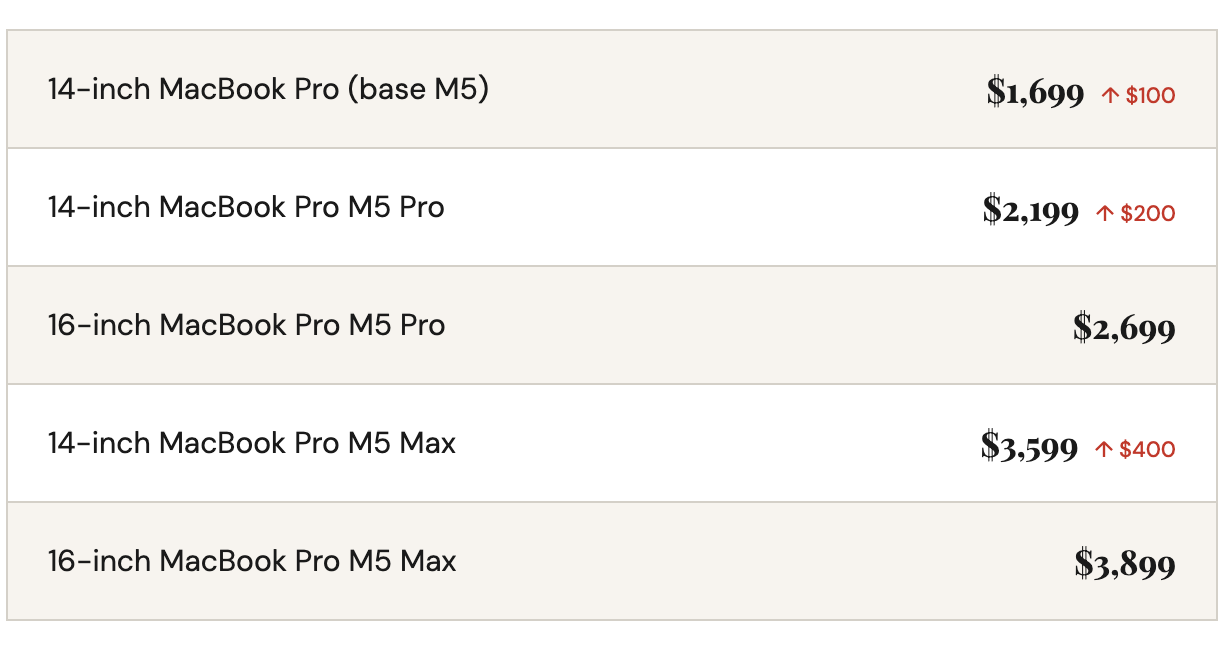
The price increases are partly justified by the doubled base storage across all models, but it still stings. If you were on the fence about upgrading from an M4 machine, the bump in cost combined with the fact that real-world performance gains are only impressive for AI-specific workloads may give you reason to wait.
macOS Tahoe and What’s New in Software
All of these machines run macOS Tahoe, which Apple announced alongside the hardware. The update brings a redesigned visual layer with Apple’s Liquid Glass, which is essentially a new design language for the interface.
Beyond aesthetics, Spotlight gets a bigger upgrade than usual, allowing you to act on results directly from the search bar rather than just opening apps.
READ: Apple Is Ending the 20-Year Intel Partnership with macOS 27
Live Translation is now built into Messages, FaceTime, and the Phone app, handling real-time text and audio translation across languages.
Apple Intelligence features are also expanded, with developers getting access to a Foundation Models framework for building on-device intelligence into their own apps. Shortcuts also gets tighter integration with Apple’s AI models.
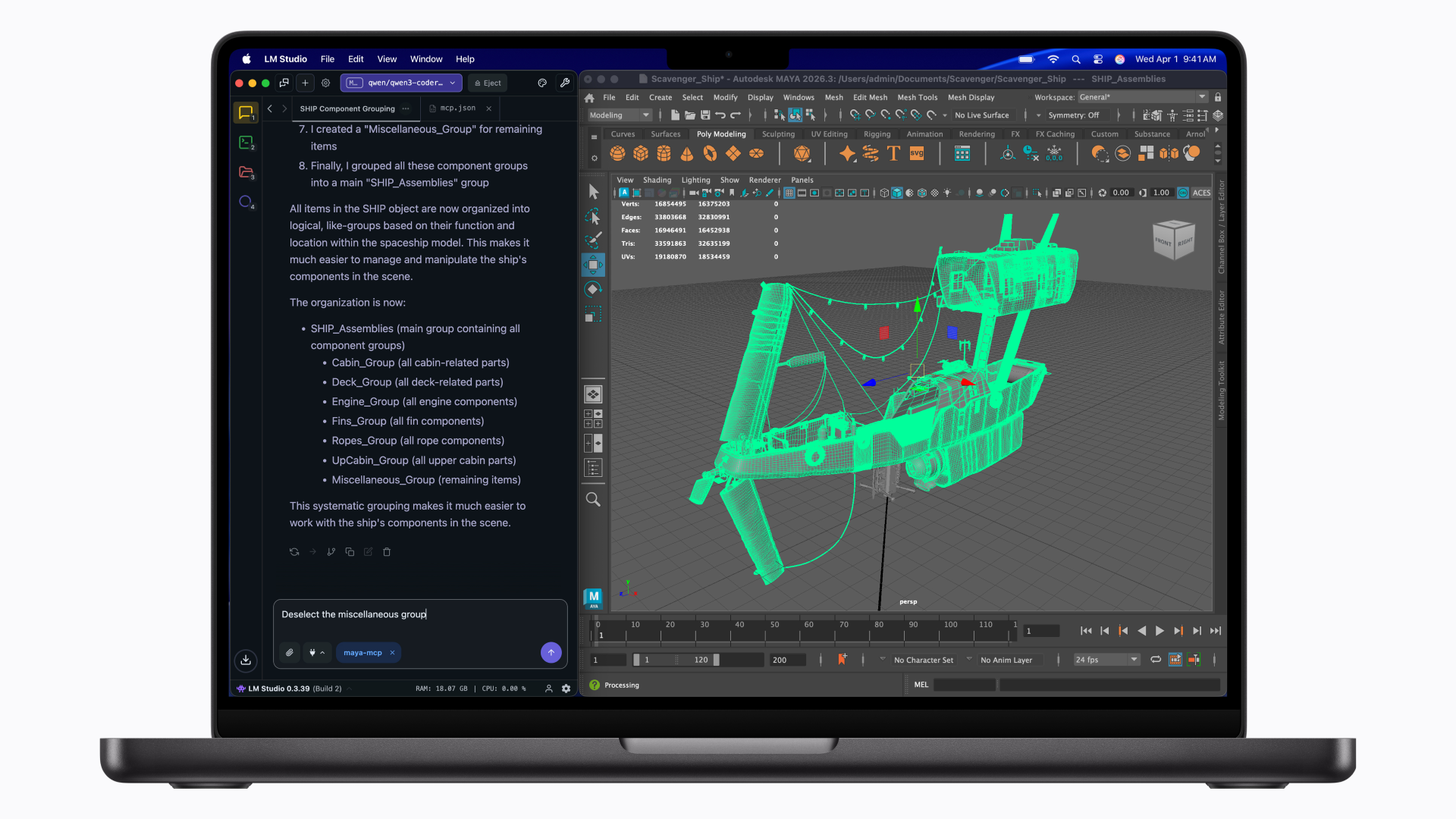
The bottom line is if you’re coming from an Intel Mac or anything older than M3, these machines are a serious upgrade in every measurable way.
If you’re already on M4, the case for jumping now comes down to whether heavy AI workloads are a regular part of your work. For everyone else, the Air is still the smarter buy, even if it costs more than it used to.