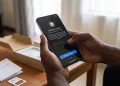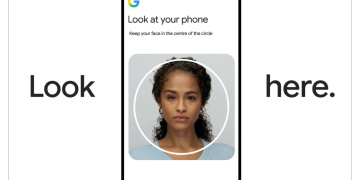





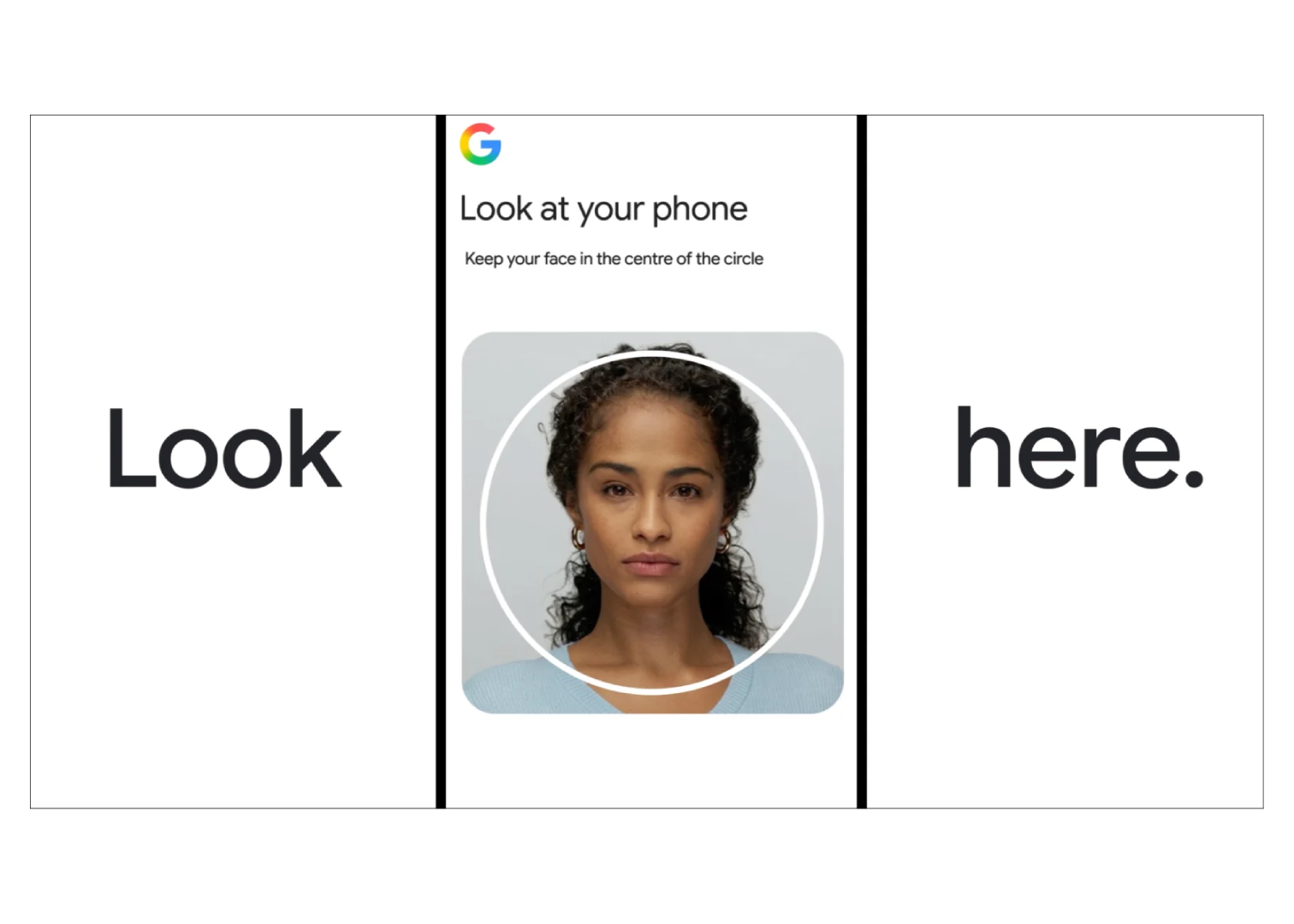
Google has introduced a new way to get into your account: recording a short selfie video of yourself.
The feature joins passwords, passkeys, and recovery contacts as another option for proving you are who you say you are, and it reflects a broader shift happening across the tech industry, where biometrics are increasingly seen as a sturdier replacement for the traditional password.
How to Set Up Selfie Video Sign-in
- Open your Google Account and sign in if prompted
- Go to the Security section
- Under “How you sign in to Google,” select Selfie video
- Tap Continue on the Add selfie for sign-in page
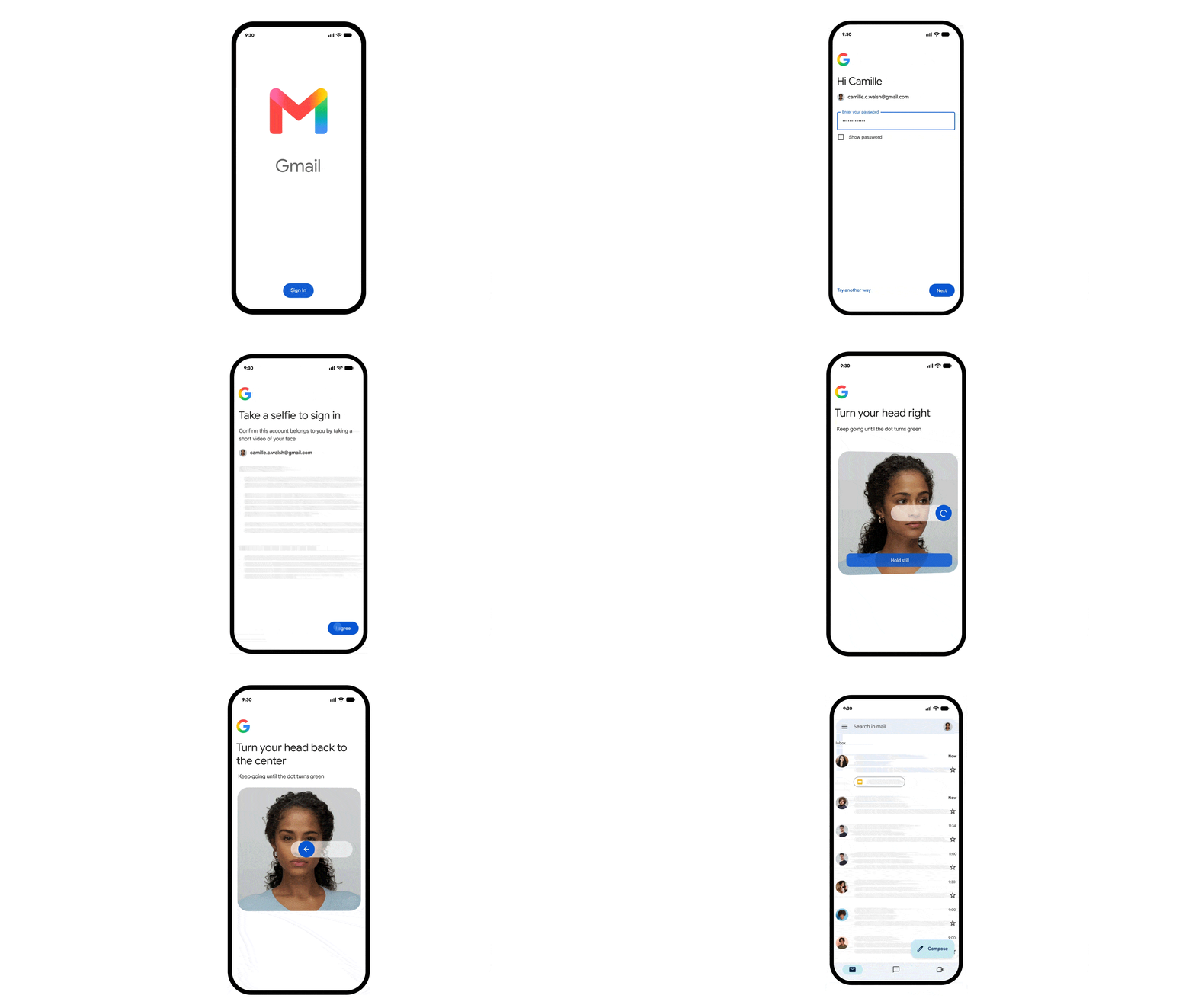
- Follow the on-screen prompts, including the guided head movements, to finish setup
During setup, you look into your device’s camera and follow a few simple prompts, turning your head left or right, nodding, that sort of thing. This captures your face from several angles.
Later, if you get locked out of your account and don’t have your phone or trusted device handy, you record another selfie video, and Google compares it against the original to confirm it’s really you.
The obvious question this feature has to answer is how it stops someone from just holding up a photo or a video to trick the camera. Google’s answer is what’s often called a liveness check.
Since you’re asked to perform specific, randomized head movements in real time, a static image or a pre-recorded clip won’t cut it.
Google says it also runs the video through additional checks designed to catch AI-generated deepfakes and other forms of impersonation, on top of its usual fraud detection systems.
This kind of liveness verification is becoming more important across the industry, not just for logins but for payments and anything else involving sensitive personal data, simply because AI-generated video and images have gotten good enough to fool simpler systems.
READ: Google Maps Adds AI-Powered “Ask Maps” Search and Immersive Navigation with 3D
As for the footage itself, Google says selfie videos are encrypted and stored securely, used only for sign-in purposes, and can be deleted by the user at any time from their Google Account.
Still, any feature that asks people to hand over biometric data tends to draw scrutiny, and facial recognition in particular has been a frequent target of privacy regulators, so it’s reasonable to expect questions about how long this data is really kept and who might get access to it.
The feature isn’t available to everyone right away. It’s currently off-limits for Google Workspace accounts, child accounts, and accounts enrolled in Google’s Advanced Protection Program, which is aimed at people facing heightened security risks.
Google also recommends removing anything that obscures your face, like sunglasses, hats, or masks, before setting it up, and suggests recording in a space without other faces or visual clutter in the background.
For users who want to try it, the setup lives under the Security section of your Google Account, in the sign-in options menu.