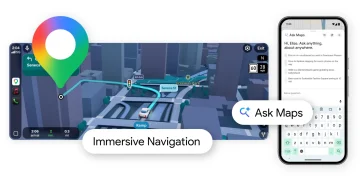





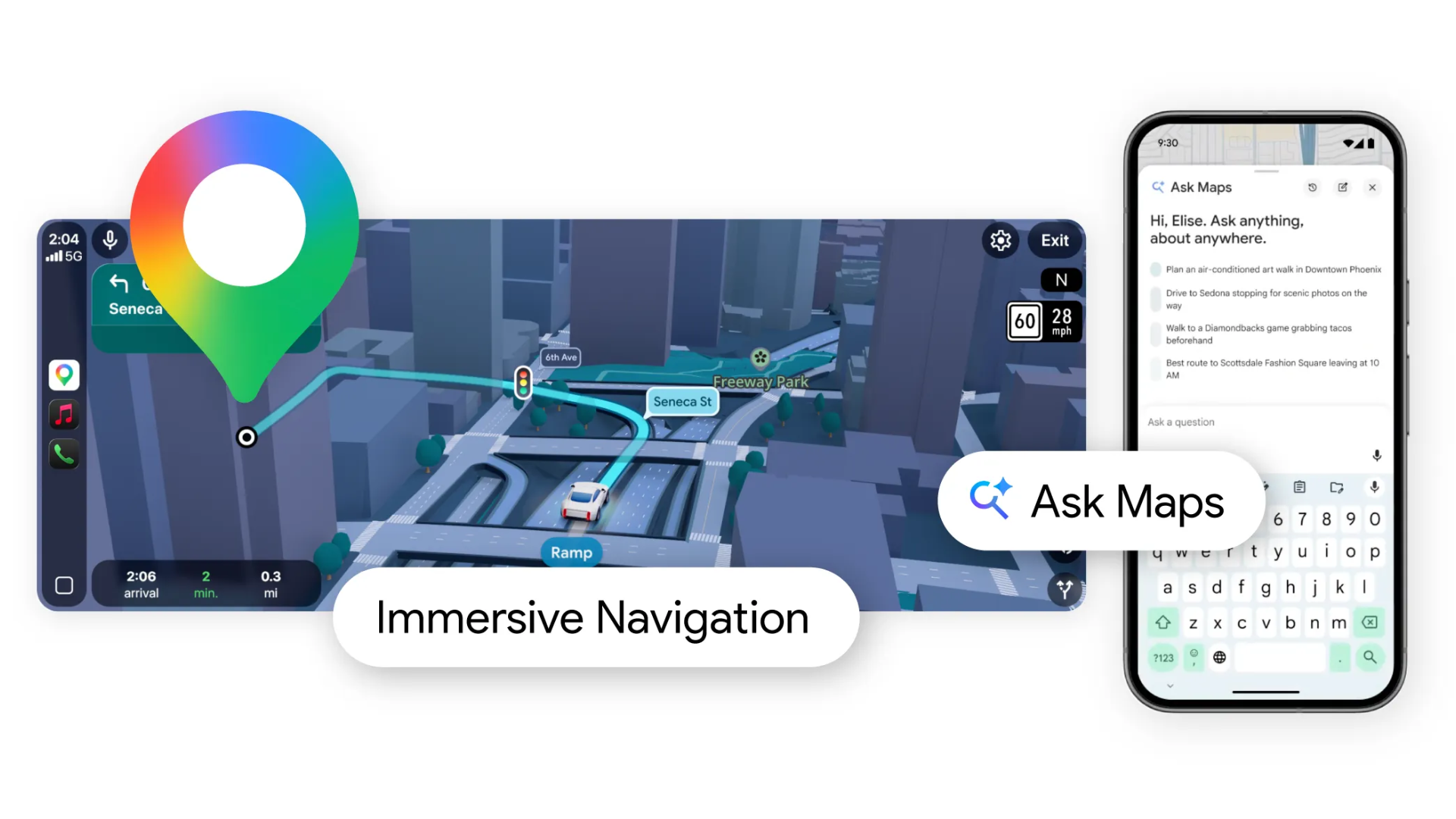
Google Maps is getting its biggest update in years, with two new features built on its Gemini AI models. One reworks how users find and search for places, while the other overhauls what the map looks like while driving.
Ask Maps starts rolling out now in the US and India on Android and iOS, with desktop coming soon. There is no mention of other countries or a broader global timeline.
The update is a shift in how Google wants Maps to work. Until now the app has largely functioned as a lookup tool, good at finding a specific place or plotting a route between two points, but limited when the query is more open-ended.
These two features are Google’s attempt to change that, making Maps behave more like something you can have a back-and-forth with and less like a search bar that needs exact keywords to return useful results.
Searching in Plain Language
The first feature, called Ask Maps, lets users search the way they actually talk. Instead of typing “supermarket near me,” you can ask something like, “Where can I find a supermarket that is still open and not too far from where I am now?”
Maps then reads the question, figures out what you need, and returns results that match.
The results pull from over 300 million places listed in Google’s database, using reviews, photos, opening hours, and how busy a place currently is.
If you have used Maps before, your search history and saved places also feed into what you see. Google says the feature will not pull data from your Gmail, Search, or other Google accounts, but only from Maps itself.
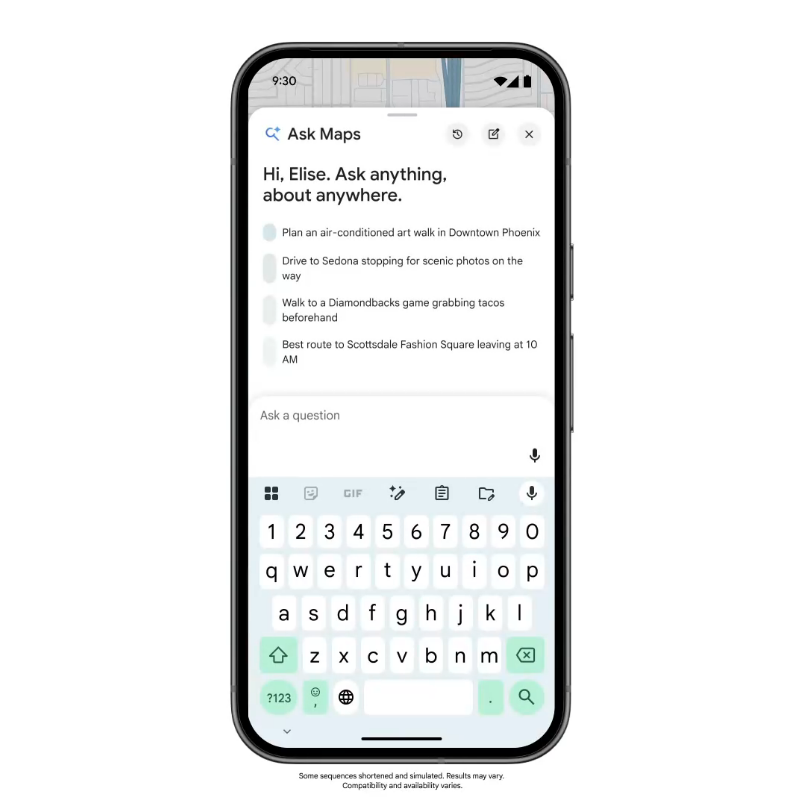
From the same screen, you can book a table, save a place to a list, or send a suggestion to a friend. Ask Maps is on Android and iOS now. A desktop version is coming, but Google has not said when.
A New Look for Driving
The second feature, Immersive Navigation, replaces the flat map most people are used to with a three-dimensional view of the road ahead.
Buildings, overpasses, lane markings, and traffic lights are all rendered visually as you drive. Google builds this from Street View images and aerial photography processed through Gemini.
Turn-by-turn instructions now reference landmarks instead of just distances. So rather than “turn right in 200 meters,” you might hear “turn right at the blue building.”
The app also shows you more of the route ahead at once, which helps in busy city centers where a single missed turn can send you far off course.
Before you set off, Maps can now show you a Street View preview of your destination and suggest where to park. If your route has tolls, the app will compare the cost against the time saved on an alternate road.
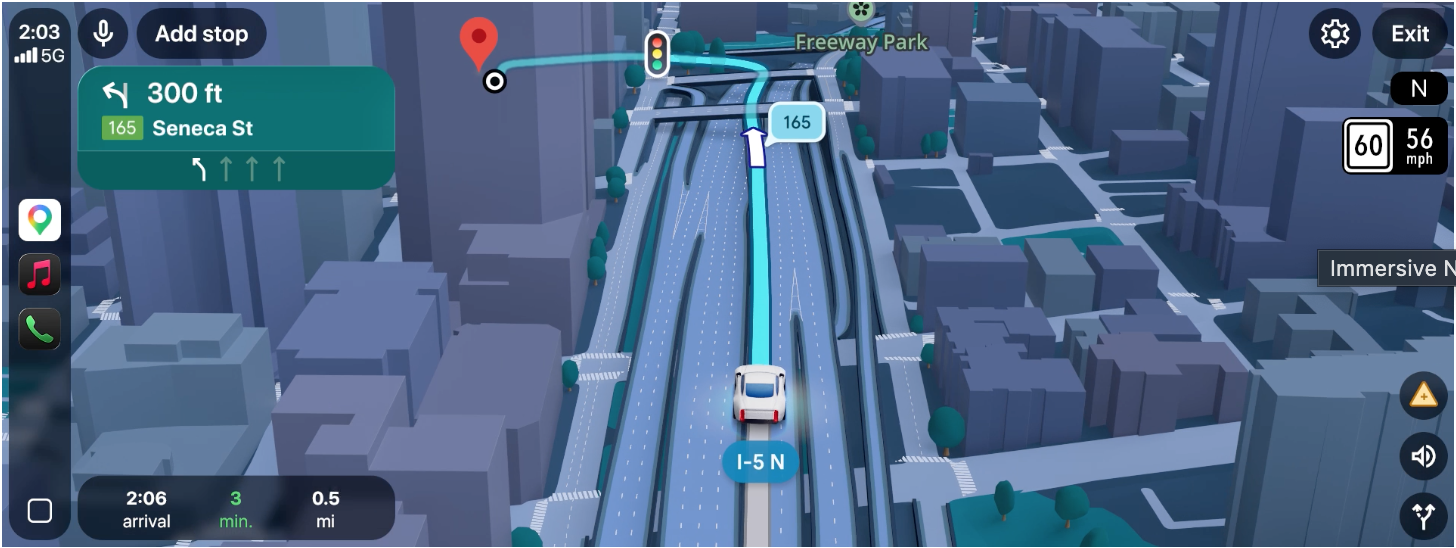
Immersive Navigation starts on Android and iOS in the US. Google plans to bring it to CarPlay, Android Auto, and cars with Google built in later, though no date has been given on this as well.
The Bigger Picture
The two features are the most visible sign yet of how deeply Google is embedding AI into Maps. The app has been adding Gemini-powered tools steadily since late 2025, from walking and cycling navigation to landmark-based guidance.
Ask Maps and Immersive Navigation are the biggest steps so far, and Google has signaled there is more to come. Whether the AI layer improves the experience or adds friction will depend on how well it handles the messiness of real-world use, which controlled demos rarely capture.
For now the features are available in the US and India. Google has given no timeline for other markets. How the AI integration holds up at scale, across different cities, languages, and use patterns.