




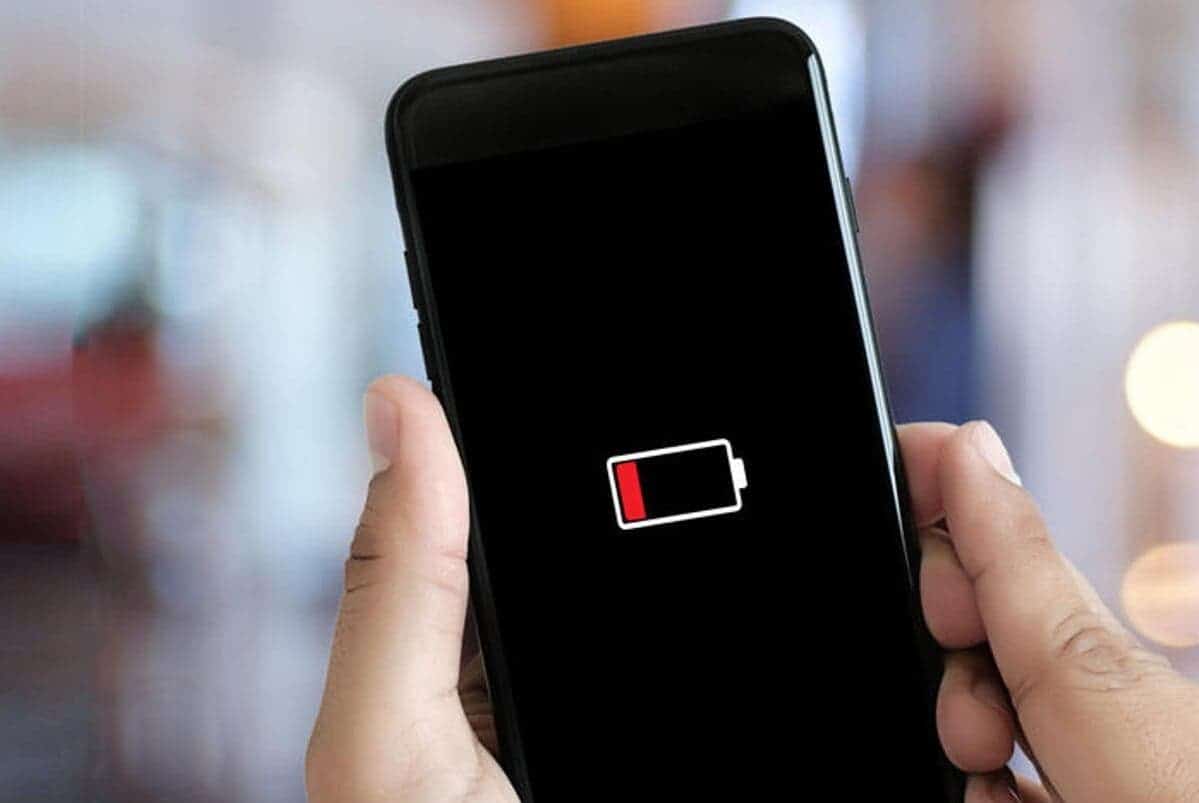
Google is introducing a stricter Android vitals metric aimed at reducing battery drain caused by poorly optimized apps.
The new metric, known as excessive partial wake locks, identifies apps that prevent devices from entering sleep mode for extended periods, which can significantly impact battery life.
Co-developed with Samsung and tested in beta since April 14, this metric is now a core part of Android vitals and will directly influence how apps are evaluated on Google Play.
According to Google, a session is considered excessive if an app holds more than two cumulative hours of non-exempt wake locks within a 24-hour period.
Wake locks triggered by explicit user actions, such as audio playback or user-initiated data transfers, are exempt, but all others count toward the total.
An app crosses Google’s bad behavior threshold when at least 5% of its user sessions over a 28-day period exceed this limit. Developers who cross this threshold will see warnings in their Android vitals dashboard.
To help developers identify and resolve these issues, Google has enhanced Android vitals with a detailed wake lock names table showing wake lock tags and their P90 and P99 durations.
The company has also updated its technical documentation, offering new guides, blog posts, and videos to help developers understand and resolve excessive wake lock behavior.
What Impact Will This Have on Google Play Visibility?
Starting March 1, 2026, Google Play will begin enforcing this metric. Apps that exceed the threshold may be excluded from key discovery surfaces such as recommendations or personalized suggestions.
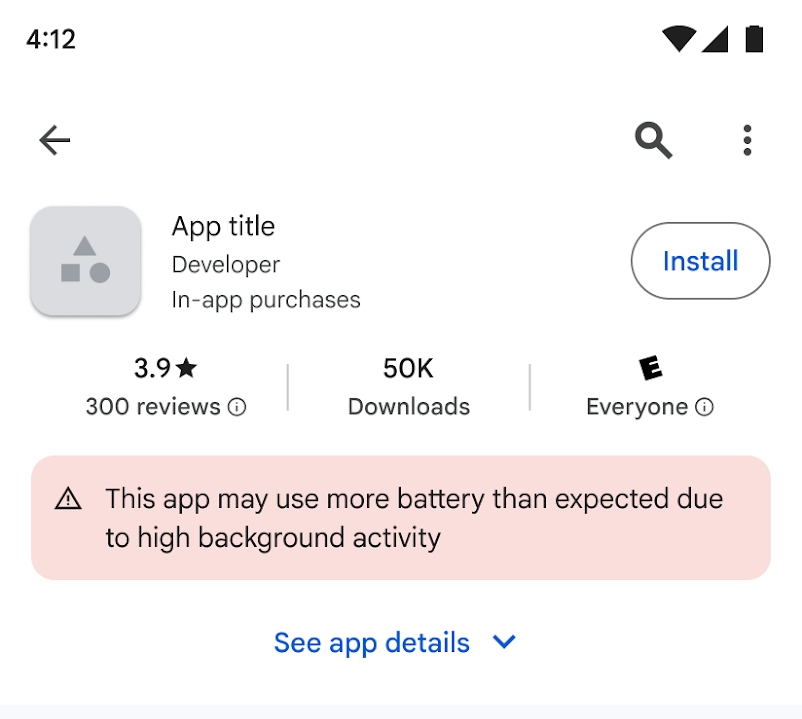
In some cases, Google may also display a warning on the app’s Play Store listing to inform users that the app may cause excessive battery drain.
This change places excessive wake locks alongside crashes, Application Not Responding (ANR) errors, and excessive Wear OS battery usage within Google Play’s core technical quality metrics, which determine how apps rank and appear to users.
Google is encouraging developers to review their current wakelock usage, use the new debugging tools in Android vitals, and begin optimizing immediately.