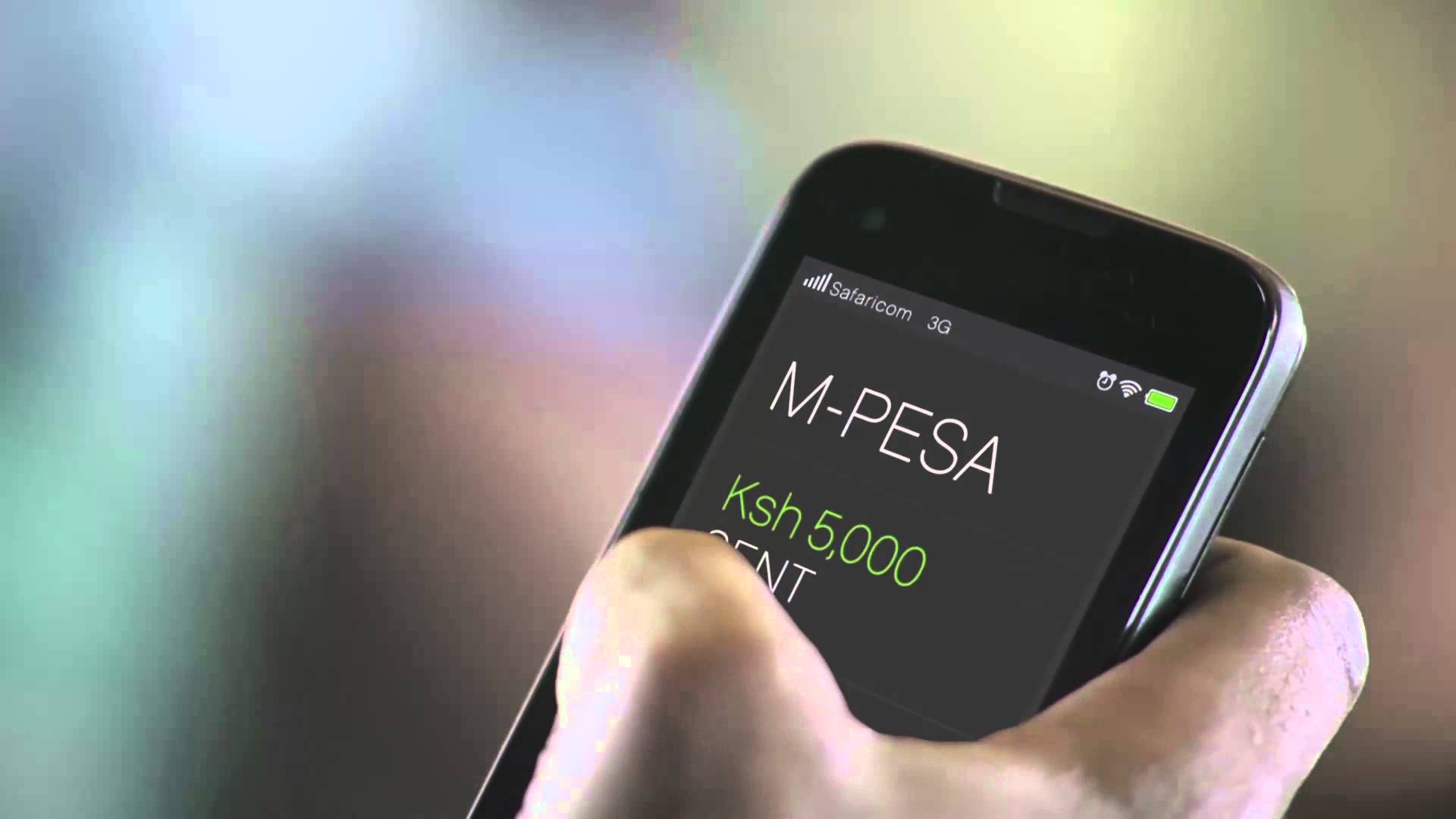





Safaricom has updated its M-PESA app to support direct PayPal withdrawals, a move aimed at simplifying how Kenyan freelancers and remote workers access payments from global clients.
This addition eliminates the need for web logins and manual redirections, offering a faster, app-native way to move funds from PayPal into M-PESA wallets.
Kenya has seen a rapid rise in digital freelancing, with thousands of workers earning online through platforms like Upwork, Fiverr, and direct client contracts. Many of these workers rely on PayPal for receiving international payments.
Previously, converting PayPal funds to M-PESA required logging into a separate web portal, with processing times stretching from hours to several days.
The new integration within the M-PESA app eliminates this tedious process, aligning with the mobile-first lifestyle of most Kenyan online workers.
How to Withdraw PayPal Funds via the Safaricom M-PESA App
- Open the M-PESA app and ensure it is updated to the latest version.
- Navigate to the “PayPal” option under the Finance or Global Services section.
- Log in to your PayPal account securely when prompted.
- Link your M-PESA and PayPal accounts (if not already linked via the PayPal Mobile Money portal).
- Enter the amount you wish to withdraw from your PayPal balance.
- Review fees and exchange rates shown upfront.
- Confirm the withdrawal.
- Wait for funds to arrive, typically within minutes to a few hours depending on the amount.
This entire process happens within the app, eliminating the need to open browsers or third-party services.
Secure and Reliable Transfers
The new feature is powered by Thunes (formerly TransferTo), the same backend provider behind the longstanding PayPal–M-PESA web service. It ensures regulatory compliance, fraud protection, and data privacy across all transactions.
Users are encouraged to initiate transfers only through the official M-PESA app to avoid falling victim to scams or unauthorized platforms that mimic the PayPal–M-PESA workflow.