

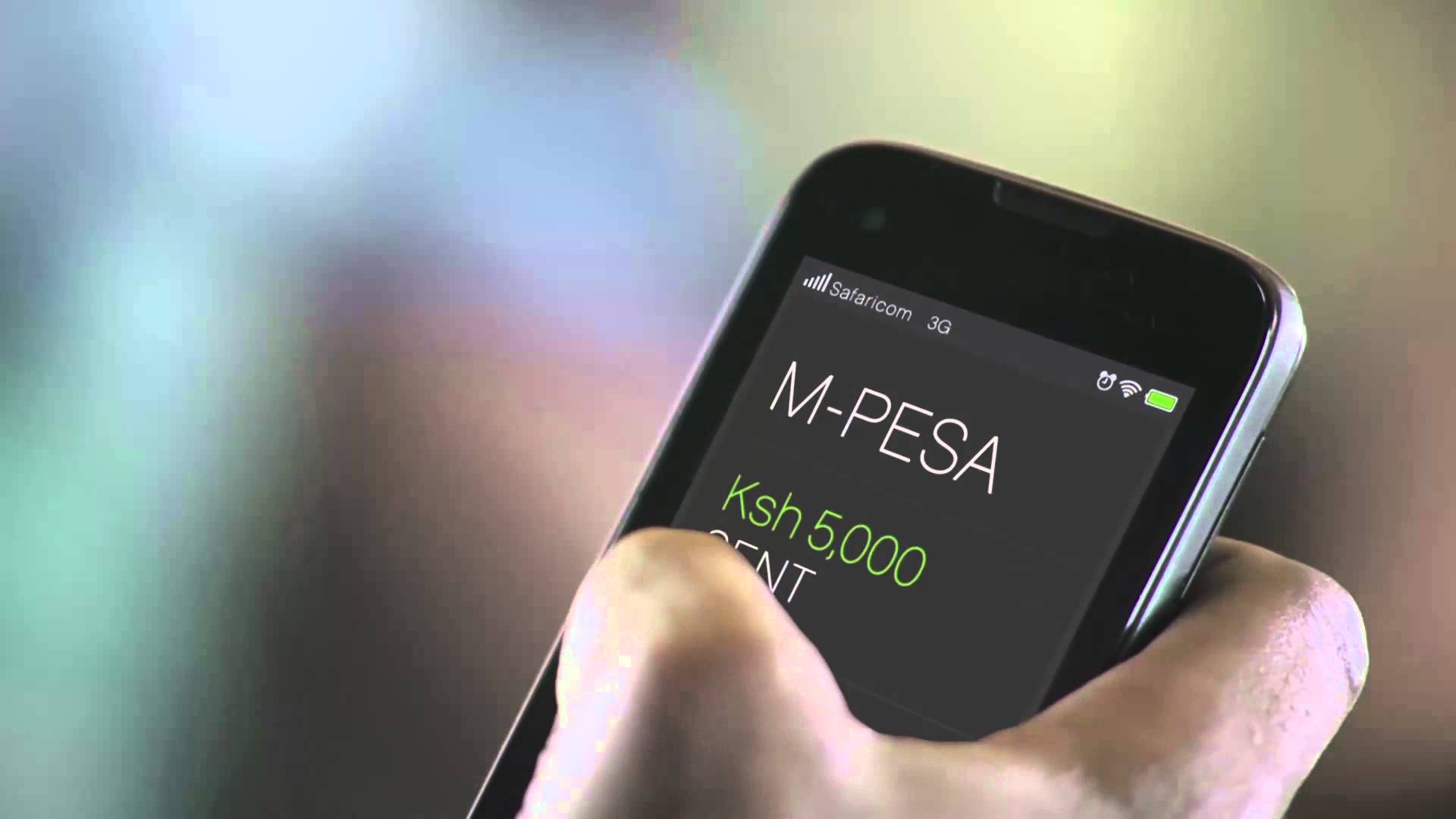





Safaricom launched My OneApp with a simple pitch: to stop making people juggle two apps.
The old M-PESA app handled payments, the MySafaricom app handled bundles and account management, and merging them into one platform made obvious sense. It was supposed to be a super app, but when the rollout happened, things did not pan out as expected.
Within days of launch, Safaricom publicly admitted that users were hitting login failures and mini-app services were not working. For any app, that admission would be bad.
For an app sitting on top of M-PESA, the service millions of Kenyans use to send money, pay bills, and manage daily finances, it’s a much bigger deal.
The problems aren’t uniform, which is part of what makes this messy. Some users opened the app, and it worked fine. Others hit walls immediately.
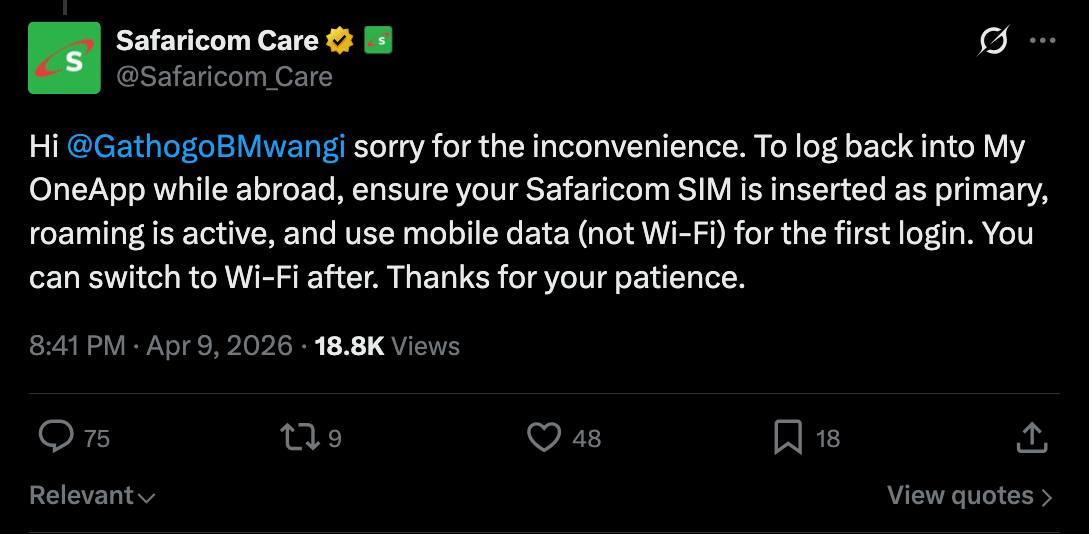
The loudest complaints came from people outside Kenya, including diaspora users and travelers who discovered that My OneApp requires a Safaricom SIM, Safaricom mobile data, no Wi-Fi, and no VPN just to activate for the first time.
Someone abroad who got logged out, for whatever reason, suddenly couldn’t get back in until they returned to Kenya or figured out a workaround. For a payments app, that’s a serious problem.
Safaricom’s explanation for the activation requirements is that it’s a fraud prevention measure. The app verifies that the SIM is physically in the device during first login, which is meant to block SIM-swap attacks and unauthorized account access.
That logic is reasonable in isolation. The issue is that it catches legitimate users too, such as people roaming abroad, people on Wi-Fi-only setups, and people whose devices got flagged as incompatible.
Beyond activation, users also reported transfers freezing mid-process, unclear balance displays, sluggish performance, and unexpected logouts.
Safaricom has walked people through the fixes, which include turning off Wi-Fi, disabling VPN, setting the Safaricom line as the primary SIM, and making sure your OS is up to date.
If you’re already abroad without an active Safaricom data bundle, the options get thin quickly.
For Android users frustrated enough to want out entirely, there is actually a way back. The old standalone M-PESA app, version 3.5.9, is available on APKMirror and can be installed using the APKMirror Installer app from the Play Store, which handles the split-package format Android now commonly uses.
The catch is that you need to fully uninstall My OneApp first, as the older version won’t install over the newer one. You also need to disable automatic updates for the app; otherwise, Google Play will just push you back to My OneApp the next time it syncs.
Unfortunately, iPhone users don’t have this option since Apple doesn’t support sideloading apps.
The older MySafaricom app is still available for now, and the migration to My OneApp is described as ongoing rather than complete. Some services remain split across both apps for the moment.
What this launch looks like, more than anything, is a product that shipped before it was fully stable. The underlying idea where users have one app for M-PESA, bundles, account management, and more isn’t flawed. It’s actually the right direction.
However, the execution landed users in a situation where the app Safaricom is pushing them toward couldn’t reliably handle the things they were already doing in the apps it replaced. That’s the kind of thing that’s hard to walk back once it shapes how people feel about a product.