







If you’re confused by the WhatsApp contacts feature, you’re not alone. A 2024 update changed how contacts are stored and synced, and some users have found the experience frustrating. Here’s what the feature is meant to do and why its design has left some users guessing.
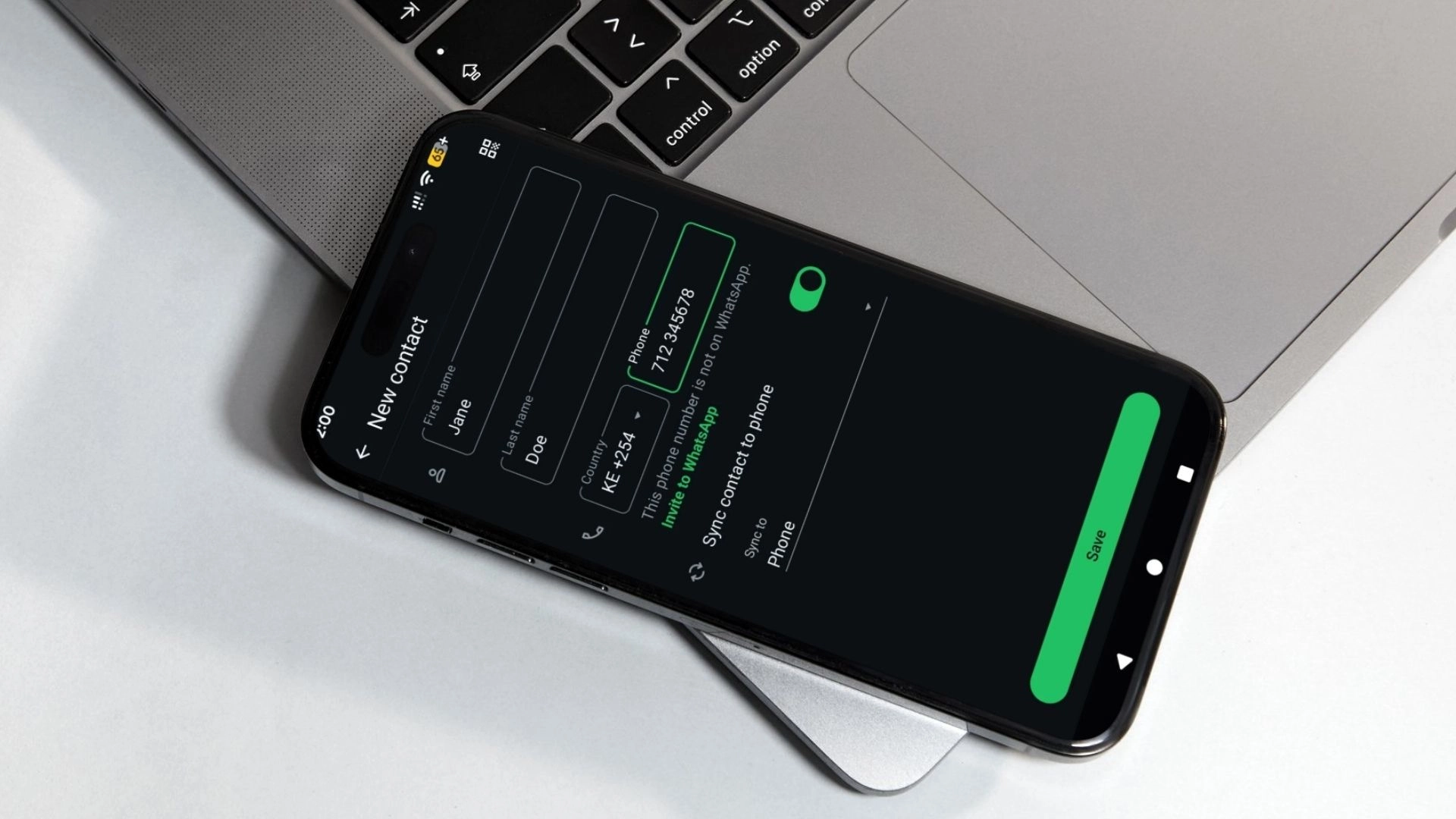
The feature allows users to choose whether WhatsApp contacts are saved only within WhatsApp, or synced to the phone or another account. It introduced several thoughtful capabilities.
For one, it allows users to keep a clear separation between WhatsApp-only contacts and personal phone contacts. This can be useful for businesses that interact with customers primarily through WhatsApp and users managing multiple WhatsApp accounts on the same device.
It also supports syncing contacts across linked devices and restoring them if a user loses their phone or switches devices. This mirrors functionality many users are already familiar with, such as saving contacts to a Google account.
It is also a foundational feature for future support for usernames. In that future state, users would not need to share phone numbers at all, which would be a meaningful privacy improvement.
For those interested in the technical side, WhatsApp now uses a system called Identity Proof Linked Storage (IPLS) to store contact names in encrypted form. This allows contacts to be backed up and restored securely without WhatsApp itself being able to read them.
On paper, it sounds like a beneficial update for users whose goals are: privacy, flexibility, and resilience across devices.
The concerns surfacing on X are less about the idea of WhatsApp-only contacts and more about how the feature behaves in practice. Viewed through basic design principles, a few issues stand out.
Poor Discoverability
Users often don’t understand how the feature works until it confuses them. For some, the existence of independent WhatsApp contacts was a surprise rather than a deliberate choice.
This usually happens when contact syncing to the phone is turned off, even though the WhatsApp-only contacts feature is enabled under Settings > Privacy > Contacts. For a number of users, this appears to have been the default setting.
As a result, users expect that saving a contact in WhatsApp will make it appear everywhere, and they are surprised when it does not.
Weak Feedback and Visibility
Users should be able to see what the application has done and what state it is in. The application should make it clear which contacts live only in WhatsApp or whether it has been synced.
This also shows up in how WhatsApp-only contacts are deleted. To remove a contact, a user must first open the contact, then navigate to an ellipsis menu to edit the contact, and then open another ellipsis menu to access the delete option.
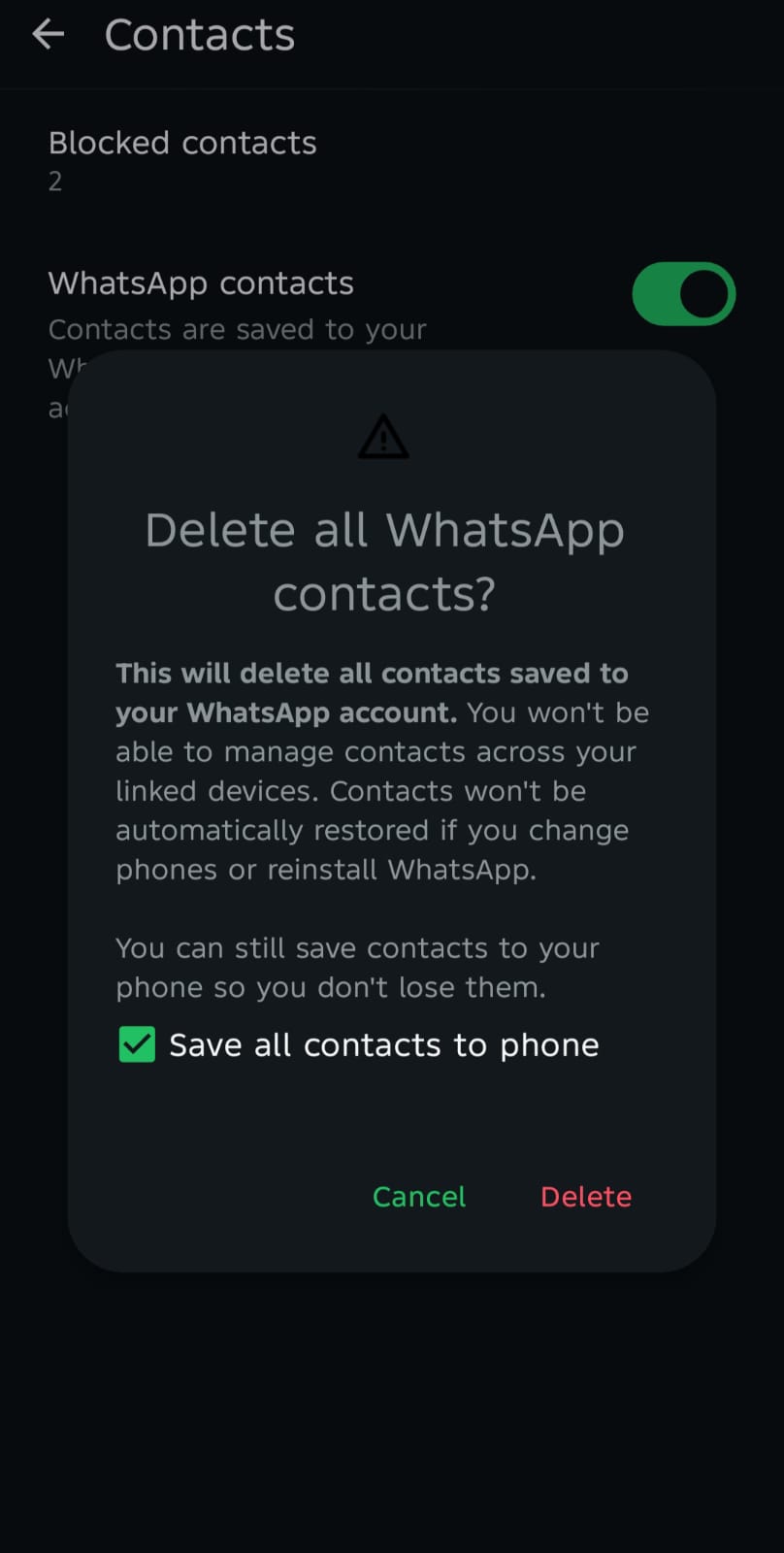
The action is buried behind multiple layers of menus, making it difficult to find without prior knowledge or trial and error. This flow introduces unnecessary friction for a common action. Important actions should be visible and easily discoverable.
Deleting a contact is a basic management task, yet the current flow obscures it behind layers, increasing the effort required to complete what should be a straightforward operation.
The result is a mismatch between user intent and interface structure. Users know what they want to do but the application does not clearly signal where that action can be performed. Users may interpret the difficulty as a limitation of the application or a mistake on their part.
Mismatch Between User Expectations and Application Model
WhatsApp’s contacts feature now works differently, but users were not clearly guided through the change. For years, saving a contact in WhatsApp meant saving it directly to the phone, and that was the model users came to rely on.
The update introduced a second contact store, but did little to help users understand or navigate this new arrangement. The result is frustration that often looks like a bug: the application changed, but the user’s understanding did not.
The underlying problem here is about communication not implementation. A simpler approach, such as clearly labeling WhatsApp-only contacts in the contacts list, or offering different visual cues inside WhatsApp, could have reduced the confusion.
In other words, the interface does not yet do enough to explain this feature by itself. The benefits of well-intentioned features like this one may be lost on users depending on how clearly the application communicates what it is doing.